


.svg)
.svg)
.svg)
.svg)



.svg)




.svg)
.svg)


Rocketlane’s 2024 State of Customer Onboarding report showed that over 60% of companies had already set up (or were actively building) dedicated onboarding functions, and more than 70% of onboarding leaders said streamlining implementation and improving customer experience were top priorities.
If you weren’t among those companies back then, well, maybe 2026 is the year you finally join them.
As onboarding becomes more complex, automated, and increasingly tied to product-led growth strategies, teams are turning to digital adoption platforms to manage in-app guidance, user education, and change at scale.
And if you’ve searched for an onboarding or adoption tool recently, chances are WalkMe was one of the first names you saw…
But is WalkMe still the right choice in 2026?
How do real users feel about it today?
In this article, we’ll see what customers had to say about WalkMe in 2026. No outdated takes, just the latest feedback. Ready when you are.
TL;DR
- WalkMe is a powerful enterprise-grade Digital Adoption Platform (DAP) focused on employee training, workflow optimization, and large-scale change management.
- Pricing is opaque and high, averaging around $44k/year.
- Users praise WalkMe’s in-app guidance, analytics, prototyping speed, AI features, and responsive support, especially for complex workflows.
- Common complaints include a steep learning curve, technical complexity, long implementation, ongoing maintenance, high pricing for SMBs, and occasional stability issues.
- WalkMe is best suited for large enterprises with dedicated resources, complex software stacks, and internal adoption priorities.
- For smaller teams or companies focused on customer onboarding, there are more intuitive, cost-effective tools like UserGuiding, which offer fast setup, modern templates, both in-app and off-app communication, and easy customization.
WalkMe at a glance
WalkMe is an enterprise-grade Digital Adoption Platform (DAP) designed to help organizations manage complex software environments, automate workflows, and improve employee productivity. It offers a broad set of capabilities, including in-app guidance, onboarding flows, analytics, and automation tools that support large-scale digital transformation initiatives.
WalkMe can be used for both customer-facing onboarding and employee enablement (it offers separate plans for these use cases).
But its core strength is internal adoption.
👉🏻 The platform’s main features and capabilities include:
- In-app guidance (on-screen tutorials, walkthroughs, tooltips, etc.)
- App usage analytics and event tracking
- Segmentation and experience personalization
- Feedback surveys
- AI-powered features (next-best recommendations, predictive insights, task automation with ActionBot, etc.)
- SaaS spend tracking and license optimization
- Workflow accelerators
Most customers rely on WalkMe to train employees, reduce IT support tickets, and standardize processes across software tools and platforms they use day-to-day.
Check out our in-depth analysis of WalkMe’s features/capabilities and use cases. 👈🏻
WalkMe is also one of the largest and most established players in the DAP market.
Its customer base includes major global enterprises such as Nestlé and Deloitte, which says a lot about its ideal customer profile: large organizations with complex software stacks, dedicated implementation resources, and enterprise-level budgets.
But we’ll talk about that in more detail later in the article.
Let’s talk numbers first 👇🏻
WalkMe pricing
WalkMe has an opaque pricing system, meaning it doesn’t disclose the cost of its plans, how pricing scales, or what exactly drives add-ons and upgrades.
There are no numbers on the pricing page. None. Nada.
That said, even if WalkMe doesn’t talk about pricing, its customers do. 👀
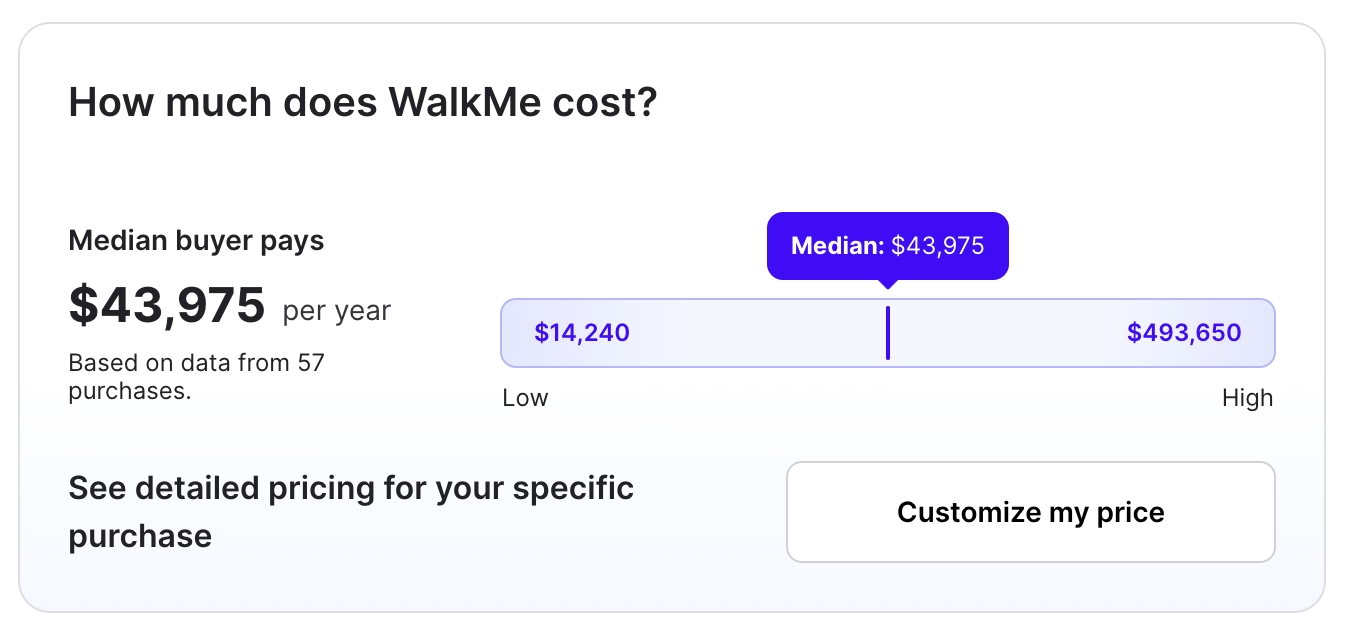
Based on Vendr data, the average cost of WalkMe is around $43,975 per year. And in some cases, that number can climb into the six figures, sometimes reaching nearly half a million dollars… 💸💸
If you’re interested in a more detailed analysis of WalkMe’s pricing, let’s take you on our deep dive into WalkMe’s pricing, plans, and value analysis. 👈🏻
What users like about WalkMe
But hey, if WalkMe is still an industry giant and has such a large (enterprise) customer base, it must be doing something right… right?
After all, if companies are willingly paying this much money, they clearly see value in it.
WalkMe has…
- 528 reviews on G2, and it’s rated 4.5/5⭐
- 252 reviews on Gartner, and it’s rated 4.5/5⭐
- 62 reviews on Capterra, and it’s rated 4.4/5⭐
Here’s what WalkMe customers consistently praise about the platform in their reviews in 2026:
High-quality in-app guidance and education features
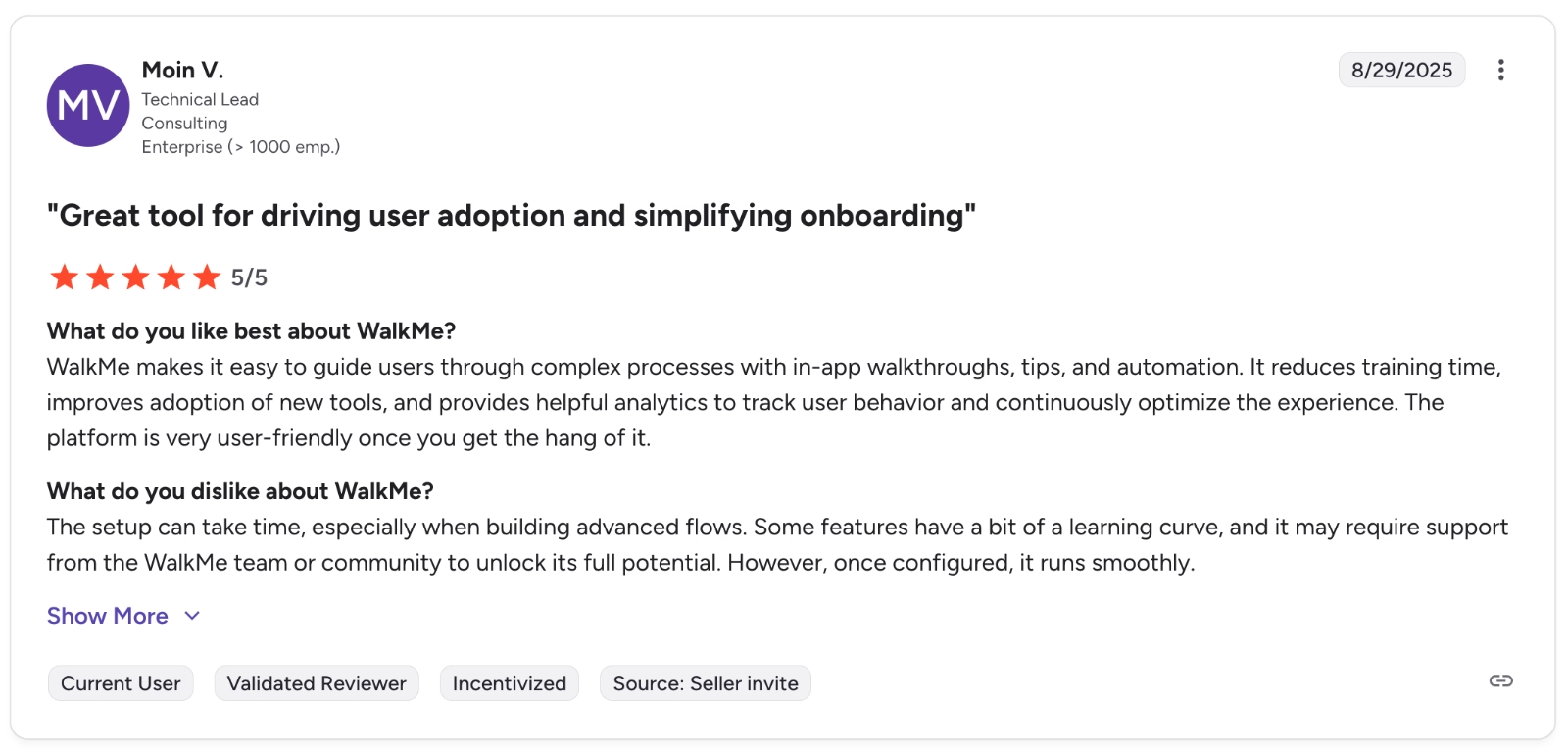
WalkMe offers a wide range of in-app guidance and onboarding features that work for both employee training and customer onboarding. Many users say these interactive flows help simplify complex processes and improve engagement and adoption.
WalkMe makes it easy to guide users through complex processes with in-app walkthroughs, tips, and automation. It reduces training time, improves adoption of new tools, and provides helpful analytics to track user behavior and continuously optimize the experience. ”
Internal workflow optimization capabilities
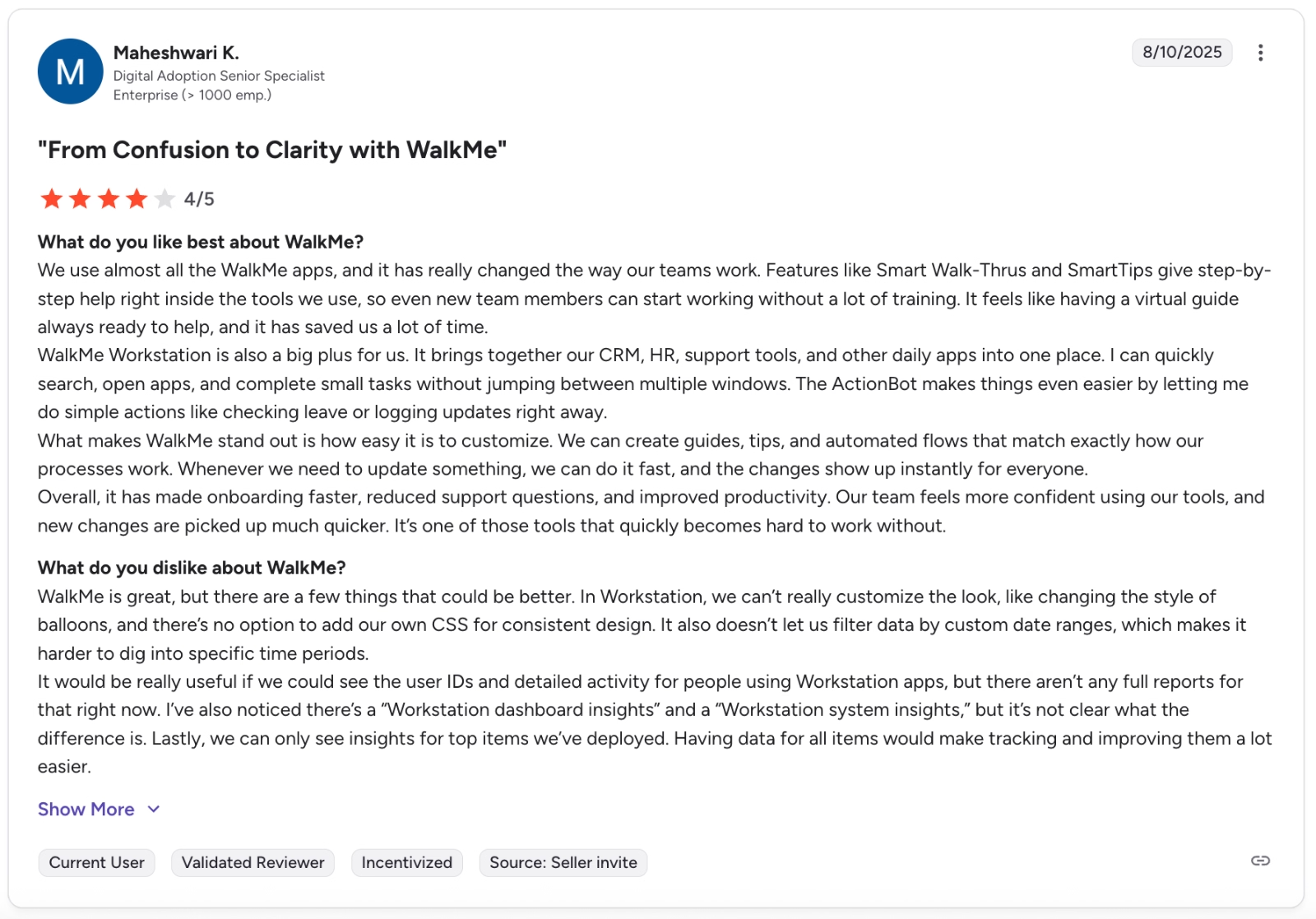
Many WalkMe users highlight the platform’s ability to bring multiple internal tools and workflows in one centralized workspace.
WalkMe Workstation is also a big plus for us. It brings together our CRM, HR, support tools, and other daily apps into one place. I can quickly search, open apps, and complete small tasks without jumping between multiple windows. The ActionBot makes things even easier by letting me do simple actions like checking leave or logging updates right away.”
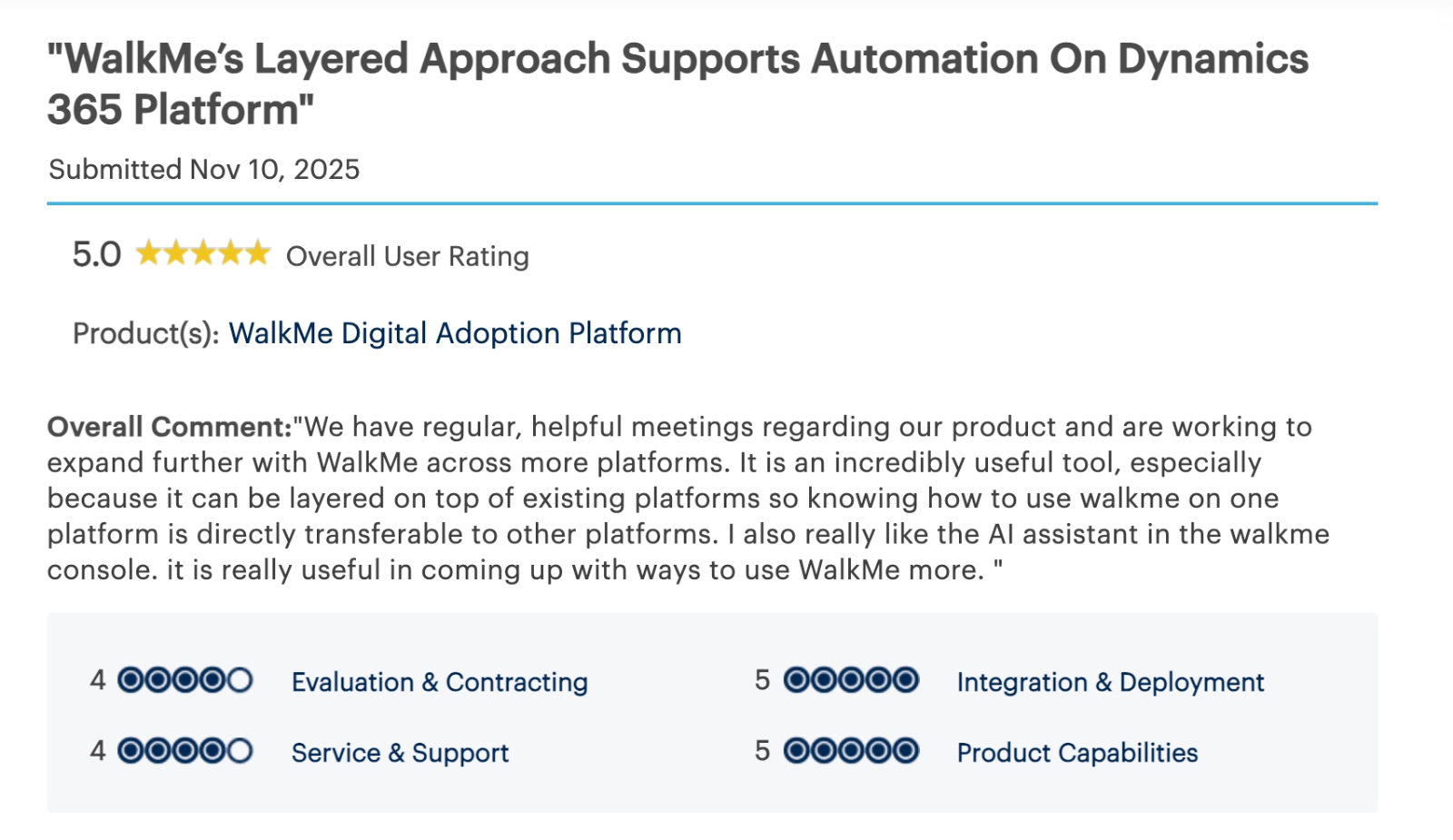
Another WalkMe user on Gartner Peer Inisights says:
It is an incredibly useful tool, especially because it can be layered on top of existing platforms so knowing how to use walkme on one platform is directly transferable to other platforms.”
Quick Prototyping
Some users highlight how fast WalkMe allows teams to turn ideas into working in-app experiences. With ready-made building blocks and defaults, teams can prototype flows quickly and test them before rolling out at scale.
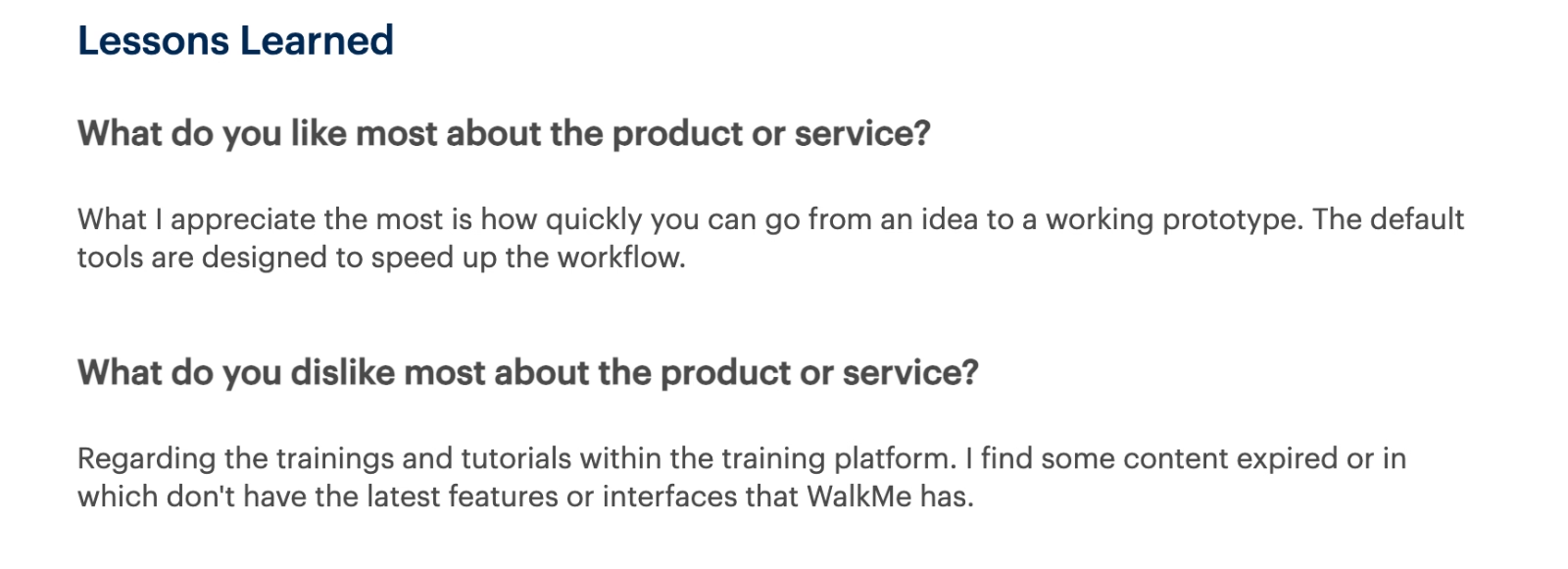
What I appreciate the most is how quickly you can go from an idea to a working prototype. The default tools are designed to speed up the workflow.”
Strong analytics
WalkMe offers advanced analytics and event tracking that help teams understand how users interact with their software and where they get stuck. Customers often appreciate the detailed insights into adoption, friction points, and workflow performance across applications.
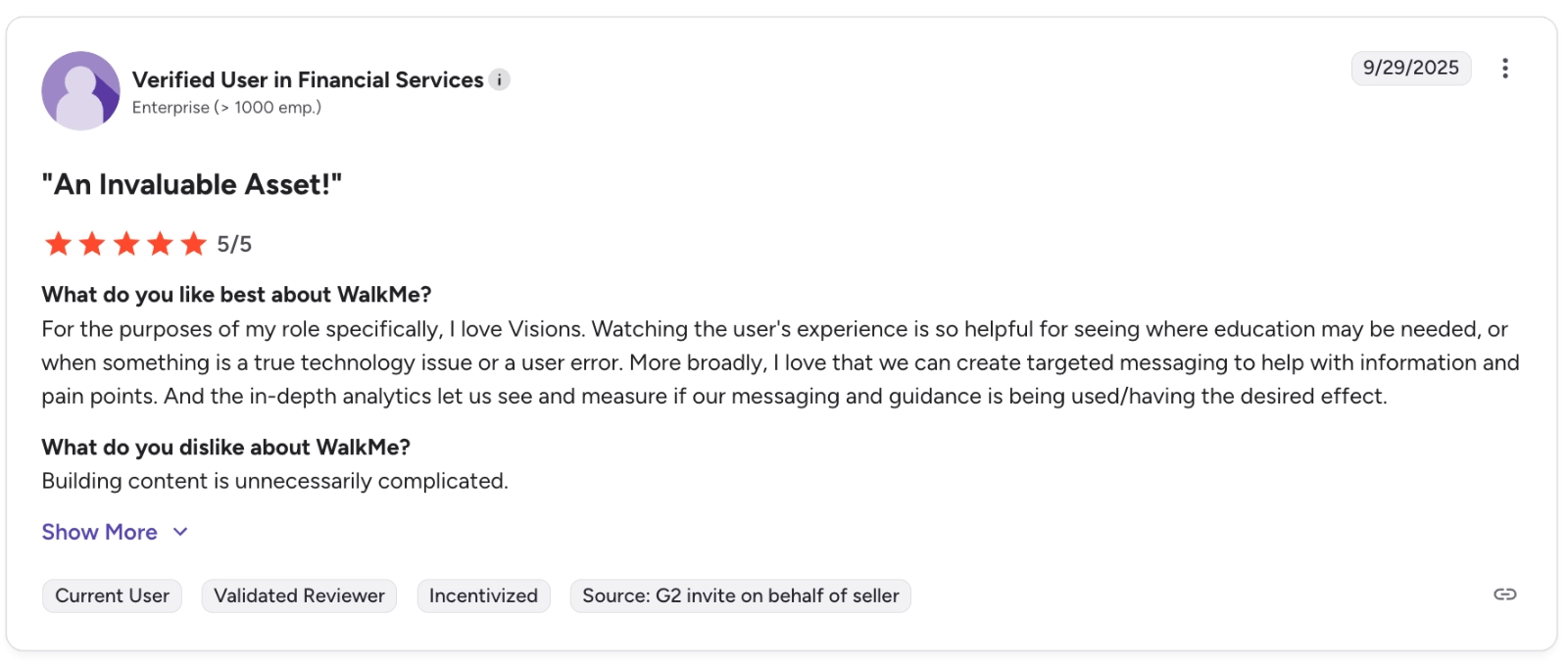
For the purposes of my role specifically, I love Visions. Watching the user's experience is so helpful for seeing where education may be needed, or when something is a true technology issue or a user error. More broadly, I love that we can create targeted messaging to help with information and pain points. And the in-depth analytics let us see and measure if our messaging and guidance are being used/having the desired effect.”
Responsive support and training opportunities for new customers
Many WalkMe customers point to the platform’s support and training resources as a major plus, especially during the onboarding phase. Reviews often mention hands-on assistance, structured training programs, and timely responses from the support team.
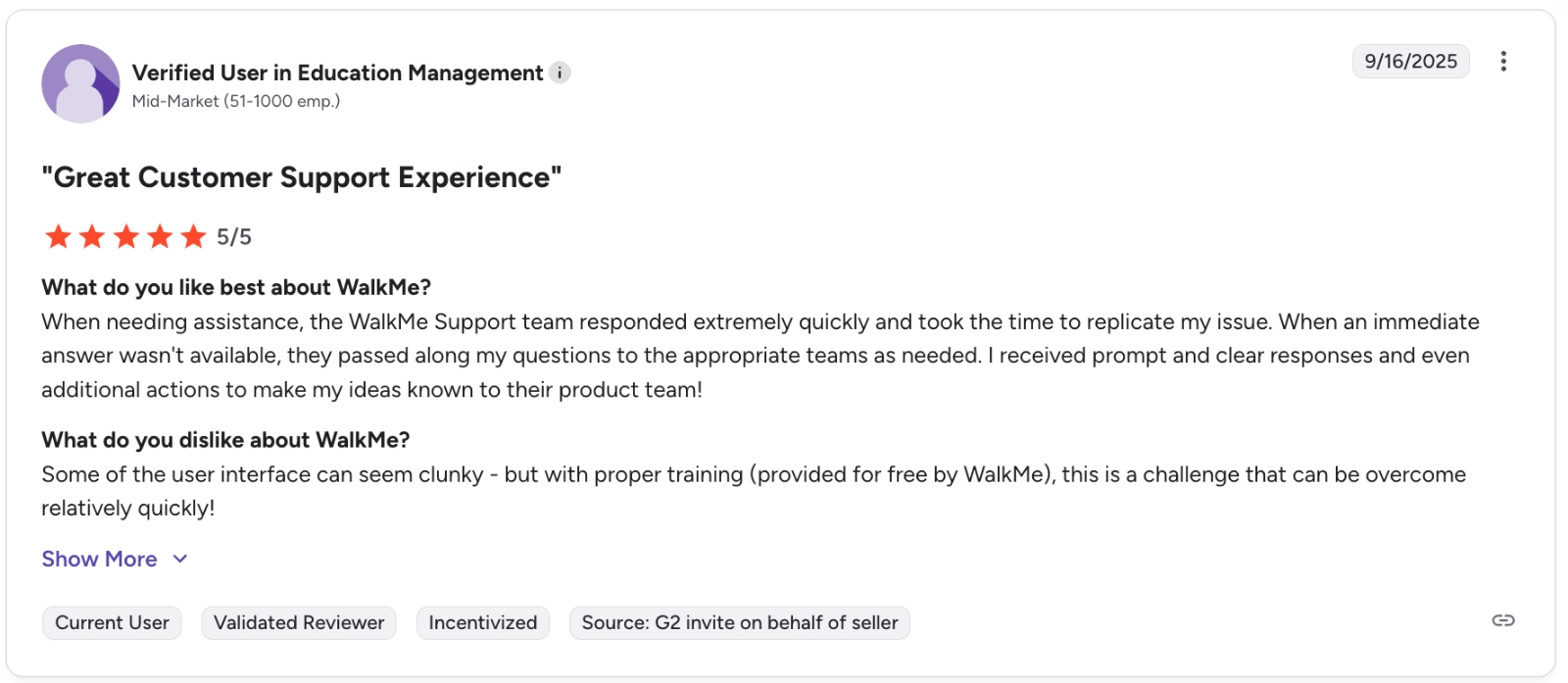
When needing assistance, the WalkMe Support team responded extremely quickly and took the time to replicate my issue. When an immediate answer wasn't available, they passed along my questions to the appropriate teams as needed. I received prompt and clear responses and even additional actions to make my ideas known to their product team!”
⚠️ While the support team’s responsiveness and the self-serve help center articles are praised often, these praises mostly entail relatively simple tasks and frictions.
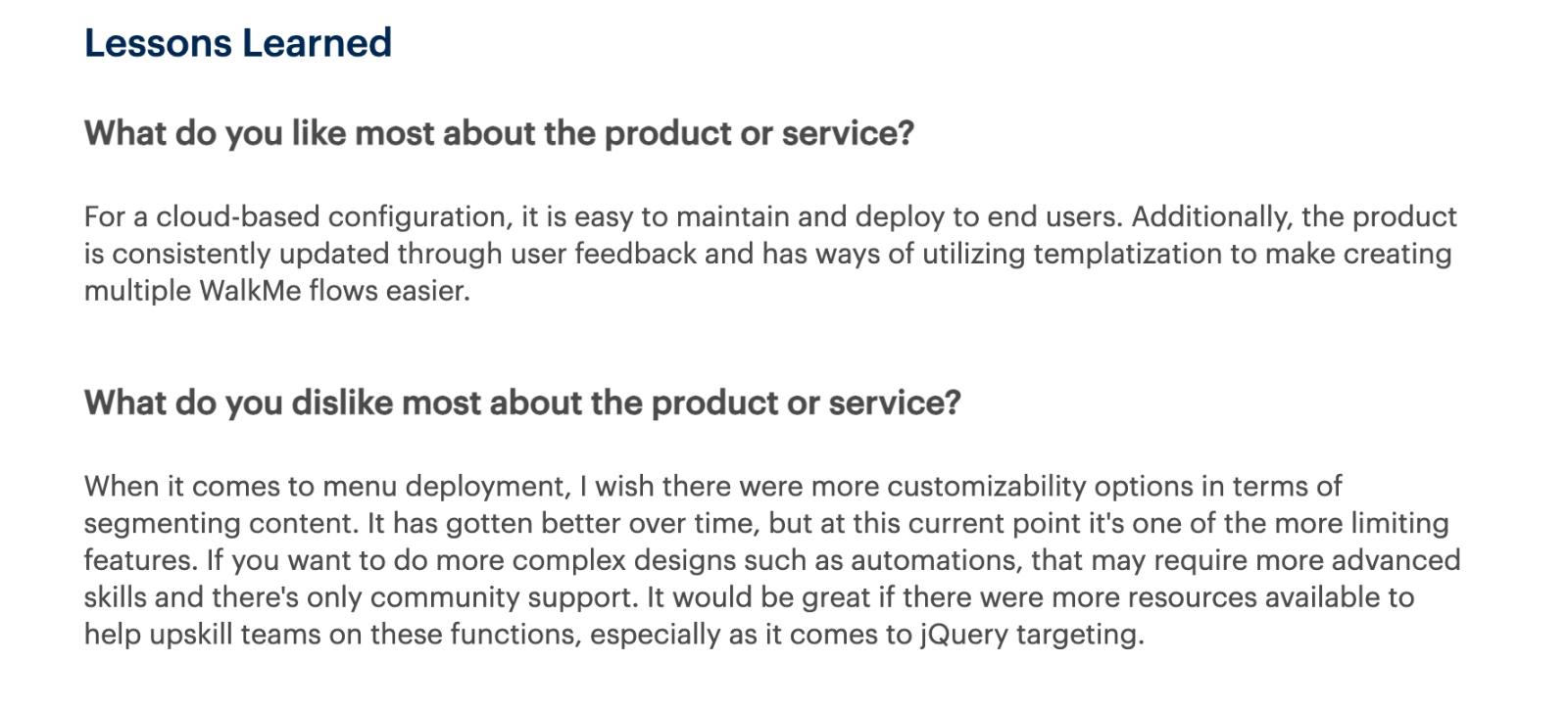
For more complex features and workflows, especially for complex features like jQuery targeting and automations, the resources can feel limited. Most users state that they need to rely on community support for issues with advanced workflows.
If you want to do more complex designs such as automations, that may require more advanced skills and there's only community support. It would be great if there were more resources available to help upskill teams on these functions, especially as it comes to jQuery targeting.”
Common complaints about WalkMe
Okay, enough with the flowers and butterflies 🌻🦋
Despite its strengths, WalkMe has some very real downsides…
And these are the issues that come up most often in user reviews written in 2026 and end up being deal-breakers for many buyers 👇🏻
Steep learning curve
WalkMe may be powerful, but many users say it’s not easy to master. While simple flows are manageable, things get much harder as soon as you move into advanced logic, customization, or dynamic elements.
The more advanced capabilities of WalkMe often require significant time, trial and error, and technical know-how.
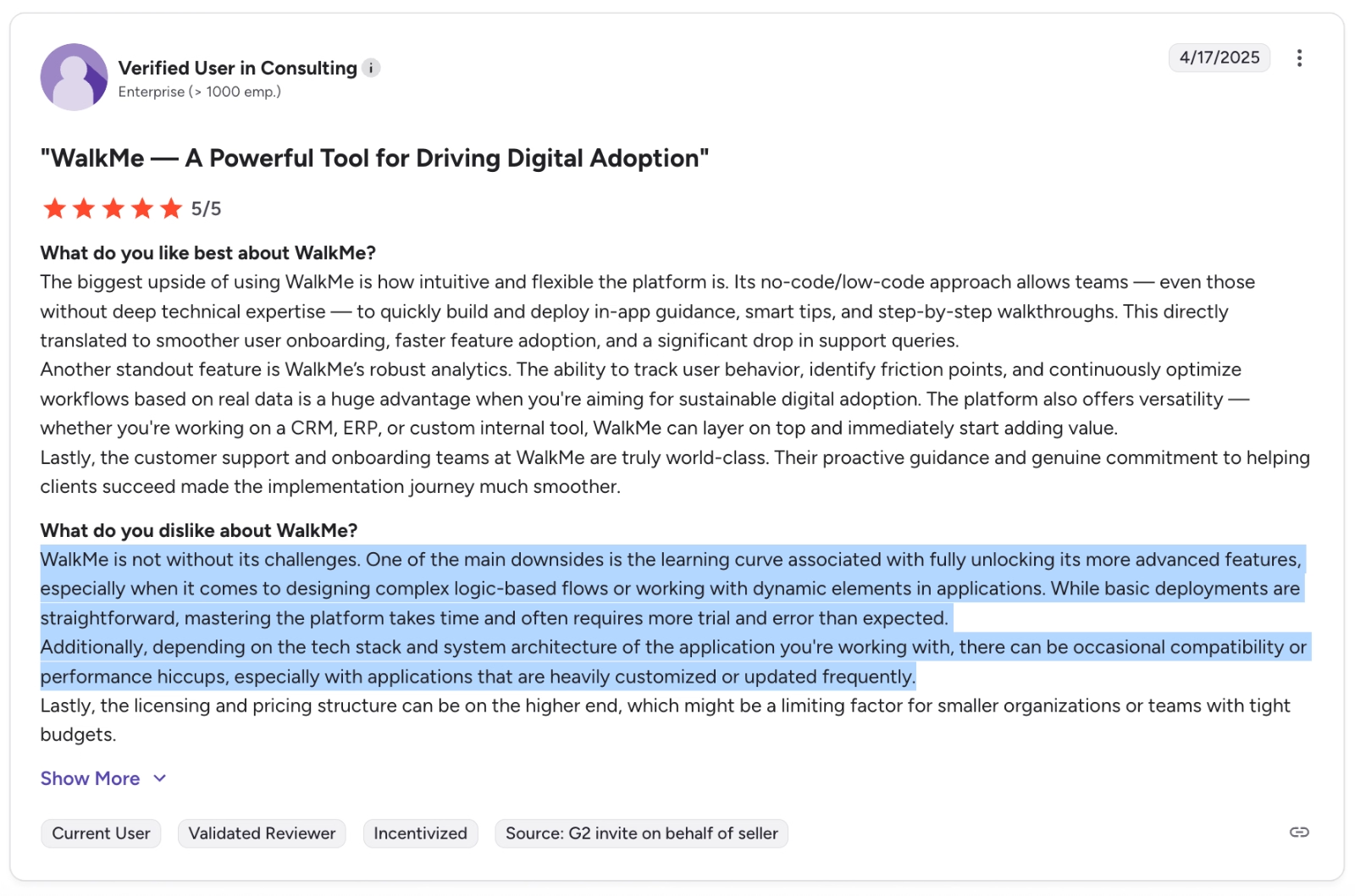
One of the main downsides is the learning curve associated with fully unlocking its more advanced features, especially when it comes to designing complex logic-based flows or working with dynamic elements in applications. While basic deployments are straightforward, mastering the platform takes time and often requires more trial and error than expected.”
Not a real no-code solution
Although WalkMe is often positioned as a no-code platform, some users disagree. Reviews frequently mention that building and maintaining experiences can become very technical very quickly.
Many users say you need a solid understanding of CSS, HTML, and jQuery to fully use WalkMe’s features.
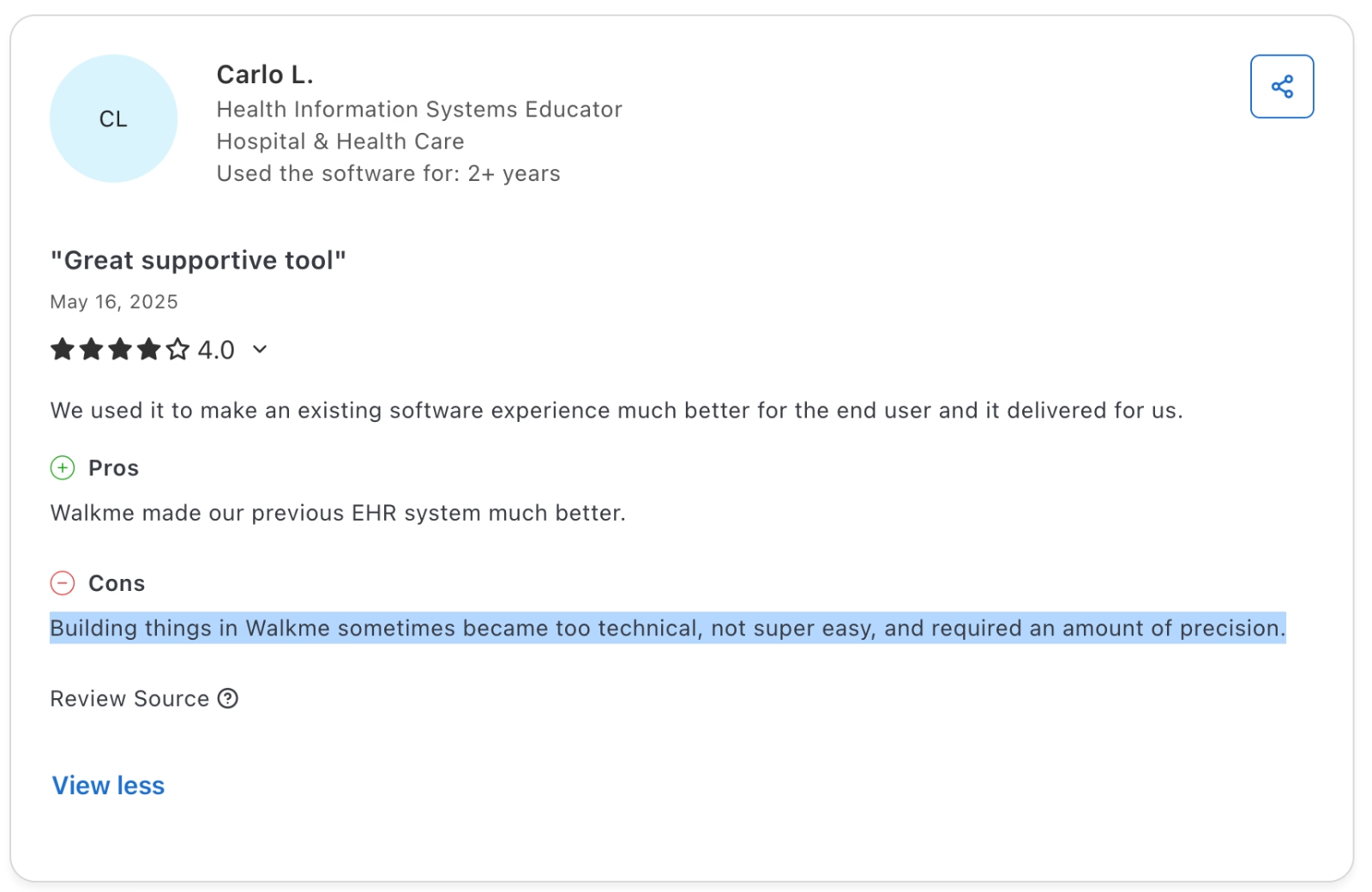
Building things in Walkme sometimes became too technical, not super easy, and required an amount of precision.”
High pricing and poor value for SMBs
Several reviewers highlight that WalkMe’s pricing model can be a barrier for smaller organizations. While the platform is recognized for its robust feature set, users frequently mention that its cost is better suited for larger enterprises, making it less accessible for SMBs that need a more budget-conscious solution.
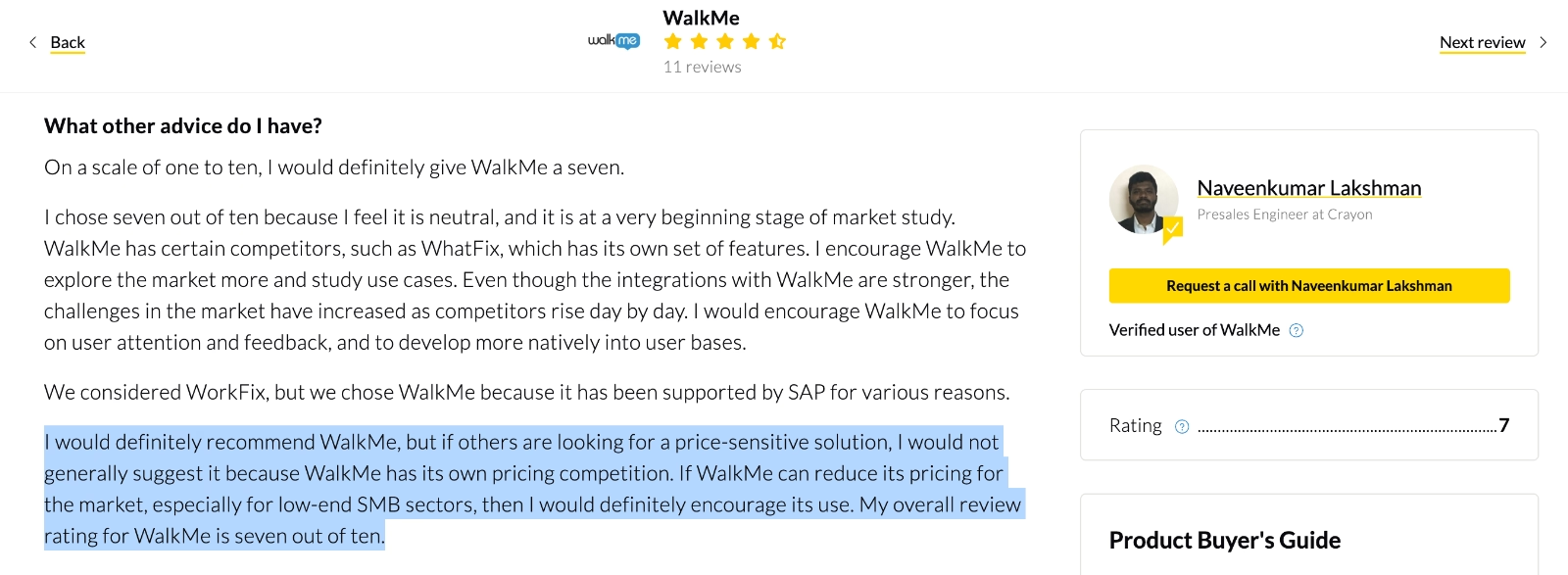
I would definitely recommend WalkMe, but if others are looking for a price-sensitive solution, I would not generally suggest it because WalkMe has its own pricing competition. If WalkMe can reduce its pricing for the market, especially for low-end SMB sectors, then I would definitely encourage its use.”
Long and painful implementation
For many teams, getting WalkMe up and running is not a quick win. Users often mention that implementation takes months and frequently requires external consultants or dedicated technical resources.
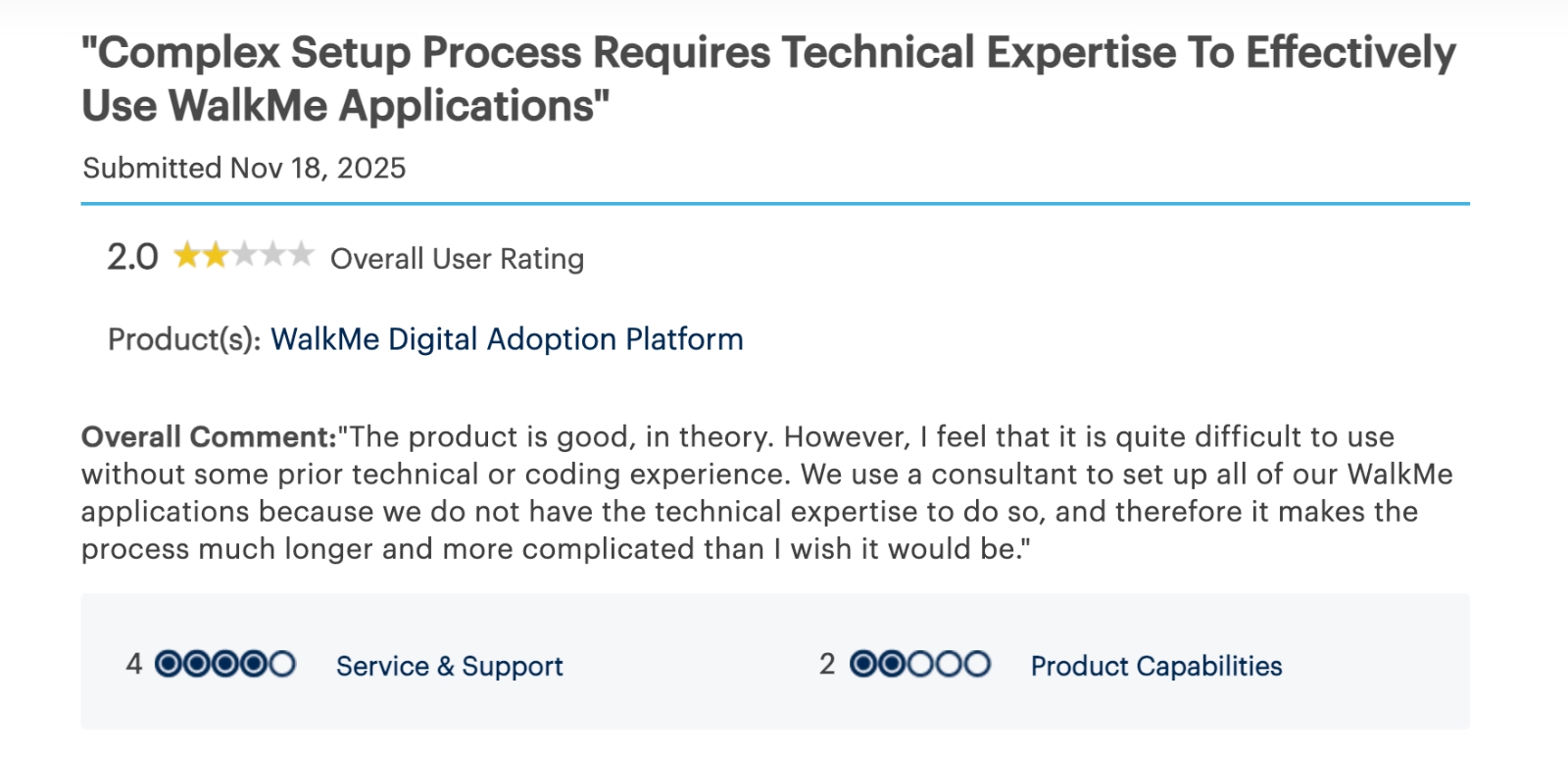
We use a consultant to set up all of our WalkMe applications because we do not have the technical expertise to do so, and therefore it makes the process much longer and more complicated than I wish it would be.”
Ongoing maintenance issues and requirements
Even after implementation, WalkMe can remain demanding to maintain. Users report that keeping flows up to date, troubleshooting issues, and adapting to product or UI changes requires ongoing technical effort.
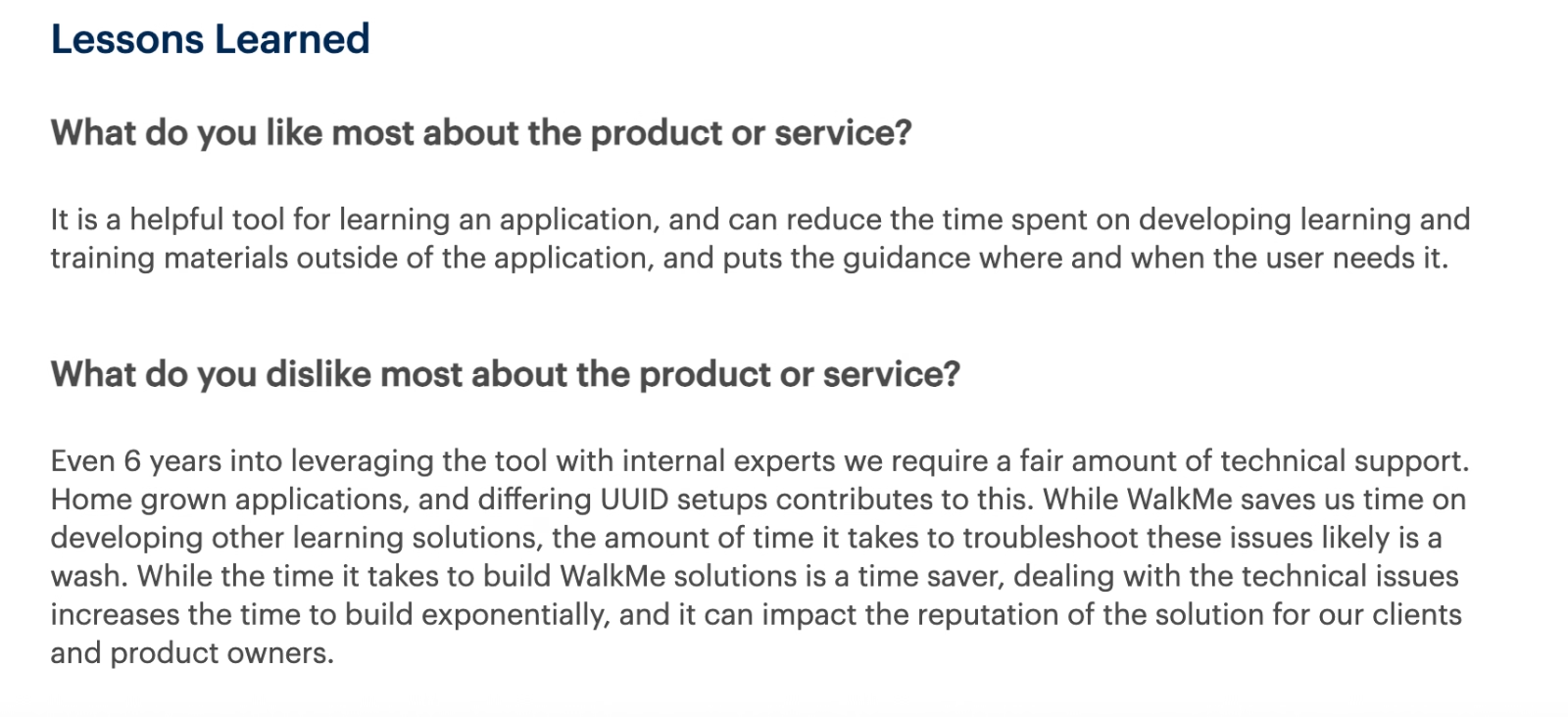
Even 6 years into leveraging the tool with internal experts we require a fair amount of technical support. While WalkMe saves us time on developing other learning solutions, the amount of time it takes to troubleshoot these issues likely is a wash.”
Product Stability
Some customers raise concerns about WalkMe’s reliability over time. Reviews describe experiences where guides or plugins work one day and break the next, leading to repeated fixes, back-and-forth with support, and frustration caused by inconsistent performance.
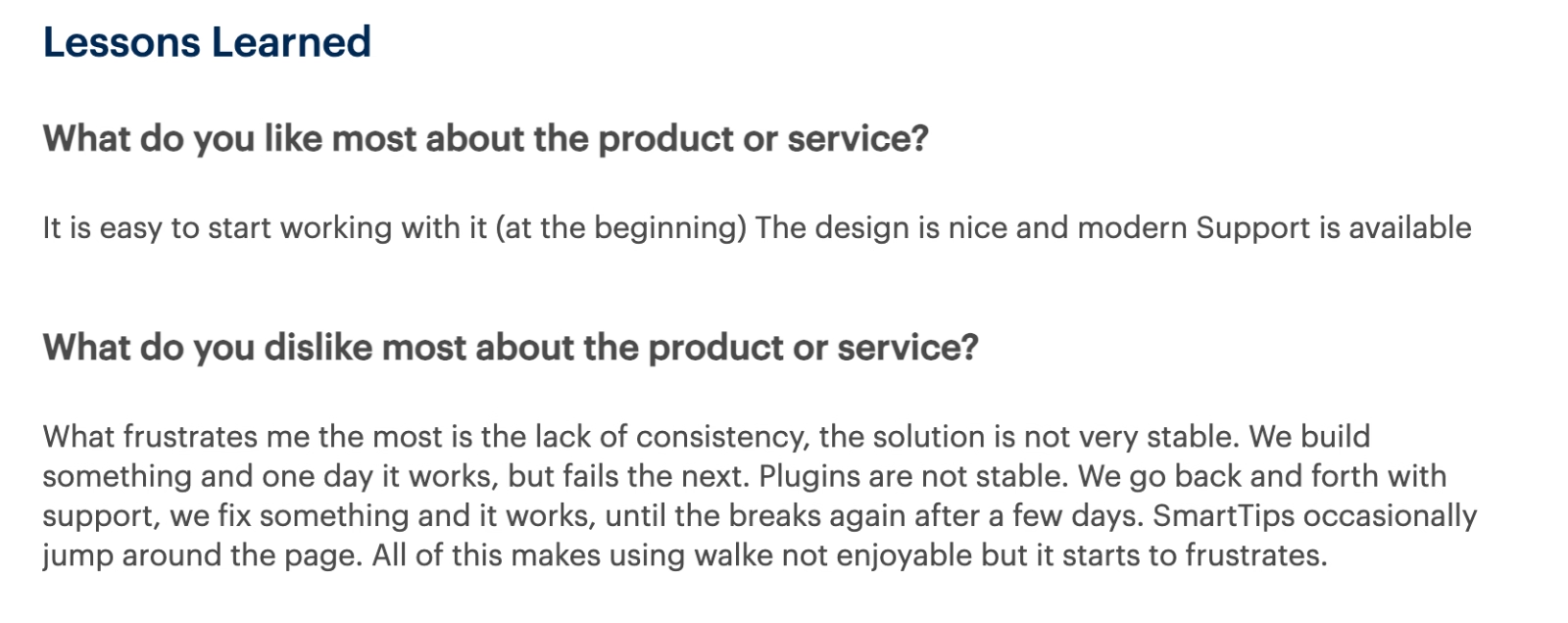
What frustrates me the most is the lack of consistency, the solution is not very stable. We build something and one day it works, but fails the next. Plugins are not stable. We go back and forth with support, we fix something and it works, until the breaks again after a few days.”
Who WalkMe is (and isn’t) for
Meet UserGuiding, a practical WalkMe alternative!
UserGuiding is a no-code, all-in-one product adoption solution that helps you create engaging and personalized product experiences. It has all the onboarding capabilities WalkMe offers, plus more features that give you additional in-app and off-app communication opportunities.
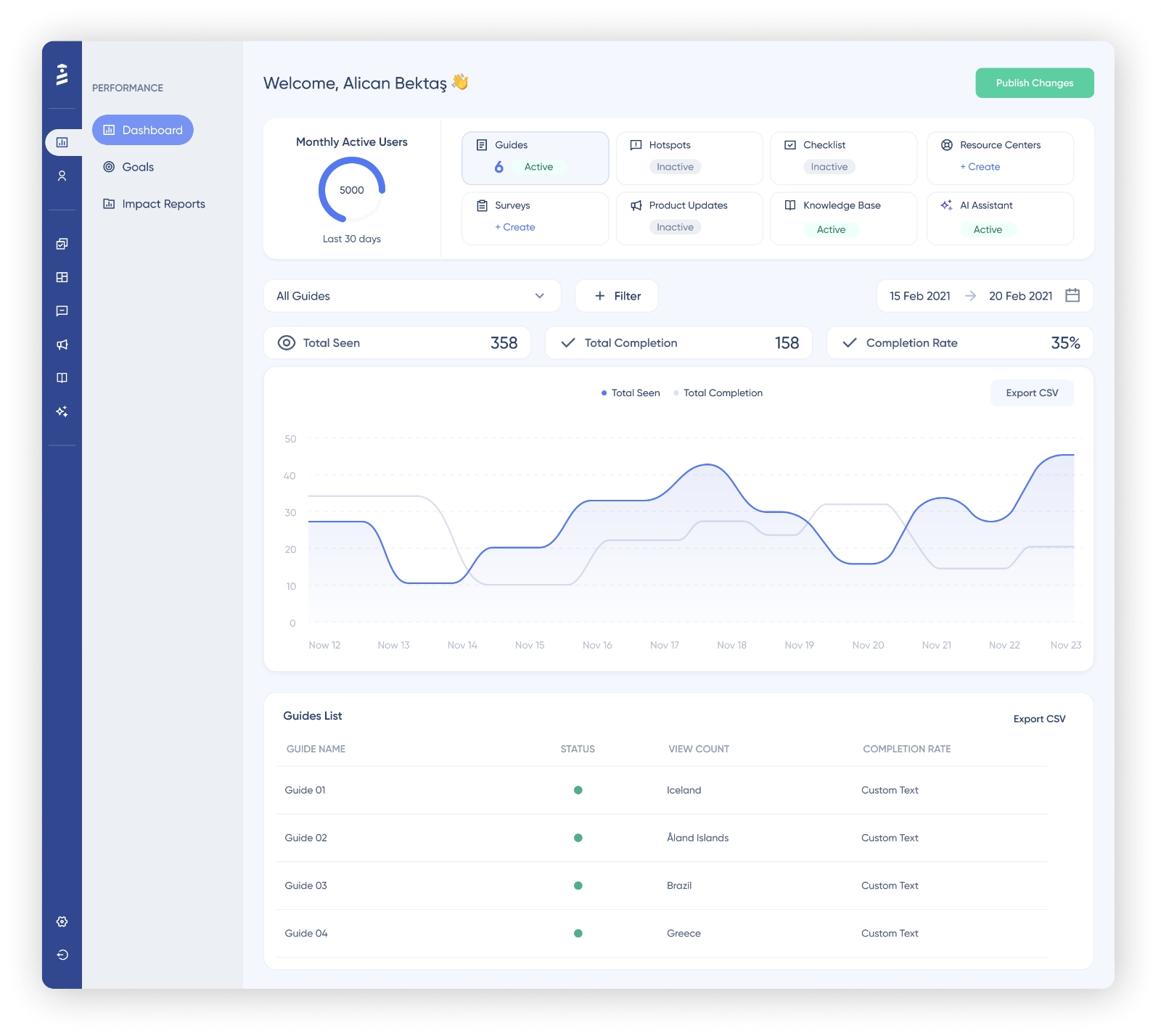
Here’s what UserGuiding offers:
- Product tours
- Onboarding checklists
- Hotspots and tooltips
- Announcement modals (banners, slideouts, pop-ups, etc.)
- NPS and custom in-app surveys
- AI assistant
- Resource center (in-app)
- Knowledge base (standalone)
- Product updates (standalone)
- Segmentation
- Analytics
UserGuiding has a very intuitive and user-friendly interface, and you create guides, checklists, surveys, and banners only within minutes.
For example, let’s create a banner together (which you can’t create with WalkMe, by the way👀)
First, we go to the engagement tab, click on banners, and then choose a template to start with:
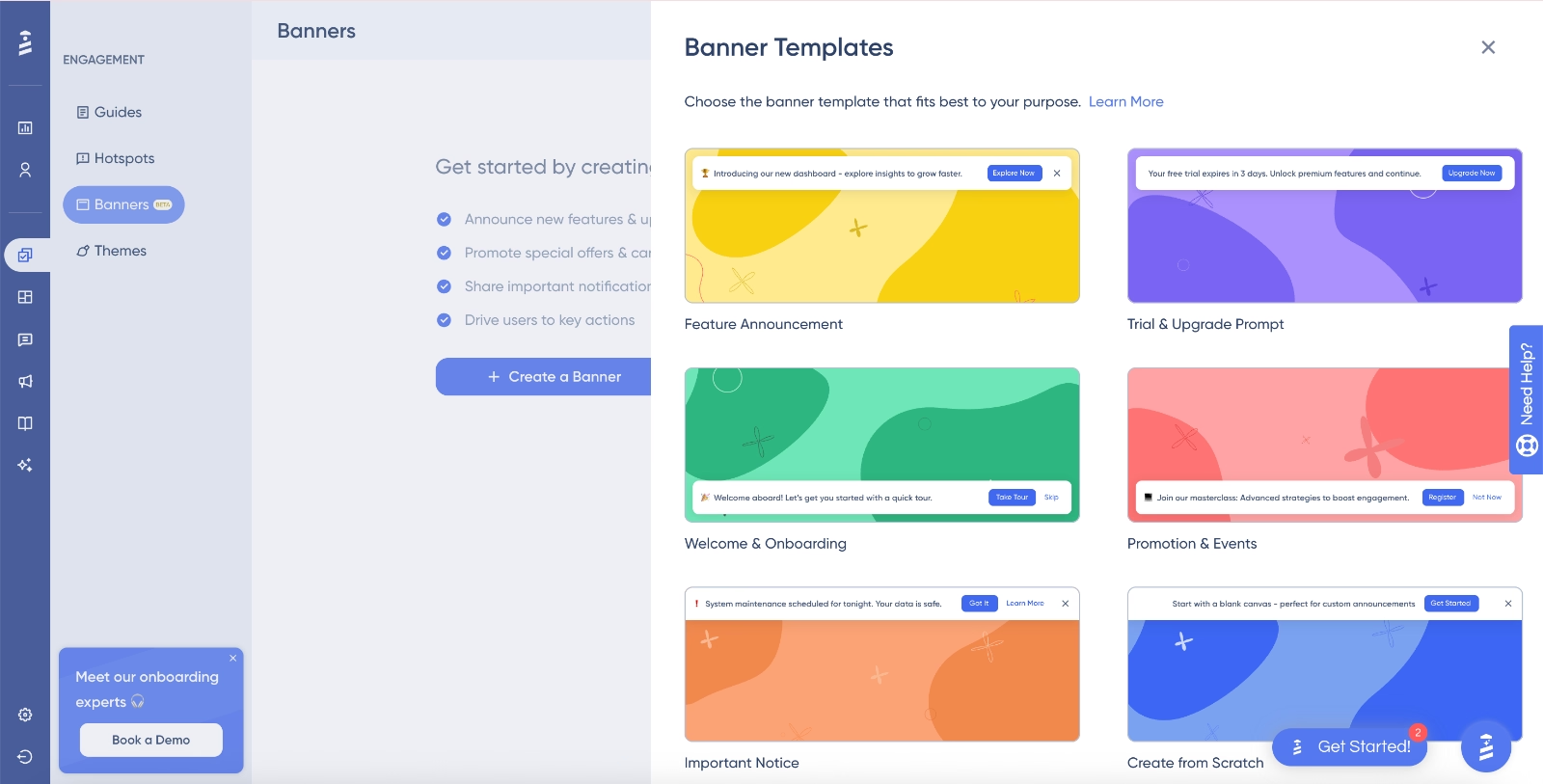
Feature announcement, plan upgrade, onboarding, event promotion…
There are several useful templates that are use-case oriented and they come with an editable copy and CTA button(s). However, there’s also the “create from scratch” option if you prefer a blank slate to start your creative process.
Let’s go with the event promotion template for now.
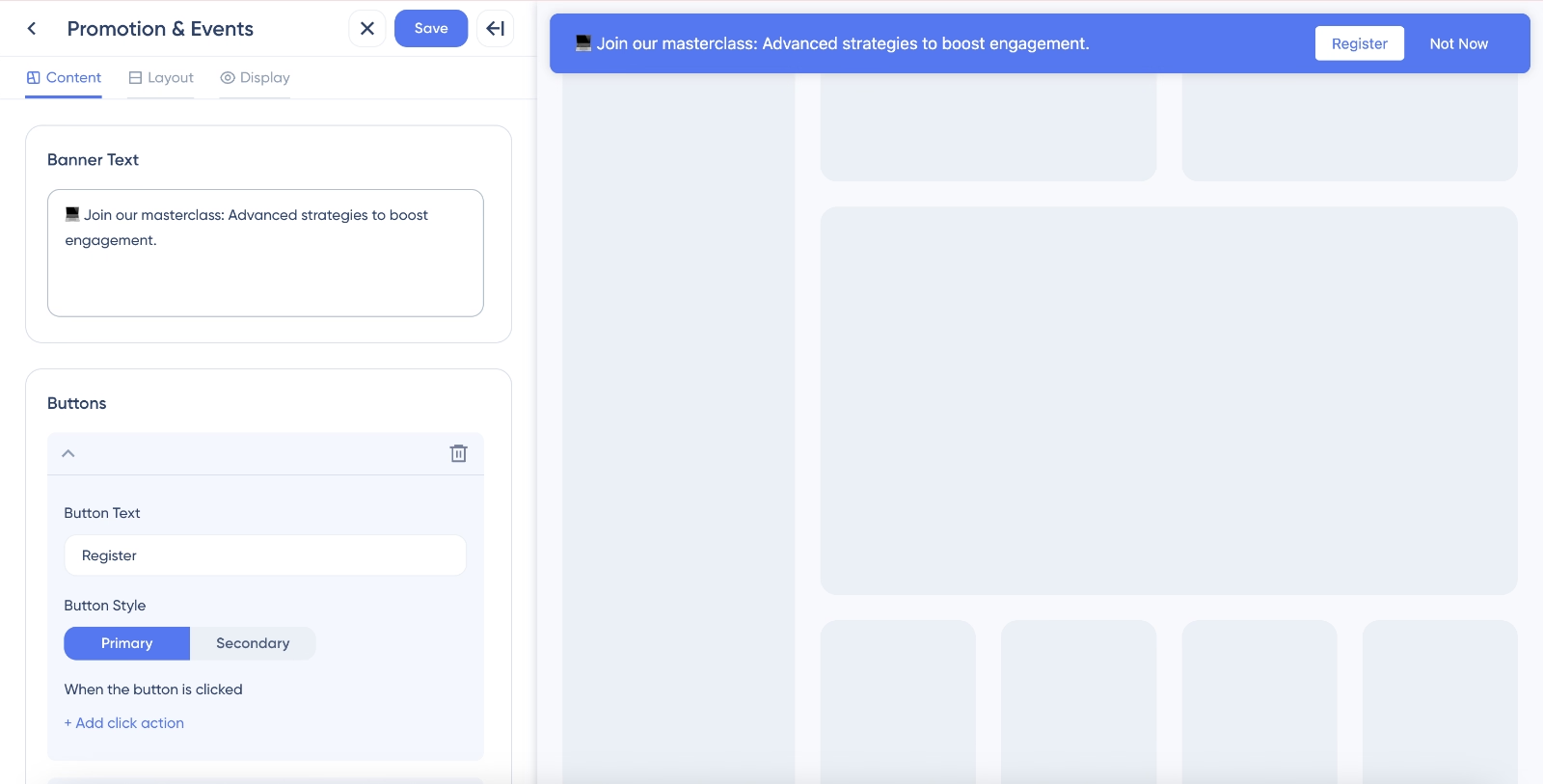
When you choose a template (or go with the create from scratch option), a 3-tab editor welcomes you. On the first page (👆🏻), you have the content editing options. The banner copy and buttons. You can add up to two buttons in a banner, primary and secondary.
On the second page, you have the layout settings. 👇🏻
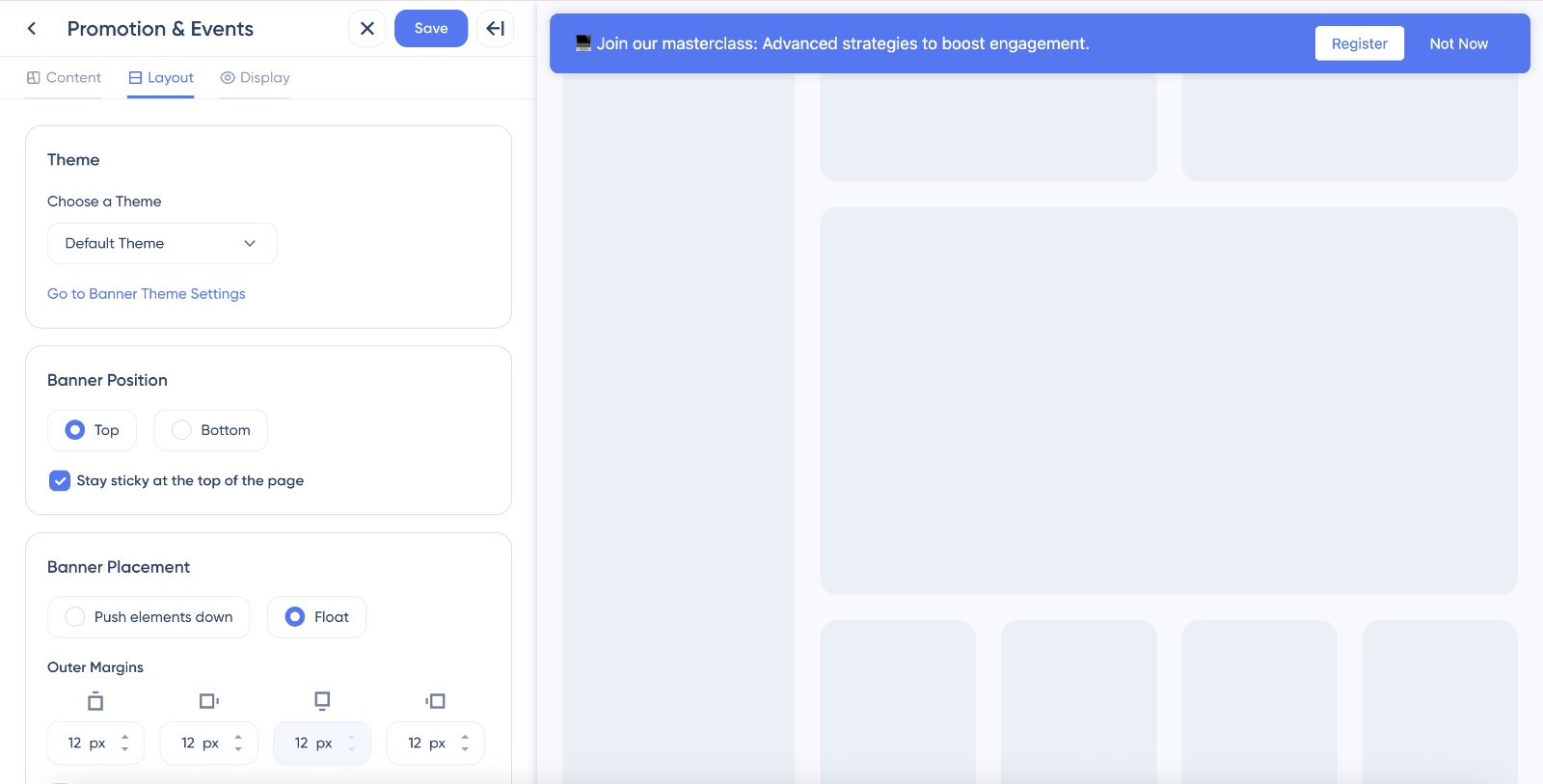
Banners can be on top of the page or at the bottom of the page, they can be sticky, they can be floating… You have all the positionings and design elements here.
On the third page, you have the animations and quit button option.
UserGuiding also have detailed segmentation and personalization capabilities.
So, you can configure page targeting, scheduling, and segmentation settings for your banners from the configuration page as well. This page is very explanatory and intuitive.
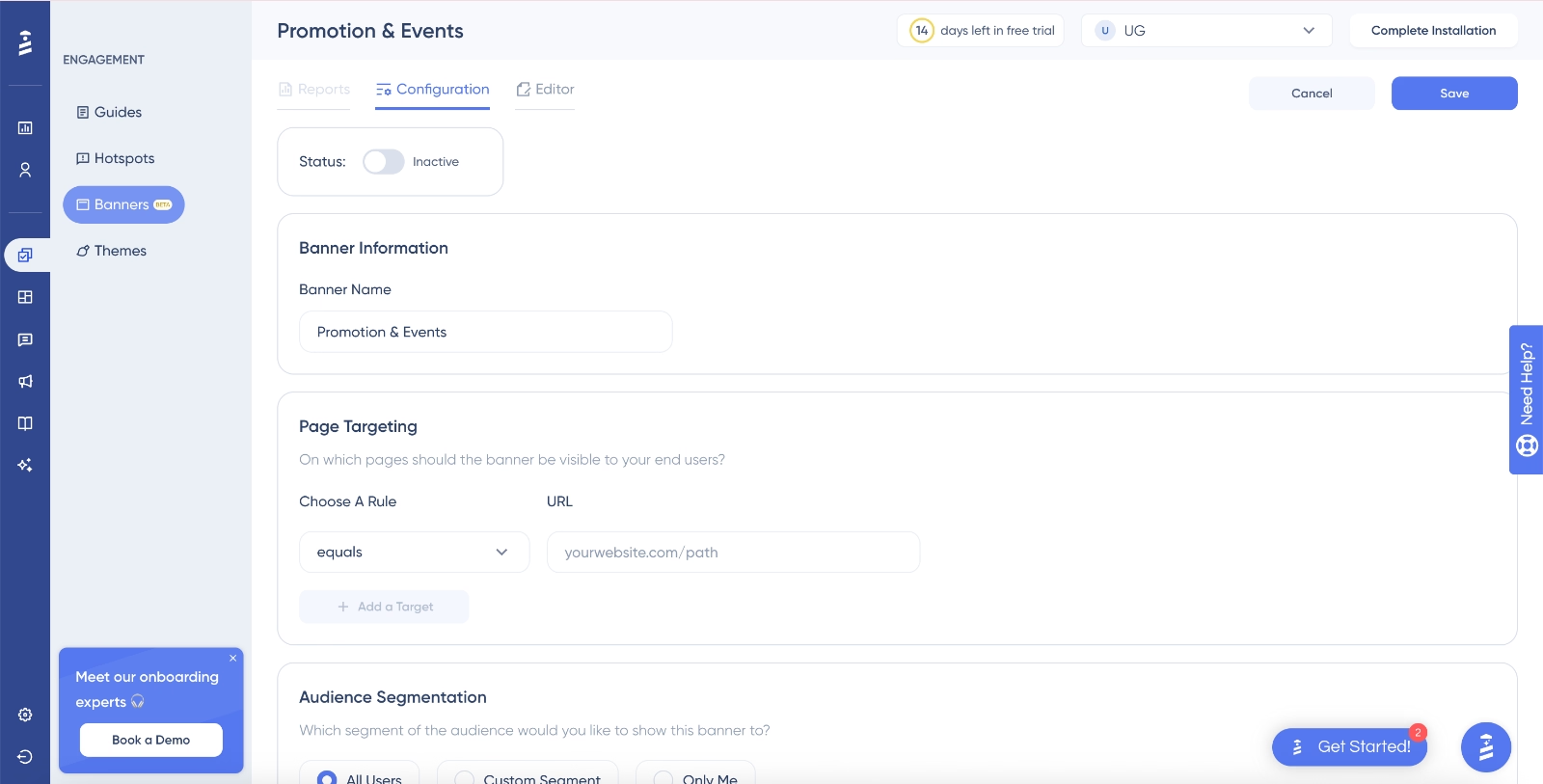
And voilà! You have a banner.
If you’d like to check out UserGuiding’s capabilities yourself, there’s a free trial.
👉🏻 Start your free trial today. 👈🏻
Or, if you’d like to read more about UserGuiding’s use cases before starting your free trial, let’s take you to our deep dive on UserGuiding.
Why teams love UserGuiding?
It might be a little assertive for us to claim UserGuiding is faster to implement, more intuitive to use, and easier to maintain compared to WalkMe.
So, instead, we’ll leave the floor to UserGuiding users and let them describe UserGuiding (and why it might be more suitable for you).
UserGuiding has…
- 746 reviews on G2 and is rated 4.7/5⭐
- 52 reviews on Capterra and is rated 4.7/5⭐
Here are the highlights:
Quick implementation
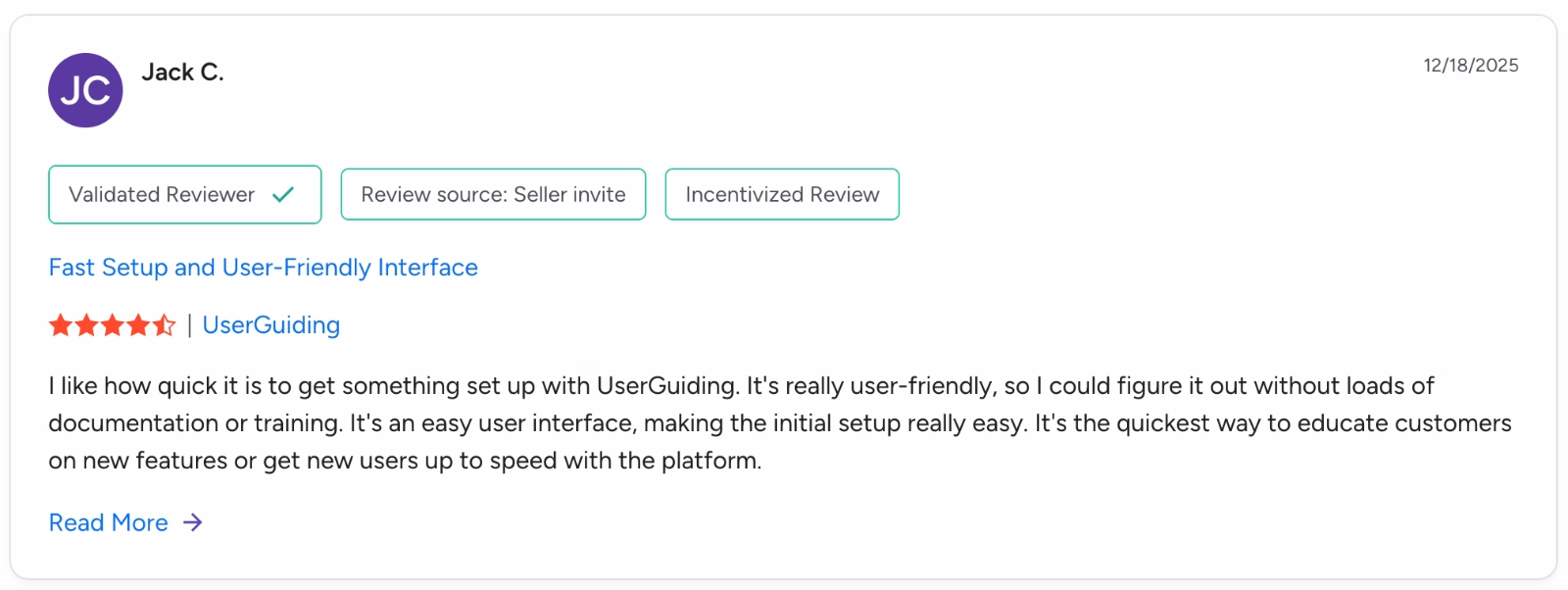
I like how quick it is to get something set up with UserGuiding. It's really user-friendly, so I could figure it out without loads of documentation or training. It's an easy user interface, making the initial setup really easy. It's the quickest way to educate customers on new features or get new users up to speed with the platform.”
Little-to-no learning curve
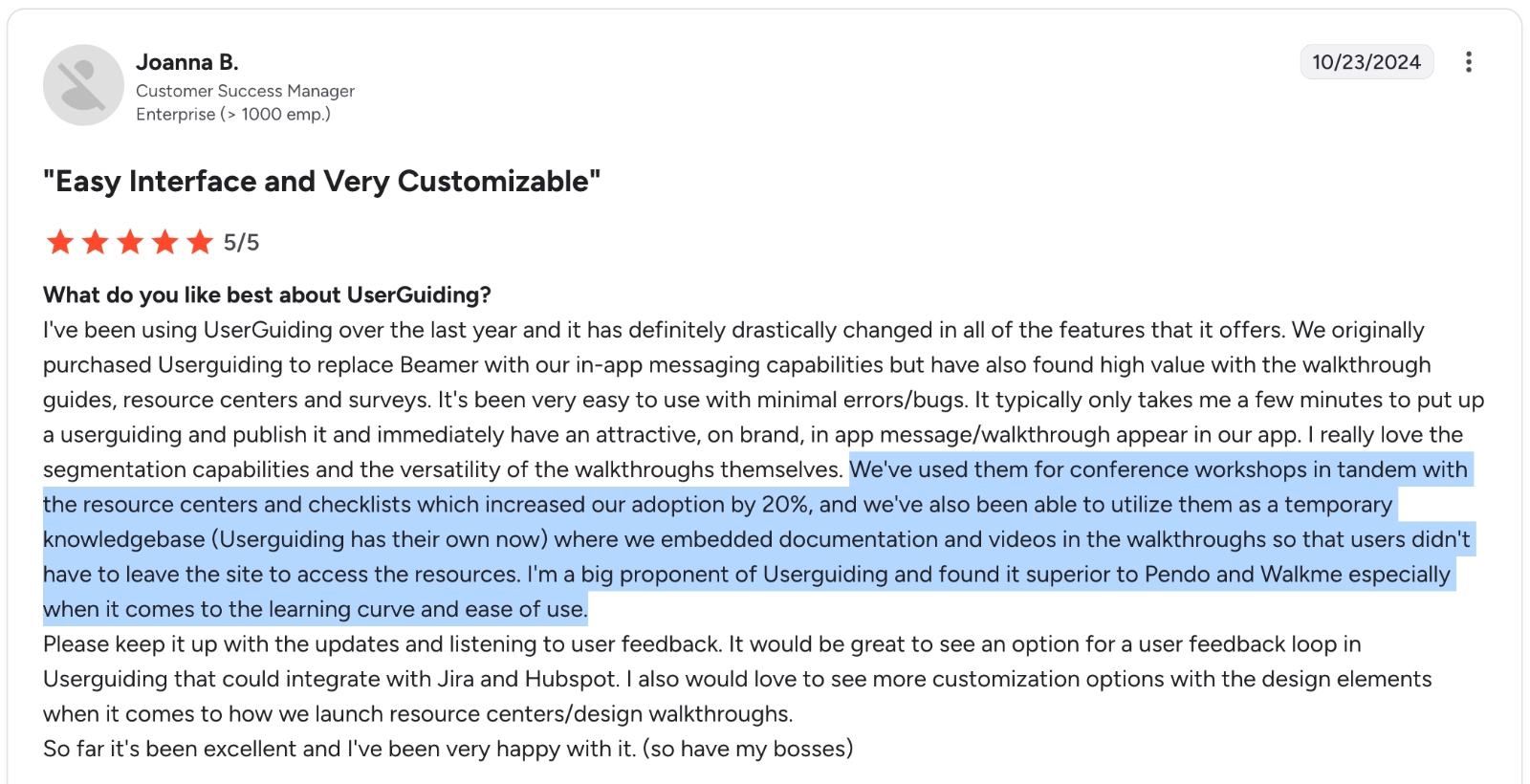
We've used them for conference workshops in tandem with the resource centers and checklists which increased our adoption by 20%. I'm a big proponent of Userguiding and found it superior to Pendo and Walkme especially when it comes to the learning curve and ease of use.”
Extensive toolkit and use cases
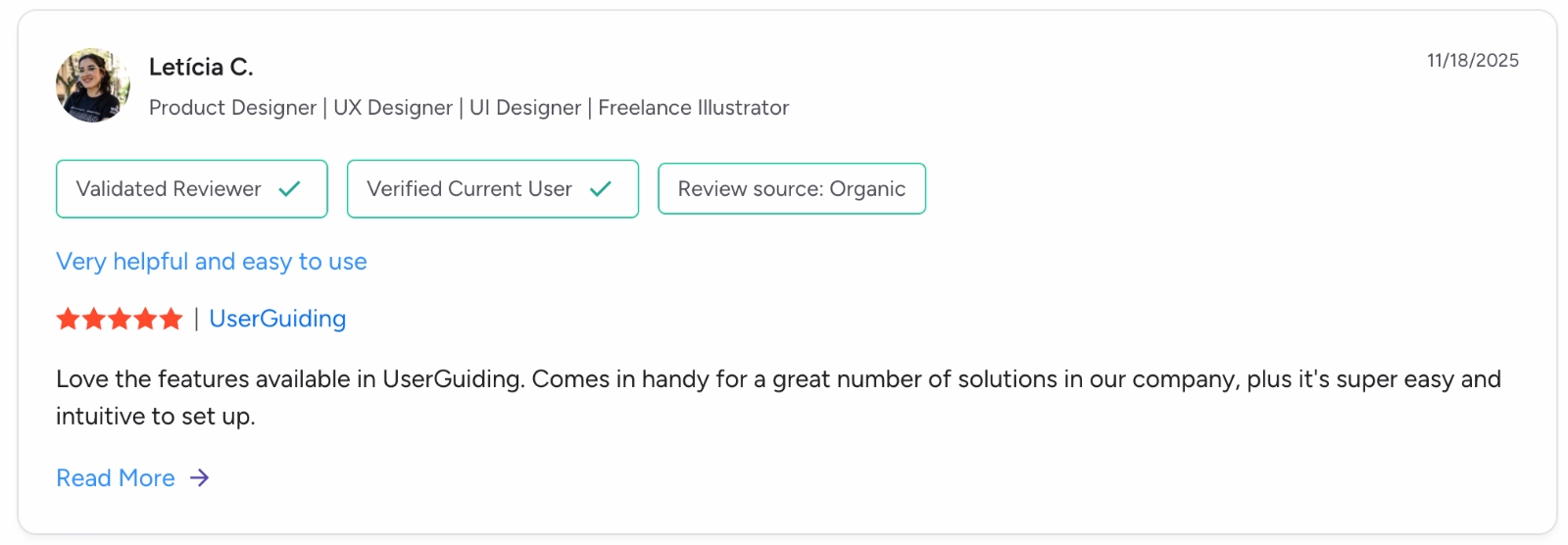
Love the features available in UserGuiding. Comes in handy for a great number of solutions in our company.”
Customization capabilities
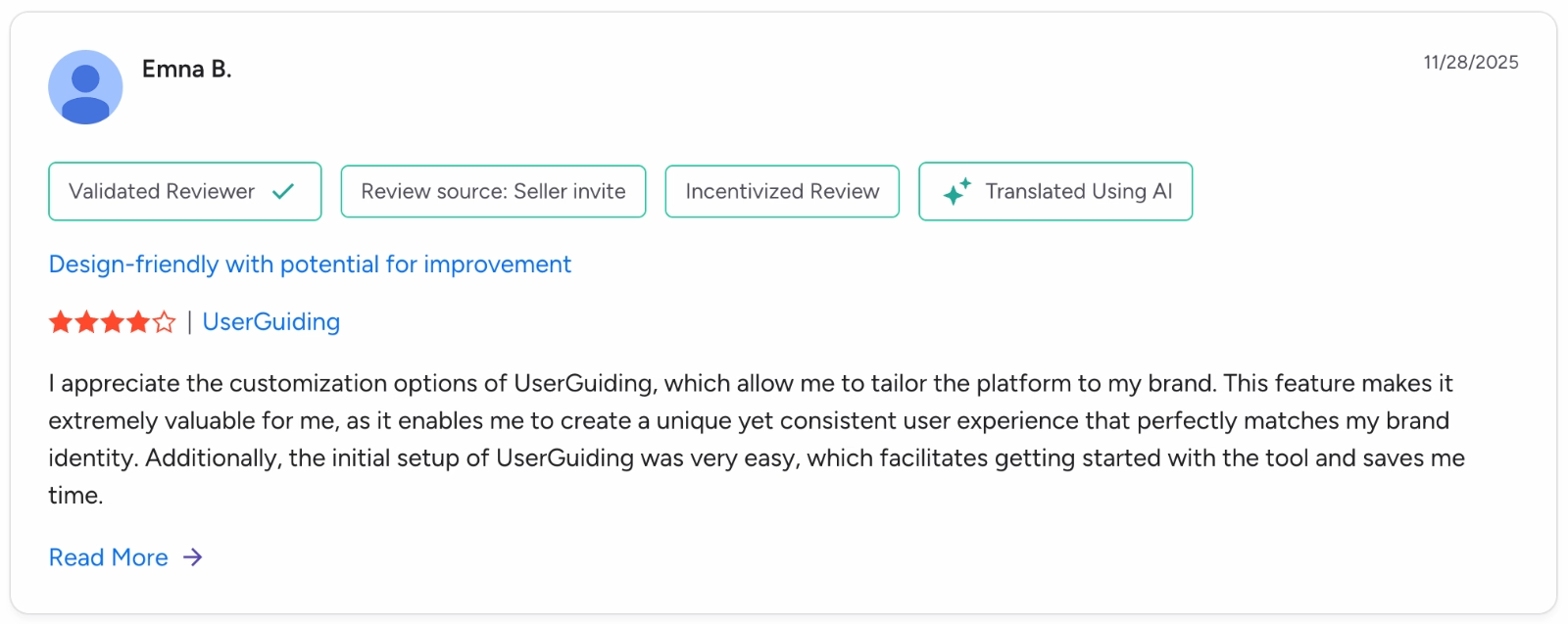
I appreciate the customization options of UserGuiding, which allow me to tailor the platform to my brand. This feature makes it extremely valuable for me, as it enables me to create a unique yet consistent user experience that perfectly matches my brand identity.”
Cost-effective
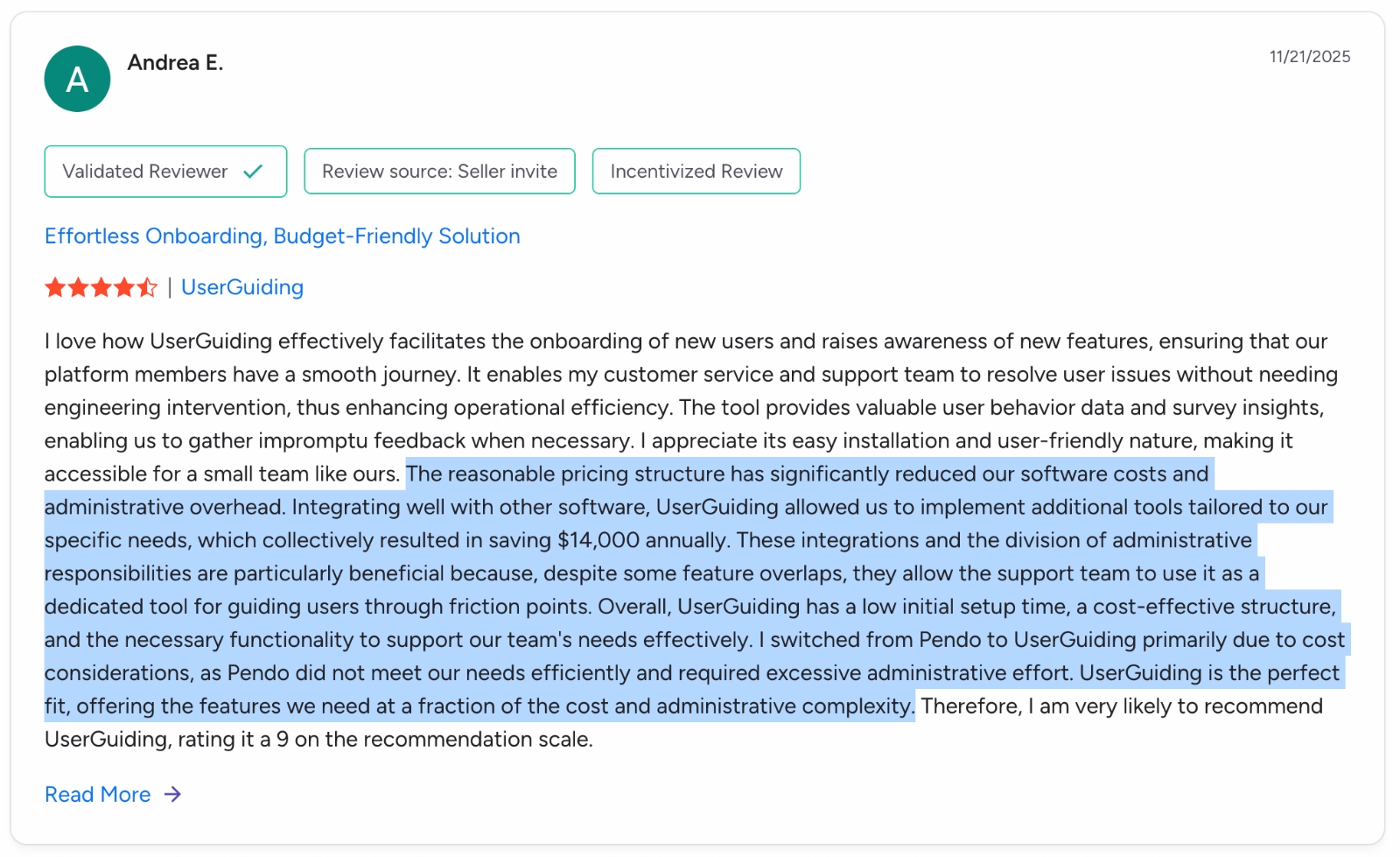
The reasonable pricing structure has significantly reduced our software costs and administrative overhead. Integrating well with other software, UserGuiding allowed us to implement additional tools tailored to our specific needs, which collectively resulted in saving $14,000 annually.”
If you’d like to compare different WalkMe alternatives alongside UserGuiding, here’s our analysis of 11 WalkMe competitors. 👈🏻
Final Verdict: Is WalkMe Worth It?
We’d love to give a definitive yes-or-no, but in SaaS, it’s rarely that simple.
So: it depends.
WalkMe is powerful, but it can be overkill, especially if you’re not using it for employee productivity. For smaller teams or customer-focused onboarding, lighter, more intuitive alternatives may be a better fit.
The key is matching the tool to your goals, resources, and adoption strategy.
We recommend you can check out more accessible options with free trials before committing to WalkMe.
Frequently Asked Questions
How expensive is WalkMe?
WalkMe has a high, opaque pricing model that is not publicly disclosed. On average, customers report spending around $44,000 per year, with costs sometimes reaching six figures for large enterprises. Pricing is better suited for organizations with dedicated budgets, while smaller businesses often find WalkMe expensive and less accessible.
Is WalkMe an AI tool?
WalkMe is not a pure AI tool, but it includes AI-powered features. These capabilities, such as predictive insights and task automation via ActionBot, assist with workflow optimization and in-app guidance. The AI features complement its digital adoption platform.
What are the pros and cons of WalkMe?
WalkMe offers strong in-app guidance, analytics, workflow optimization, and responsive support. It excels at large-scale employee training and change management. However, it comes with a steep learning curve, high pricing, long implementation times, ongoing maintenance requirements, and occasional product instability.
What companies use WalkMe?
WalkMe is used by large enterprises with complex software ecosystems, including companies like Nestlé and Deloitte. Its ideal customers have multiple internal tools, dedicated implementation resources, and enterprise-level budgets. The platform is typically deployed in organizations prioritizing internal adoption, workflow standardization, and large-scale digital transformation initiatives.
Why use WalkMe?
Companies use WalkMe to simplify complex software adoption, train employees, reduce support tickets, and standardize internal processes. It provides advanced analytics, in-app guidance, workflow automation, and AI-powered insights.

.png)










