


.svg)
.svg)
.svg)
.svg)



.svg)
product updates
Ship Updates
Your Users Actually See
Announce new features, collect reactions, and keep a public changelog.
Built into your product, hosted on your domain, zero engineering effort.
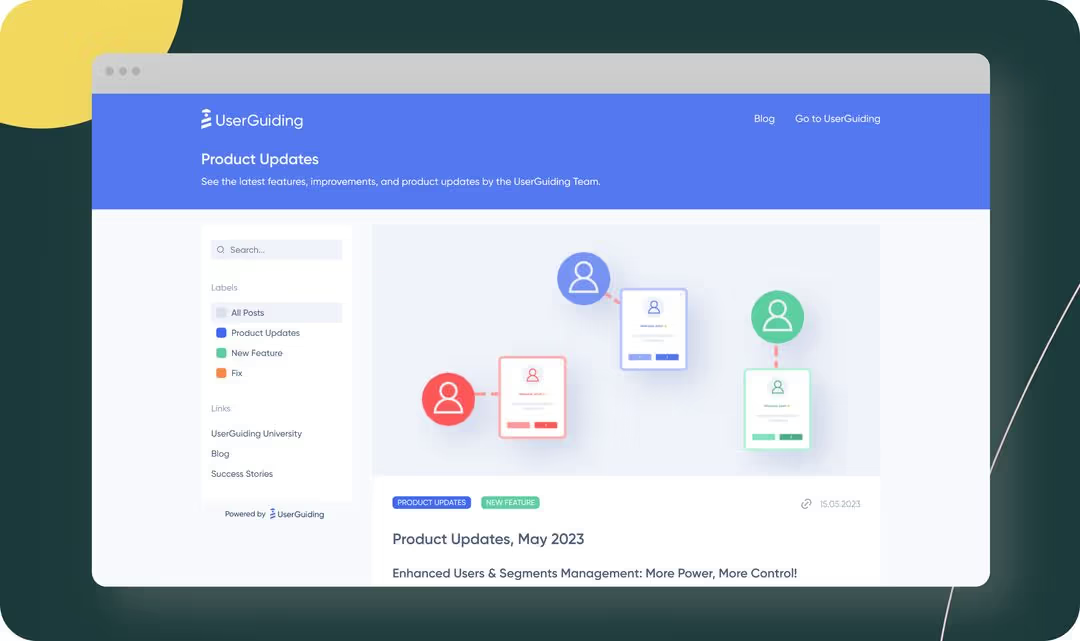
One place for every product announcement
UserGuiding's Product Updates gives you a branded changelog page where you can publish feature releases, bug fixes, and improvements. Add labels, upload images, set custom dates, and organize posts with a navigation menu and label filtering so users find what matters to them.
Posts support emoji reactions (happy, neutral, sad) and written feedback, so you hear back from users on every update. Boosters like slide-out tooltips and Resource Center notifications push new posts to users inside your app automatically.