


.svg)
.svg)
.svg)
.svg)



.svg)




.svg)
.svg)


Approximately 65% of businesses directly tie successful onboarding to faster revenue growth and stronger customer loyalty, according to Rocketlane’s 2025 State of Customer Onboarding Report.

Yet even with this insight, many teams struggle to deliver onboarding that is consistent, scalable, and personalized… If you’re looking for a tool to solve any of these issues (or optimize your onboarding and in-app communication), UserGuiding could be the solution for your team.
In this article, we dive into UserGuiding reviews from 2025 and 2026, highlighting what users love, what they struggle with, and who will benefit most from the platform.
Let’s start, shall we?
TL;DR
- UserGuiding is an all-in-one, no-code product adoption and user engagement platform for user onboarding, feature adoption, in-app guidance, and self-serve support.
- It has a transparent and scalable pricing model, with three paid plans starting at $249/mo for up to 2,000 MAUs. Unlike many competitors, it also offers monthly billing for flexibility and gradual MAU-based pricing increases.
- Users love UserGuiding for its true no-code setup, intuitive WYSIWYG editor, versatile toolkit, advanced segmentation, engagement analytics, and responsive support team. It helps teams save time, improve adoption, and centralize guidance across the product lifecycle.
- However, it’s sometimes criticized for its manual localization process, lack of certain integrations, as well as mobile app support.
- UserGuiding is also not an analytics-first solution, so, while the dashboards are easy to use and navigate, users who want deeper control over data may find the reporting limited.
- For teams seeking scalable, flexible, and easy-to-use onboarding and engagement tools, UserGuiding is a powerful alternative to Userpilot, Appcues, Pendo, WalkMe, and many other adoption platforms.
- 👉🏻 Start your free trial today and experience UserGuiding for yourself. 👈🏻
UserGuiding at a glance
UserGuiding is a no-code, all-in-one product adoption and user engagement platform designed to help teams onboard users, drive feature adoption, and enhance in-app engagement, while also supporting self-service customer support.
📌 Here’s what you get with UserGuiding in terms of features:
- Product tours
- Onboarding checklists
- Hotspots and tooltips
- Announcement modals (banners, slideouts, pop-ups, etc.)
- NPS and custom in-app surveys
- AI assistant
- Resource center (in-app)
- Knowledge base (standalone)
- Product updates (standalone)
- Segmentation
- Analytics
AI features (Lighthouse included) are available across all plans.
If you’d like to learn more about UserGuiding’s capabilities, here’s our in-depth article on UserGuiding’s use cases 👈🏻
UserGuiding Pricing
UserGuiding has a transparent, flexible, and scalable pricing structure with three paid plans.
The Starter plan, the entry-level paid option, starts at $249/month (billed annually) for up to 2,000 MAUs. The Growth plan starts at $499/month, also for 2,000 MAUs and also billed annually.
Compared to some alternatives (like Appcues), UserGuiding’s MAU scaling feels much more gradual. Instead of sharp price jumps at relatively low usage levels, the increases are more predictable and easier to plan around.
Another part of UserGuiding’s pricing strategy that makes it stand out is its monthly billing option. While annual plans are naturally more cost-effective, UserGuiding still allows teams to pay month-to-month if they prefer flexibility.
That’s something you won’t typically find with platforms like Appcues, Userpilot, Pendo, or WalkMe.
Even users who describe the pricing as slightly high often add that, compared to what the platform delivers, and compared to competitors, it’s still worth it.
The price is quite high, but it's still very worth it for what it delivers. We haven't found another tool with the same features for this price.”
Many reviewers also mention that UserGuiding helps them save time and money when used properly and integrated well with their existing stack.
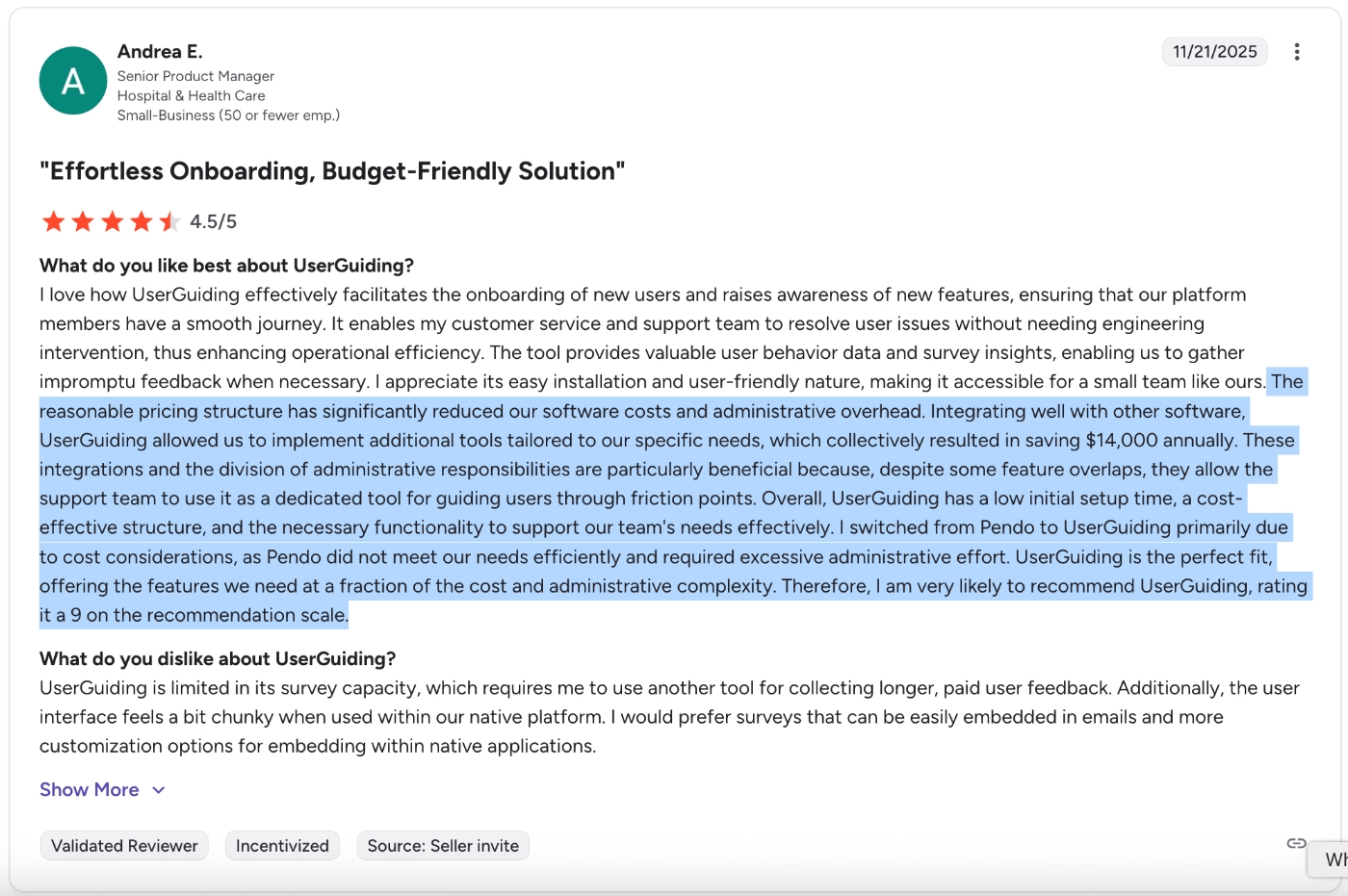
For example, here’s a customer who claims they were able to save $14,000 annually after implementing UserGuiding:
The reasonable pricing structure has significantly reduced our software costs and administrative overhead. Integrating well with other software, UserGuiding allowed us to implement additional tools tailored to our specific needs, which collectively resulted in saving $14,000 annually. These integrations and the division of administrative responsibilities are particularly beneficial because, despite some feature overlaps, they allow the support team to use it as a dedicated tool for guiding users through friction points.”
What users like about UserGuiding
Over the years, UserGuiding has gathered steady attention in the SaaS space and continues to receive strong feedback from its users. In particular, recent reviews from product, growth, and customer success teams give a clear picture of how the platform performs today.
UserGuiding has…
- 756 reviews on G2, and 4.7/5 ⭐
- 52 reviews on Capterra, and 4.7/5 ⭐
To help you determine whether UserGuiding is the right fit for your use case, we reviewed what customers have been saying specifically in 2025 and 2026.
👇🏻 Here are the highlights from the latest user reviews:
True no-code experience and easy implementation
One of the most frequently mentioned strengths is the genuine no-code experience.
Many onboarding and product adoption tools claim to be no-code, yet still require developer involvement for event tracking, targeting conditions, or UI adjustments. In contrast, with UserGuiding, many users highlight how independently they can create and launch onboarding flows without technical support:
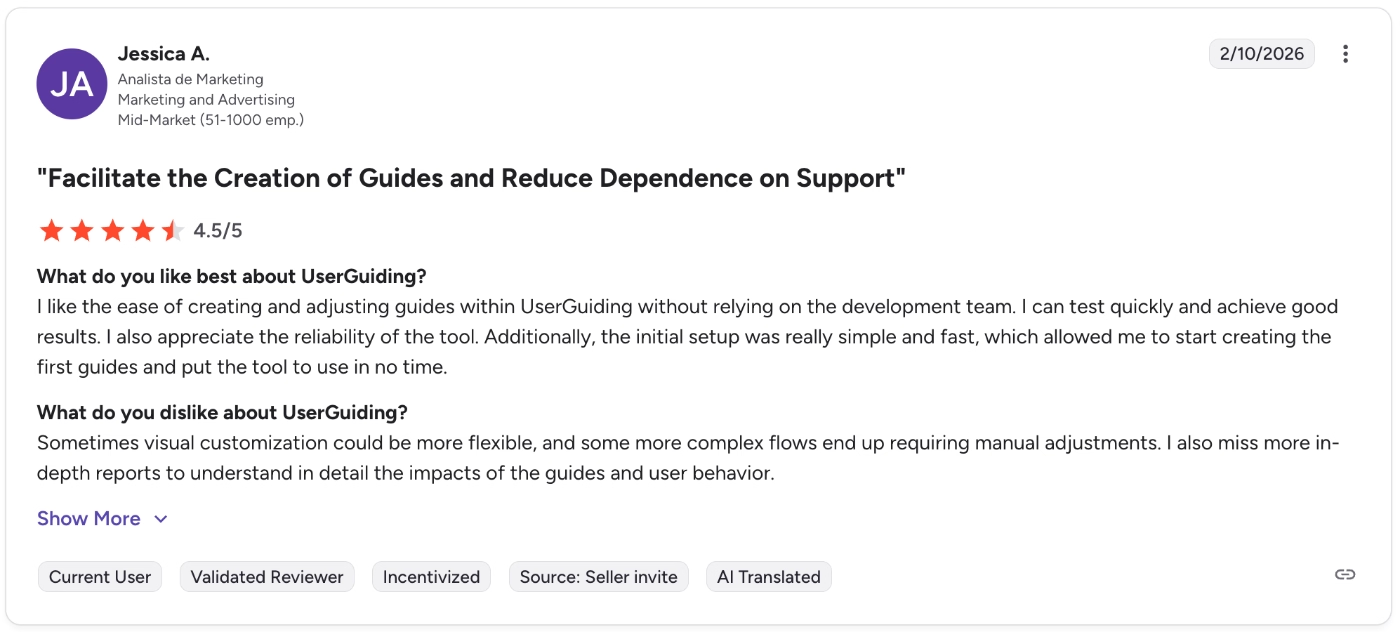
I like the ease of creating and adjusting guides within UserGuiding without relying on the development team. I can test quickly and achieve good results. I also appreciate the reliability of the tool. Additionally, the initial setup was really simple and fast, which allowed me to start creating the first guides and put the tool to use in no time.”
Here’s what another customer says:
To create a guide, all I need to do is add URL details, triggers, and templates, and I can train any of my team members on creating guides in less than 10 minutes and get the job done. The initial setup took around 30 minutes, which I find reasonable.”

Intuitive WYSIWYG editor
Another widely praised feature is the intuitive WYSIWYG editor.
UserGuiding’s interface is both intuitive and flexible. Non-technical team members can confidently build walkthroughs, tooltips, and onboarding flows without extensive training, while still maintaining enough control to create structured experiences.
Users also emphasize how quickly they can move from idea to live experience, often within minutes.
One user says:
We can ship guides, tooltips, and walkthroughs within minutes, and the UI is intuitive enough that non-technical team members can build onboarding experiences confidently.”

WYSiWYG editor is intuitive and flexible, lets you build quickly.”
Diverse toolkit for many use cases
Some product adoption tools focus narrowly on onboarding tours, leaving teams to purchase separate platforms for surveys, announcements, and help centers. This fragmentation increases tool sprawl and makes analytics harder to centralize.
UserGuiding, according to its customers, supports a wide range of use cases within a single platform. Teams use it not only for onboarding but also for feature updates, contextual help, promotions, resource centers, and feedback collection.
Here’s how one customer shares their appreciation of UserGuiding’s extensive capabilities:
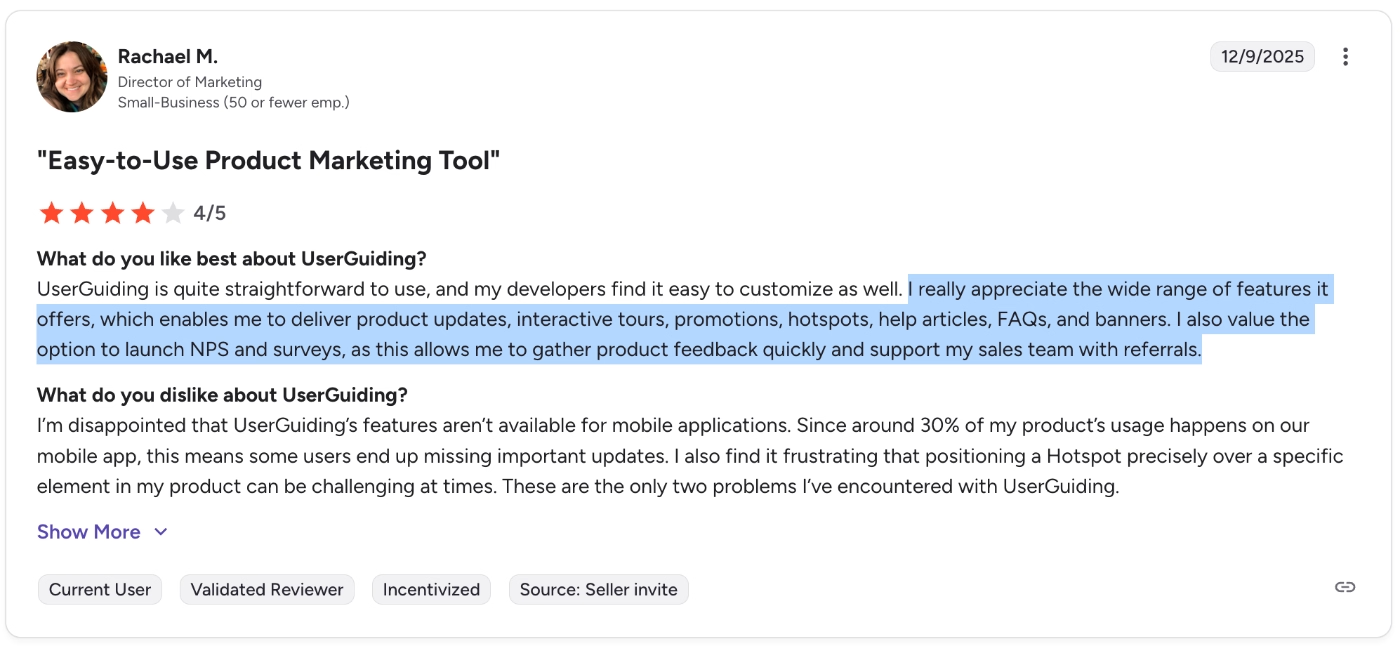
I really appreciate the wide range of features it offers, which enables me to deliver product updates, interactive tours, promotions, hotspots, help articles, FAQs, and banners. I also value the option to launch NPS and surveys, as this allows me to gather product feedback quickly and support my sales team with referrals.”
Advanced segmentation and targeting capabilities for personalization
UserGuiding offers reliable and explainable targeting capabilities. You can define specific user groups, such as roles, languages, subscription tiers, or whitelabeled customers, and deliver tailored messages accordingly.
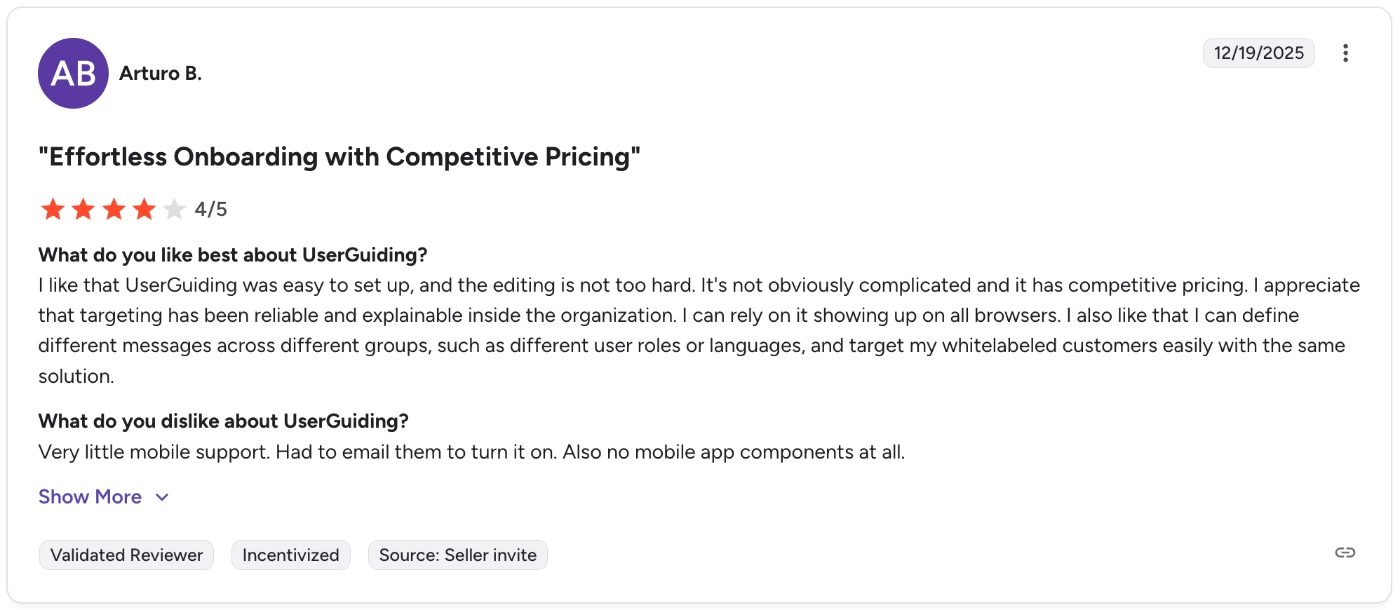
I appreciate that targeting has been reliable and explainable inside the organization. I can rely on it showing up on all browsers. I also like that I can define different messages across different groups, such as different user roles or languages, and target my whitelabeled customers easily with the same solution.”
Easy-to-comprehend engagement analytics dashboards
In some product adoption tools, analytics can feel either too shallow to provide insight or too complex to interpret without a dedicated analyst.
With UserGuiding, users often highlight that the dashboards are both comprehensive and easy to navigate. You can track completion rates, drop-offs, engagement trends, and guide performance without struggling to interpret the data.
One customer says:
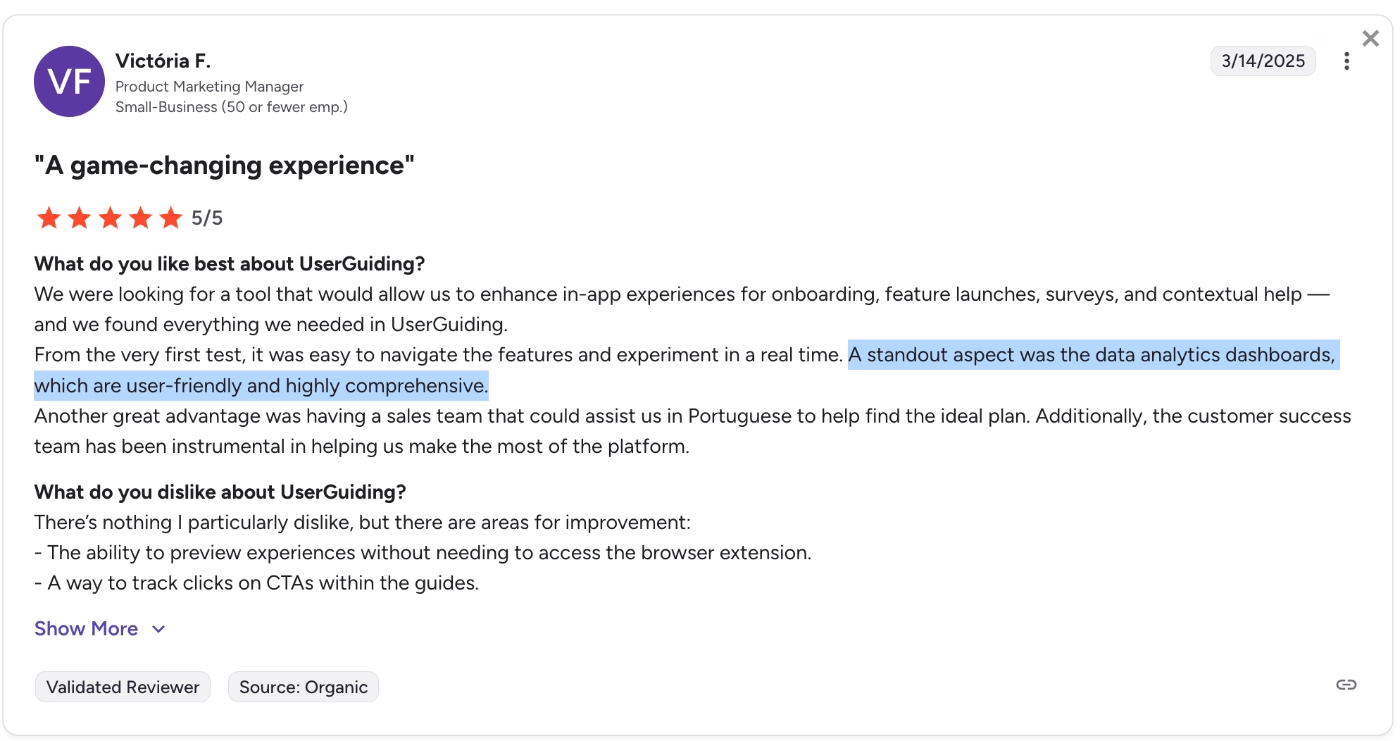
From the very first test, it was easy to navigate the features and experiment in real time. A standout aspect was the data analytics dashboards, which are user-friendly and highly comprehensive.”
Here’s what another customer says:
With UserGuiding, we enjoy amazing tracking and analytics features, and therefore we're able to make data-driven decisions, which is a plus for our business.”
⚠️ Now, UserGuiding is not an analytics-first solution.
While it offers a solid range of engagement insights, especially around in-app material performance and interaction, its analytics capabilities are primarily designed to support onboarding and engagement optimization, not full-scale product analytics.
In other words, the data is strong enough to help you understand:
- How users interact with onboarding flows
- Where they disengage
- Which materials drive engagement
- How different segments respond to experiences
However, if you’re looking for advanced behavioral analytics features, such as session recordings, heatmaps, or deep event-level tracking across the entire product, UserGuiding is not built for that.
Responsive customer support
UserGuiding’s support team is fast, helpful, and solution-oriented. And it’s not just us claiming that. Many users on the internet report receiving timely answers and practical guidance, not just links to help articles.
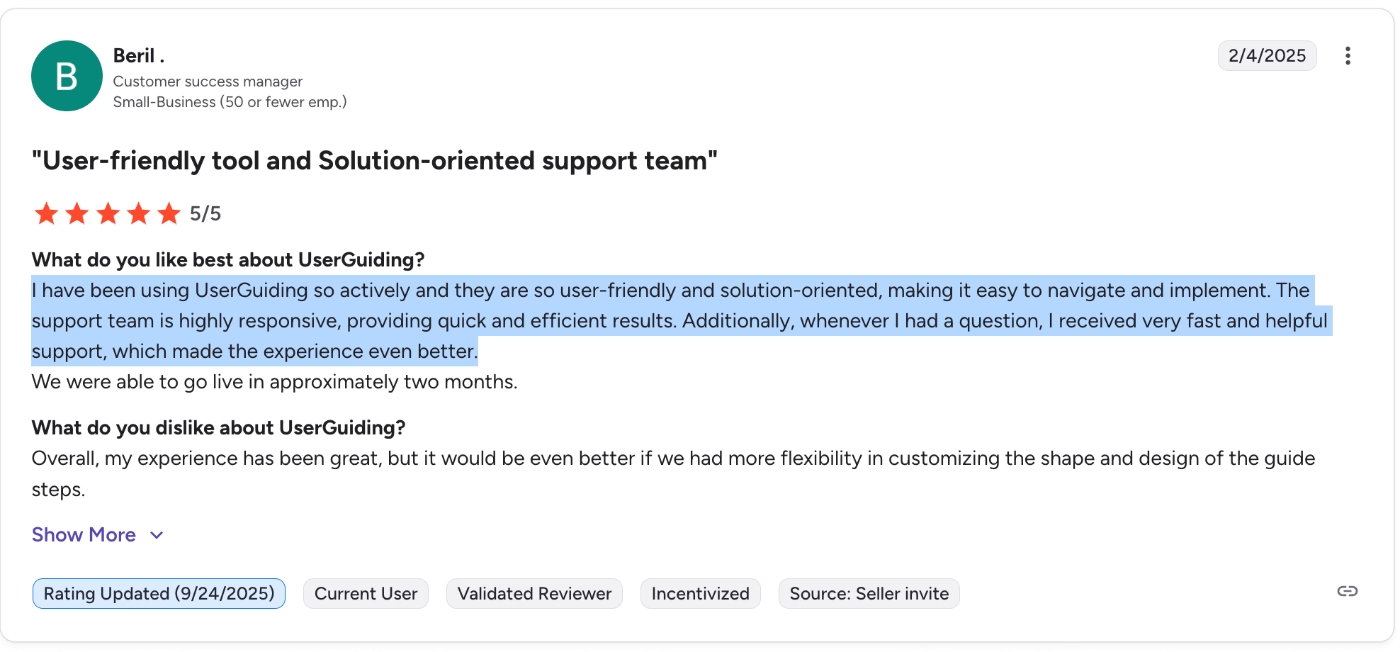
I have been using UserGuiding so actively, and they are so user-friendly and solution-oriented, making it easy to navigate and implement. The support team is highly responsive, providing quick and efficient results. Additionally, whenever I had a question, I received very fast and helpful support, which made the experience even better.”
Common complaints about UserGuiding
But of course, UserGuiding is not perfect, like any product, it has a few sharp edges.
While recent reviews are largely positive, there are a few recurring themes where users feel the platform could improve. Looking at feedback from 2025 and 2026, here are the most commonly mentioned drawbacks. 👇🏻
Customization capabilities for certain features are limited
While UserGuiding offers branding and theme customization, some users feel the flexibility does not extend equally across all modules.
As one user puts it:
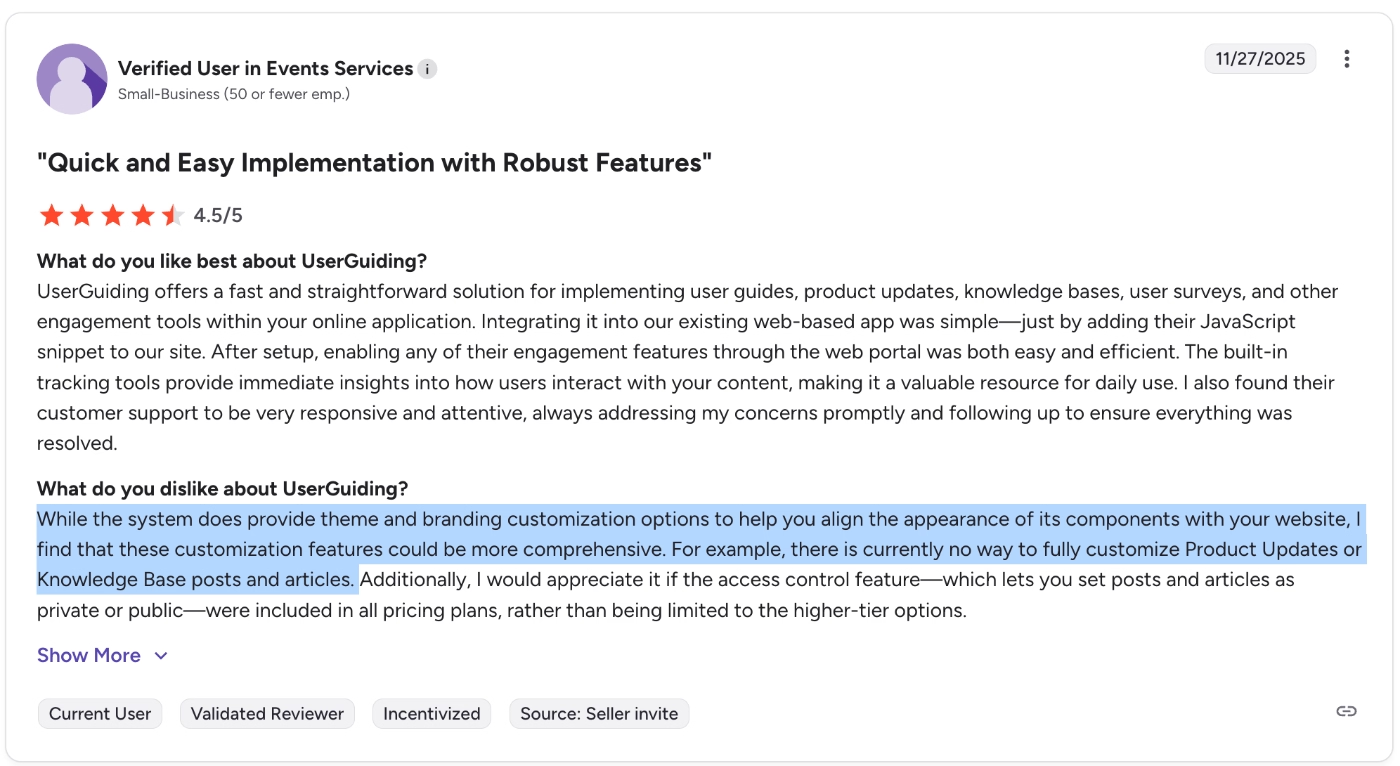
While the system does provide theme and branding customization options to help you align the appearance of its components with your website, I find that these customization features could be more comprehensive. For example, there is currently no way to fully customize Product Updates or Knowledge Base posts and articles.”
Localization takes time
Localization is another area where some users report friction.
UserGuiding offers localization and multilingual material management; however, it does not provide automated translation. So, you’re expected to do the translation part yourself (at least, for now).
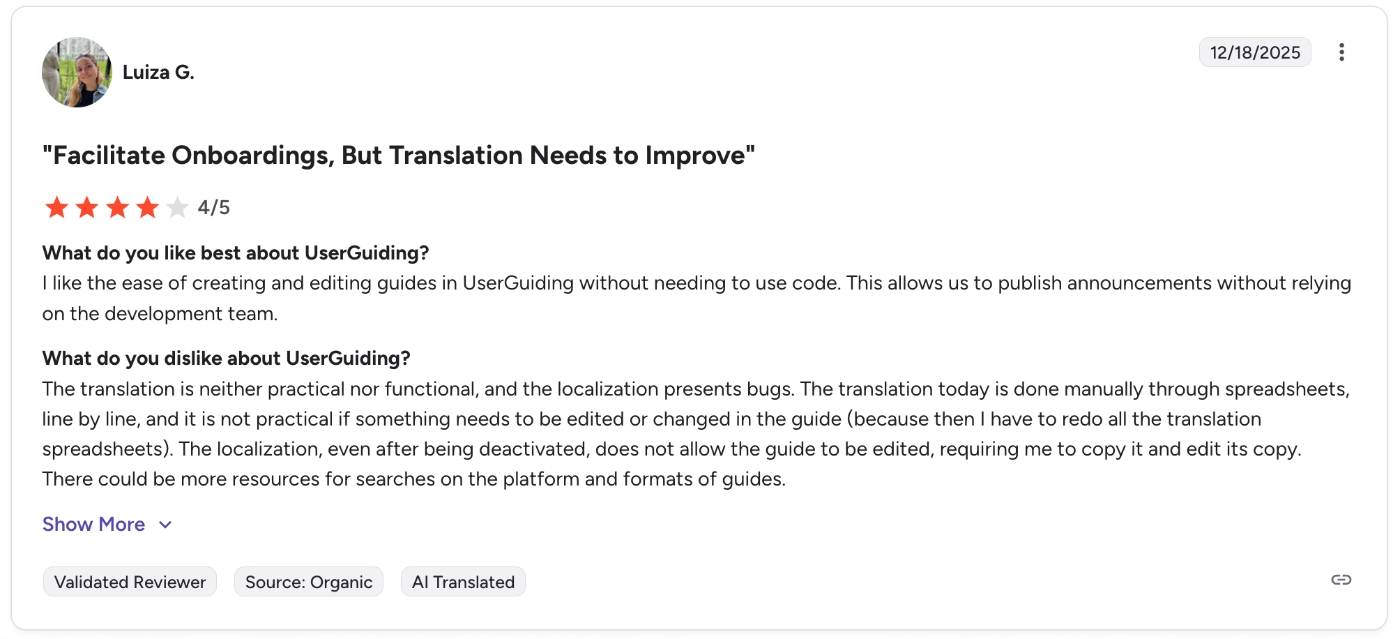
The translation today is done manually through spreadsheets, line by line, and it is not practical if something needs to be edited or changed in the guide (because then I have to redo all the translation spreadsheets).”
Integration options are limited
While UserGuiding integrates with several systems, some reviewers note the absence of specific native integrations they rely on. So, if you require specific integrations, you might want to check whether UserGuiding offers them.
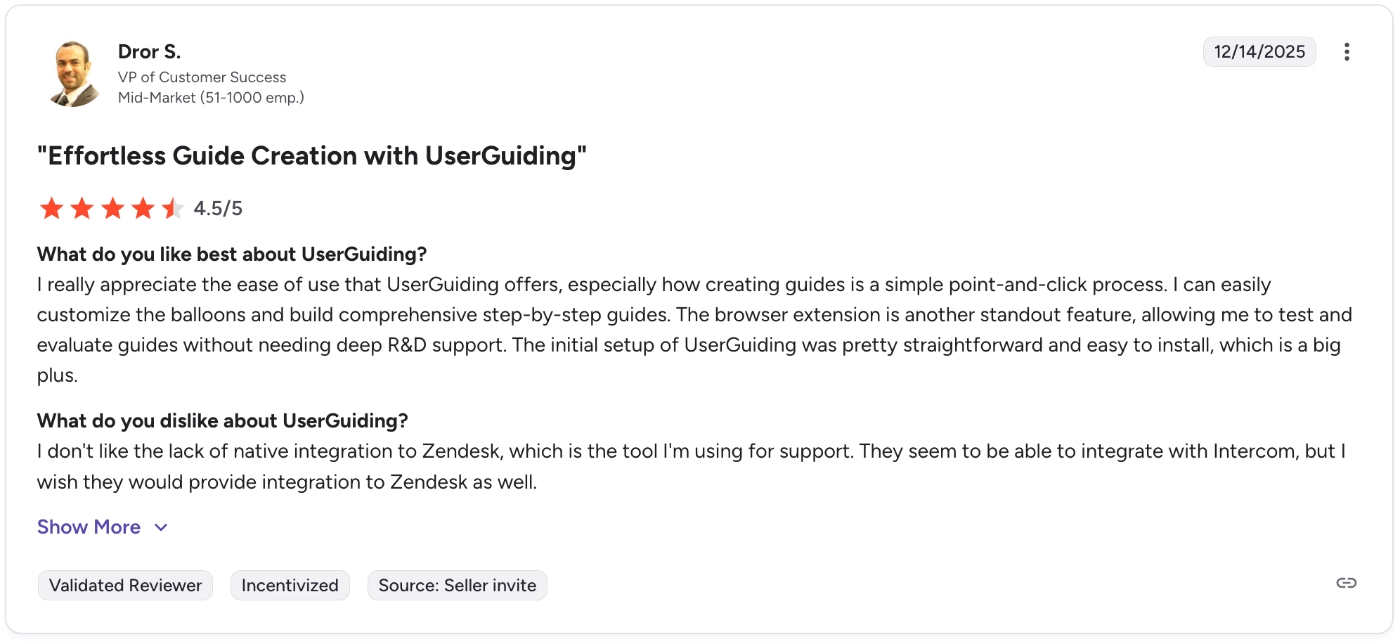
I don't like the lack of native integration to Zendesk, which is the tool I'm using for support. They seem to be able to integrate with Intercom, but I wish they would provide integration to Zendesk as well.”
Who UserGuiding is (and isn’t) for
Final verdict: Is UserGuiding worth it?
UserGuiding is a solid, easy-to-use product adoption platform that many teams love. Its no-code editor, intuitive interface, and smart segmentation make it quick to set up and simple to manage, even without a developer on hand. The dashboards and analytics are clear and actionable, so you can see what’s working and adjust fast.
It’s not an analytics-first platform, and a few things like lack of mobile app support, automated localization, or certain integrations can feel limited.
For most small to mid-sized SaaS teams, these are minor trade-offs.
Especially for those who prioritize quick value return, scalability, and usability.
All in all, if you want a practical, user-friendly, and flexible tool to boost engagement without a steep learning curve, UserGuiding is definitely worth checking out.
Frequently Asked Questions
What is UserGuiding used for?
UserGuiding is used to create and manage in-app user experiences that improve onboarding, feature adoption, and overall engagement. You can use it to build interactive product tours, onboarding checklists, in-app announcements, and surveys. Beyond in-app experiences, UserGuiding also offers two standalone, off-app features: a knowledge base and a product updates module. These allow you to centralize help documentation and share release notes or announcements outside the product interface.
Does UserGuiding have a free trial?
Yes. UserGuiding offers a free trial for its paid plans, allowing teams to test the platform before committing.

.png)










