


.svg)
.svg)
.svg)
.svg)



.svg)




.svg)
.svg)


According to Rocketlane’s 2025 State of Customer Onboarding Report, 45% of teams still struggle with siloed tools during customer onboarding, while approx 90% of organizations say that 2026 will be the year they prioritize AI and automation in their customer onboarding and journey personalization.

So, if you’re also among either of these groups (or maybe even both of them), it’s highly possible that you were impressed by Pendo’s comprehensive toolkit and AI-powered capabilities.
However, is Pendo really what it seems to be? What do its customers say about the platform? Does it keep its promises?
Well… Let’s find out together by analyzing Pendo’s customer reviews across different review sites and see how Pendo’s customers feel about the platform, shall we?
For those who are in a hurry, here is the TL;DR 👇🏻
TL;DR
- Pendo is a software experience management and product analytics solution that is used for user education, user research, feature promotion, and feature engagement monitoring.
- Pendo has an opaque pricing strategy, they do not share the starting prices of their paid plans. However, based on Vendr data, the average cost of the platform is more than $48,000/yr and it can reach up to 6 figures.
- Pendo also has a free plan, however, it’s very limited in terms of included features and MAU cap.
- There are several things Pendo customers appreciate and praise in their reviews, such as extensive analytics and reporting capabilities, a varied toolkit that support different use cases and needs from user onboarding to product planning, and great support resources.
- However, there are also several things that annoy many Pendo customers, including Pendo’s high prices and opaque pricing strategy, the steep learning curve of the platform, fragmented and complex user flows that confuse users and/or require constant hand-holding and support.
- Pendo is also often criticized for its lack of feature depth, especially with regards to its survey and segmentation capabilities.
- For teams that require flexibility and scalability, as well as those who look for usability and less technicality in a solution, Pendo might not be the most suitable platform. A more practical solution can be UserGuiding.
Pendo at a glance
Pendo is a product experience management and product analytics platform that enables you to monitor your users’ in-app behavior, detect trends, and improve in-app engagement through tools like guides, tooltips, and pop-up modals.
Main offerings of the platform are:
- Pendo Analytics (reports for engagement, user journey, trends, paths)
- Pendo NPS (NPS surveys and AI analysis)
- Pendo Session Replay
- Pendo Predict (AI-powered churn prediction)
- Pendo Guides (guides, tooltips, pop-up modals)
- Pendo Listen (feedback forms, roadmaps, idea prioritization tools)
- Pendo Orchestrate (email and guide synchronization across user journey)
- Pendo Agent Analytics
- Pendo for mobile (in-app messaging, guidance, feedback, analytics, and session recording)
⚠️ Pendo Agent Analytics is an analytics capability that allows you to monitor how your customers/employees engage with AI agents already existing in your app. Pendo does not enable you to create AI agents from scratch.
If you’d like to learn more about Pendo’s features, here’s our in-depth analysis of Pendo use cases 👈🏻
Pendo pricing
Pendo has 3 paid plans (along with a very limited free plan) called Base, Core, and Ultimate. However, their starting prices are not publicly available on Pendo’s pricing page.
They share which features are included in which plans, brace yourself, most of their cool features are available in the lower tiers, however, how the plans scale as you grow in MAU or feature usage is very opaque…
So, you technically have access to guides and analytics in all plans, but are there any feature caps, if so, how much? We don’t know.
Same goes for MAU.
All paid plans come with custom MAU, meaning that you don’t know how your cost will scale as you grow until you actually grow and the time for negotiation comes…
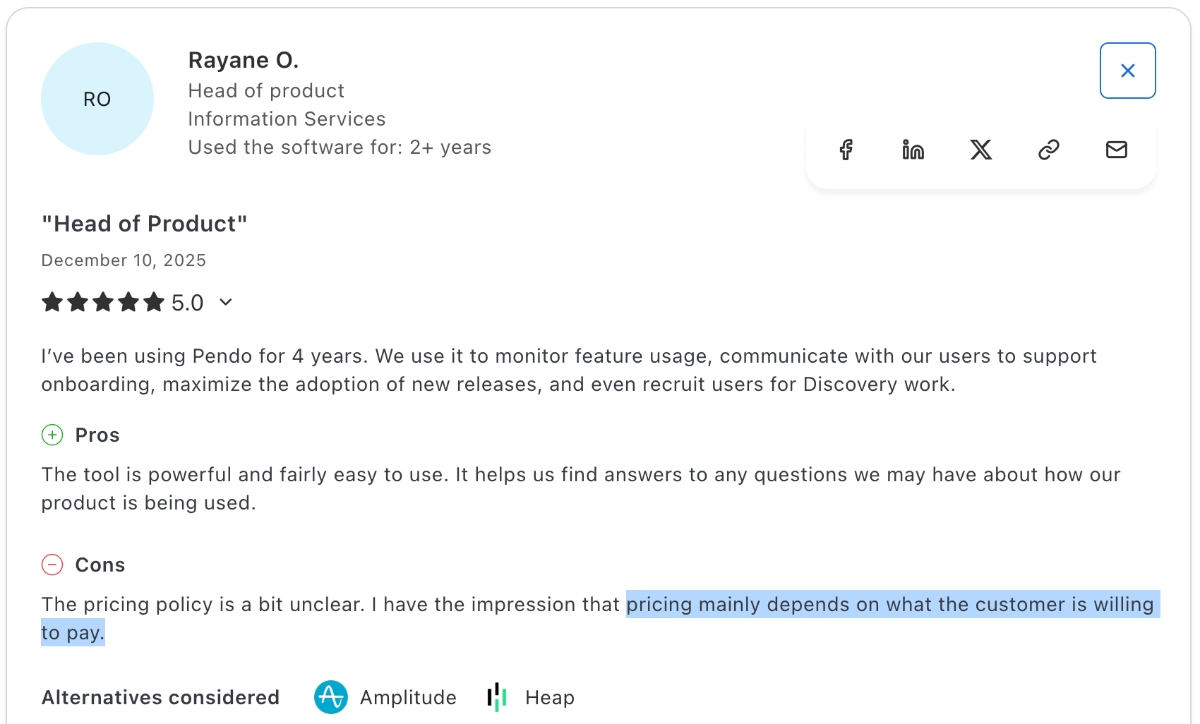
Even a 4-year Pendo customer does not know what drives the prices up, and they say, “Pricing mainly depends on what the customer is willing to pay.” (Not our words, really 👀)
However, it does not mean that we have zero clue about the cost of Pendo.
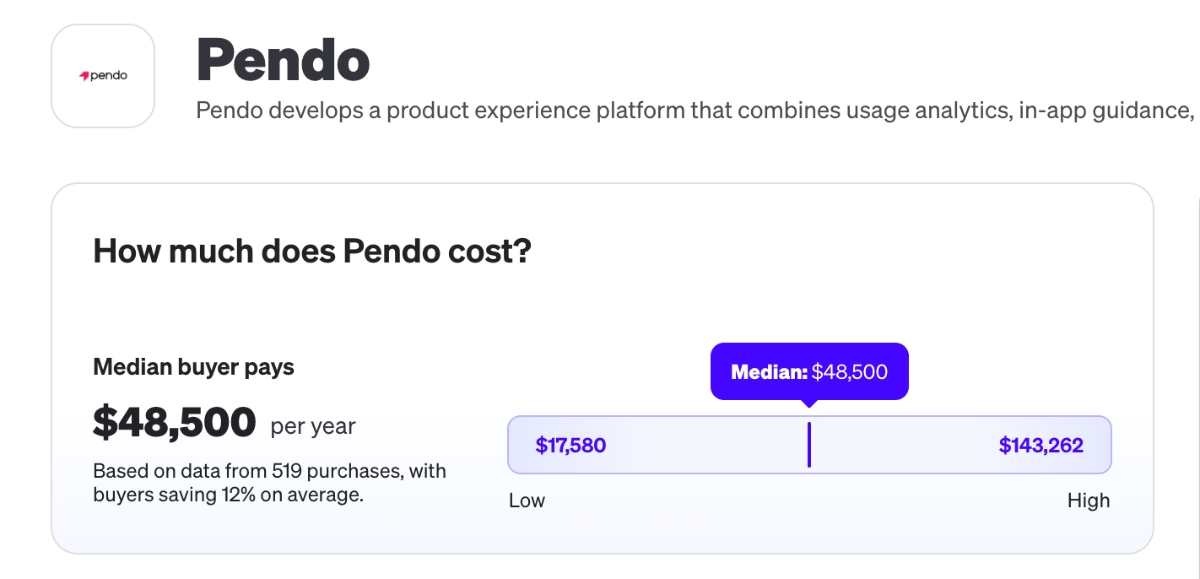
According to Vendr data, the average cost of the platform is around $48,000/yr. This number can easily reach up to 6 figures with higher MAU and feature usage.
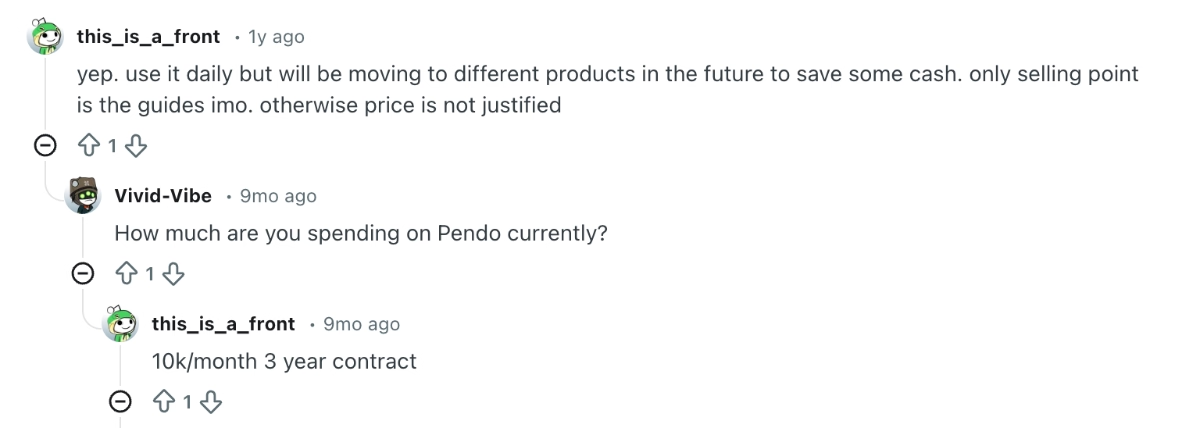
And actually, according to a recent Reddit post, Pendo costs them 10k/mo, even with a 3-year long-term contract, which often tend to come with discounts…
If all of this caused only more uncertainties and question marks in your mind, we get you, Pendo’s pricing can be really tricky.
If you’d like to understand it a little bit better without (or before) contacting Pendo and sitting on the table with them, just to be prepared, you might want to check out our detailed breakdown of Pendo’s pricing. 👈🏻
What users like about Pendo
Pendo has been around more than 10 years and it’s has many loyal customers who use the platform lovingly. So, if some businesses are willing to pay this much money, there must be some value to it, right?
But the platform has changed and growed radically since it was founded in 2013.
So, let’s look at what Pendo customers appreciate about the platform nowadays and how it’s been helping them.
Pendo has…
- 1,559 reviews on G2, and is rated 4.4/5 ⭐
- 238 reviews on Capterra, and is rated 4.5/5 ⭐
- 250 reviews on TrustRadius, and is rated 8.4/10 ⭐
- 69 reviews on Gartner, and is rated 4.4/5 ⭐
👇🏻 Here are the highlights of 2025 and 2026:
Comprehensive analytics* and user research tools
Pendo offers a great number of tools and capabilities to monitor user engagement and understand user behavior. The reports, session replays, surveys, event tracking capabilities… Many Pendo customers praise the availability of this variety of tools that help them gather both qualitative and quantitative insights.
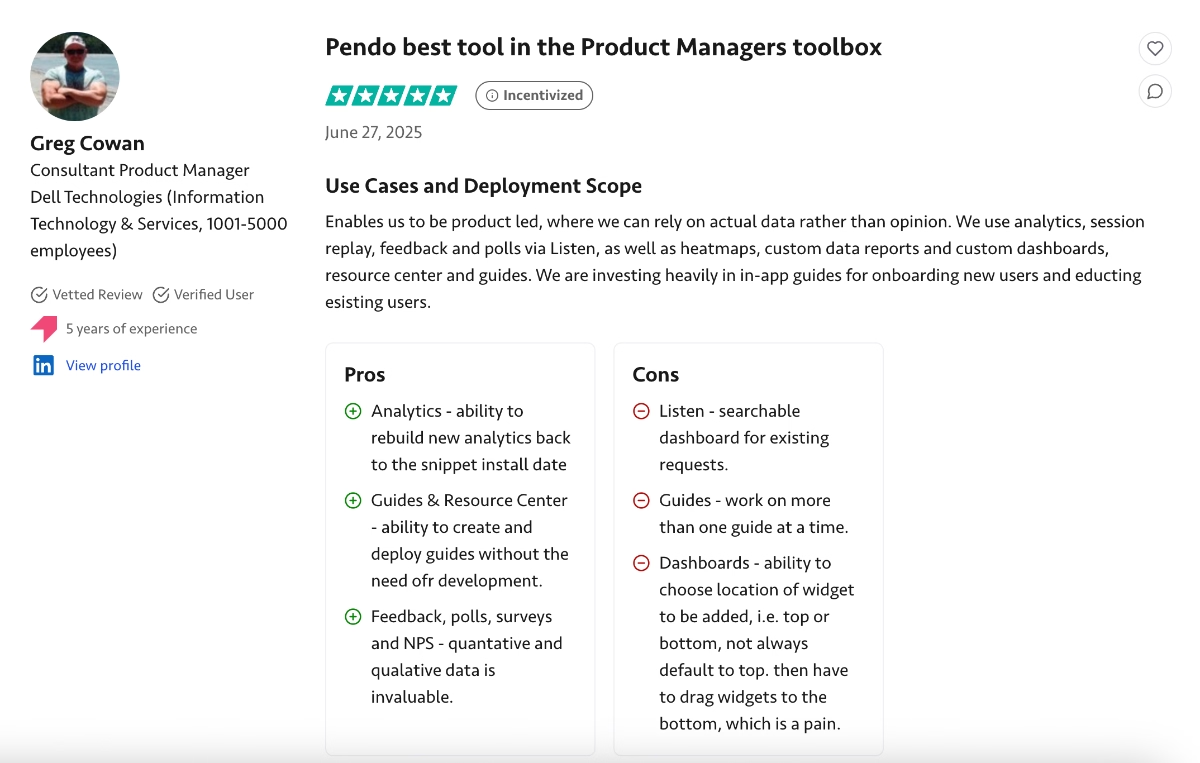
For example, one customer says:
Pendo enables us to be product-led, where we can rely on actual data rather than opinion. We use analytics, session replay, feedback, and polls via Listen, as well as heatmaps, custom data reports, custom dashboards, resource center, and guides.”
Here’s what another Pendo customer says:
Before Pendo.io, we lacked clear visibility into how users were navigating our products and which features they were actually using. It was tough to make informed, data-driven decisions about where to focus our product improvements. Pendo.io solved this by giving us real-time, actionable insights into user behavior. We've been able to identify friction points in the user journey, improve onboarding flows, and increase adoption of underutilized features.”
⚠️ However, while many users praise Pendo’s analytics and real-time behaviour tracking, many also find it confusing and hard to use. According to some users, there isn’t much guidance on how to use the analytics capabilities.
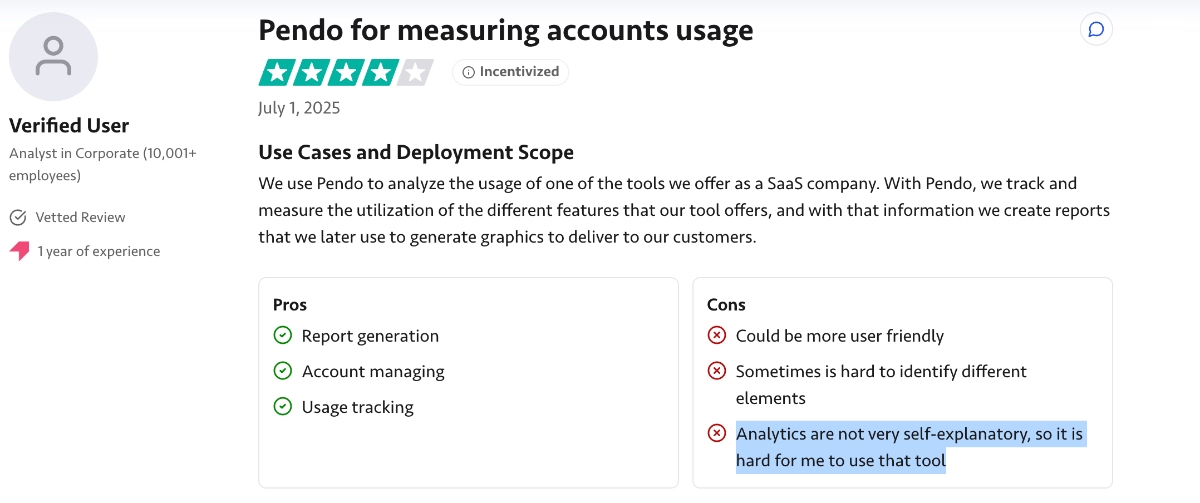
Analytics are not very self-explanatory, so it is hard for me to use that tool.”
Plus, even though Pendo’s analytics capabilities are powerful, especially compared to its product adoption and onboarding competitors, Pendo is still not an analytics-first solution. Meaning that, if your whole reason for considering Pendo is its strong product analytics, you need to know that “strong” is a relative term 👀
Many Pendo customers say that while Pendo’s analytics are great for starters, they're still limited compared to product analytics tools like Mixpanel and Amplitude.
Basic reporting is good, but you can't do anything really complex. You have to export the data to a different tool to do this.”
And there are also those who criticize the level of control Pendo gives its users over the data it collects and how you might not be able to see everything happening behind the scenes, as well as those who find the reports and dashboards misleading…
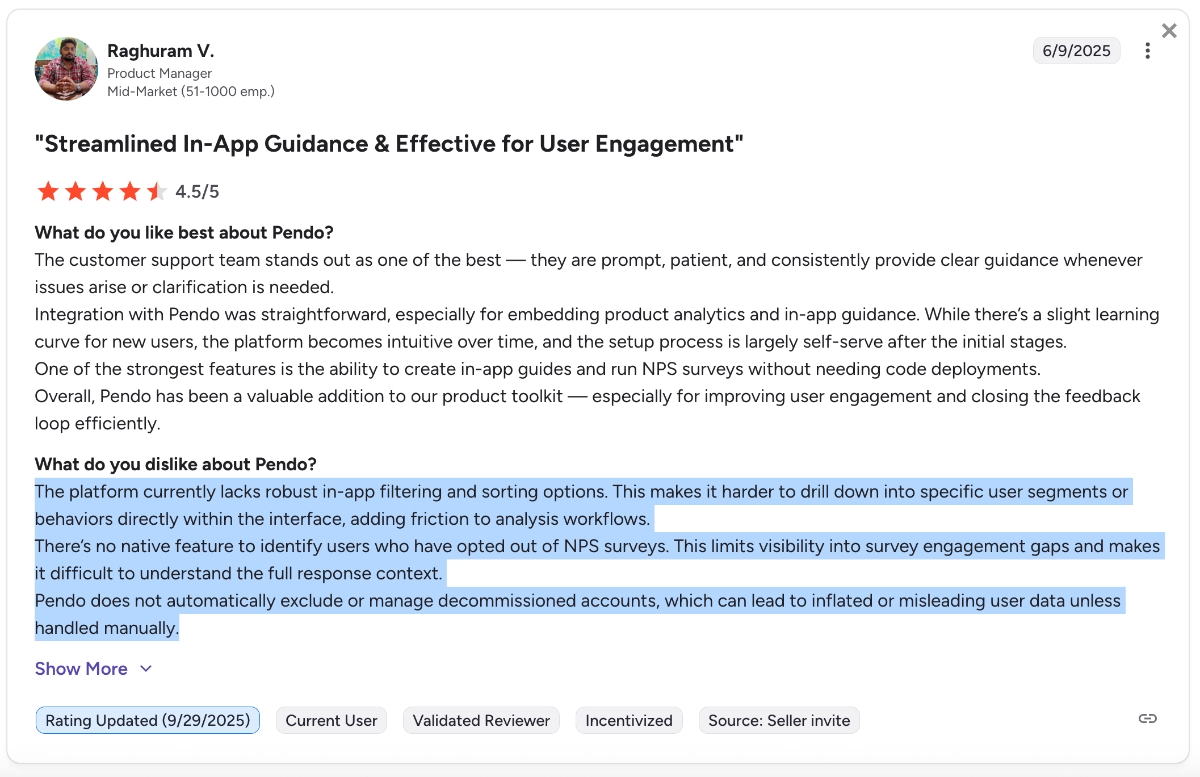
The platform currently lacks robust in-app filtering and sorting options. This makes it harder to drill down into specific user segments or behaviors directly within the interface, adding friction to analysis workflows. There’s no native feature to identify users who have opted out of NPS surveys. This limits visibility into survey engagement gaps and makes it difficult to understand the full response context. Pendo does not automatically exclude or manage decommissioned accounts, which can lead to inflated or misleading user data unless handled manually.”
While Pendo’s analytics, session replays, and event-tracking capabilities are widely praised and often cited as main reasons for subscribing, they’re also heavily criticized.
**So, we’ll list them among the pros of Pendo with an asterisk for now…
A versatile toolkit for several use cases
As we’ve shortly covered in the Pendo overview section, too, Pendo has a lot of capabilities and features that support several different use cases and needs, ranging from onboarding and feature promotion to engagement monitoring and user research, and even product planning.
While most of these features are offered as add-ons in both Base and Core plans and only included in the most expensive tier, many Pendo customers still appreciate their availability nonetheless.
For example, one customer says:
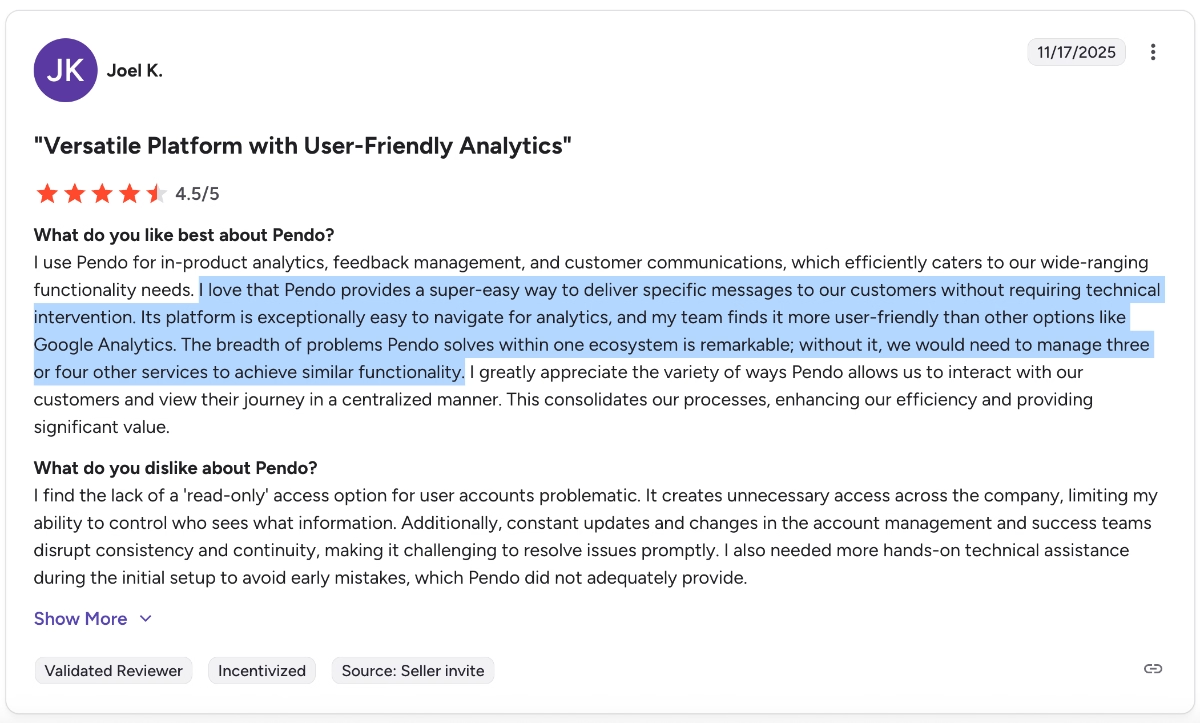
Pendo’s platform is exceptionally easy to navigate for analytics, and my team finds it more user-friendly than other options like Google Analytics. The breadth of problems Pendo solves within one ecosystem is remarkable; without it, we would need to manage three or four other services to achieve similar functionality.”
Varied educational/ support resources
Pendo comes with a steep learning curve, which we’ll talk about in a minute, so many Pendo users, especially non-technical users, can struggle with the platform setup and implementation. Knowing this, Pendo offers a lot of resources for their users to solve their problems independently and quickly, without contacting support.
According to several users, Pendo’s self-serve onboarding and educational materials are varied and helpful.
Here’s what one user says:
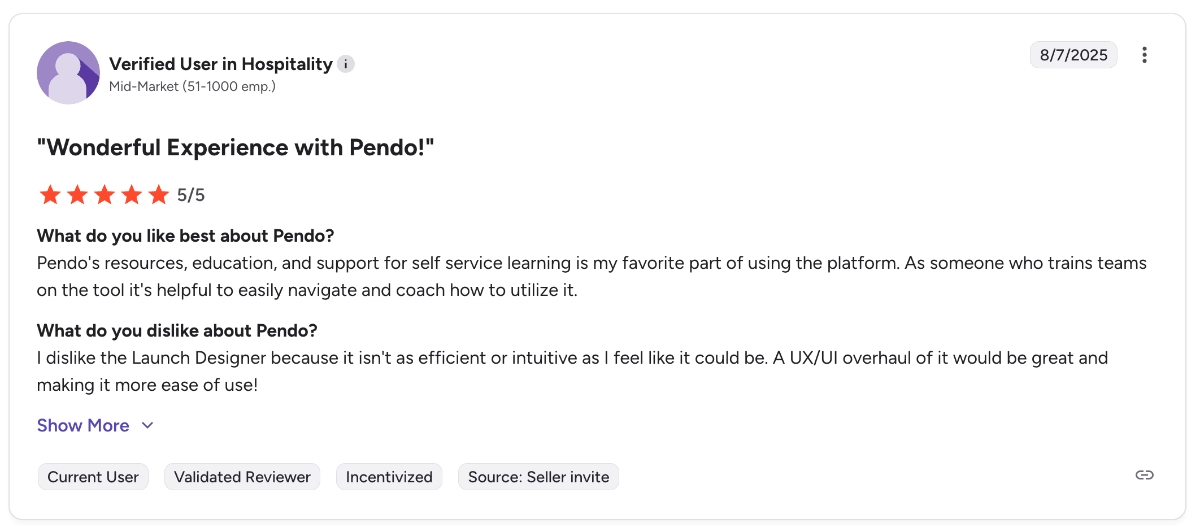
Pendo's resources, education, and support for self-service learning are my favorite part of using the platform. As someone who trains teams on the tool, it's helpful to easily navigate and coach how to utilize it.”
Another user praises Pendo’s certifications and courses that are not necessarily about the product itself but are offered to help product and support teams improve their overall skills.
They say:
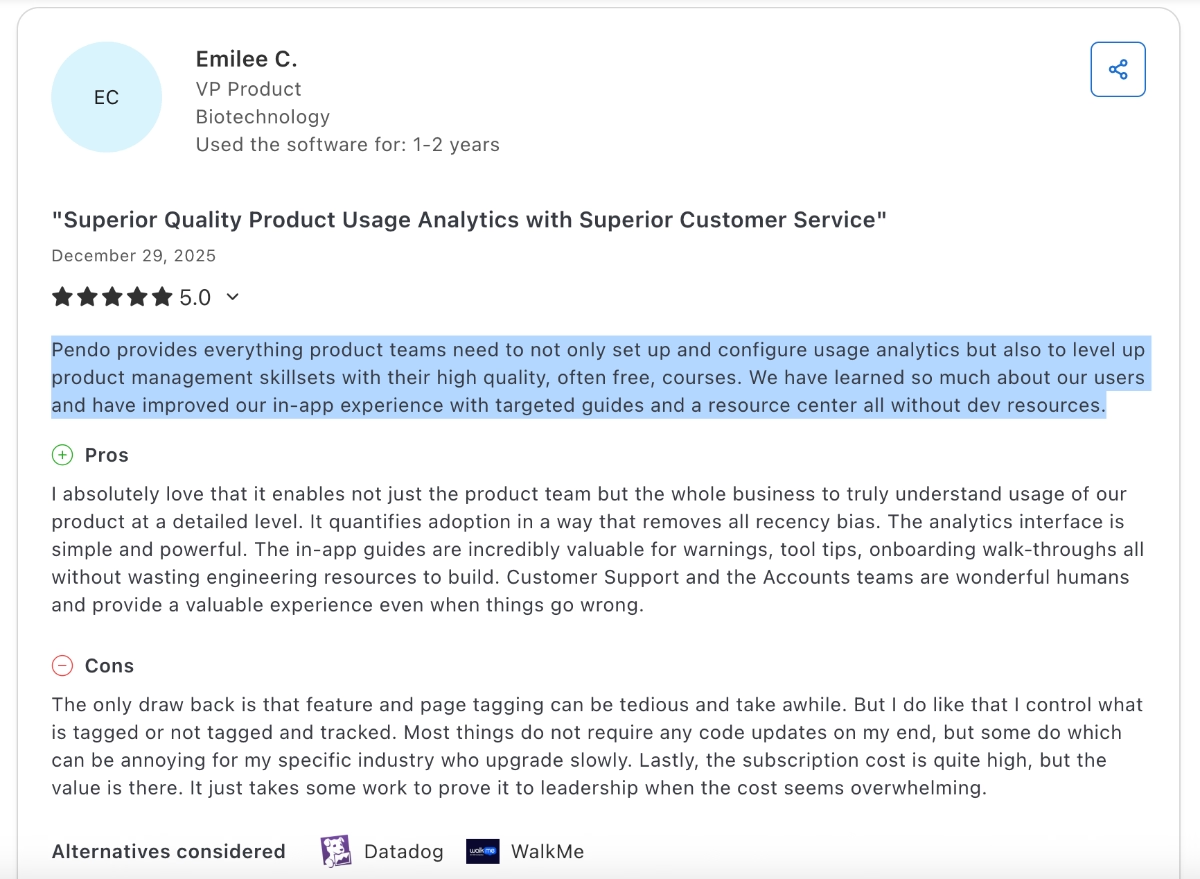
Pendo provides everything product teams need to not only set up and configure usage analytics but also to level up product management skillsets with their high-quality, often free, courses. We have learned so much about our users and have improved our in-app experience with targeted guides and a resource center, all without dev resources.”
In-app communication tools
Pendo is a product experience platform as well as a product analytics platform, so it would be unfair not to talk about their in-app experience tools. It offers several features for in-app communication and guidance, such as tooltips, banners, and lightboxes (a cool name for pop-up modals).
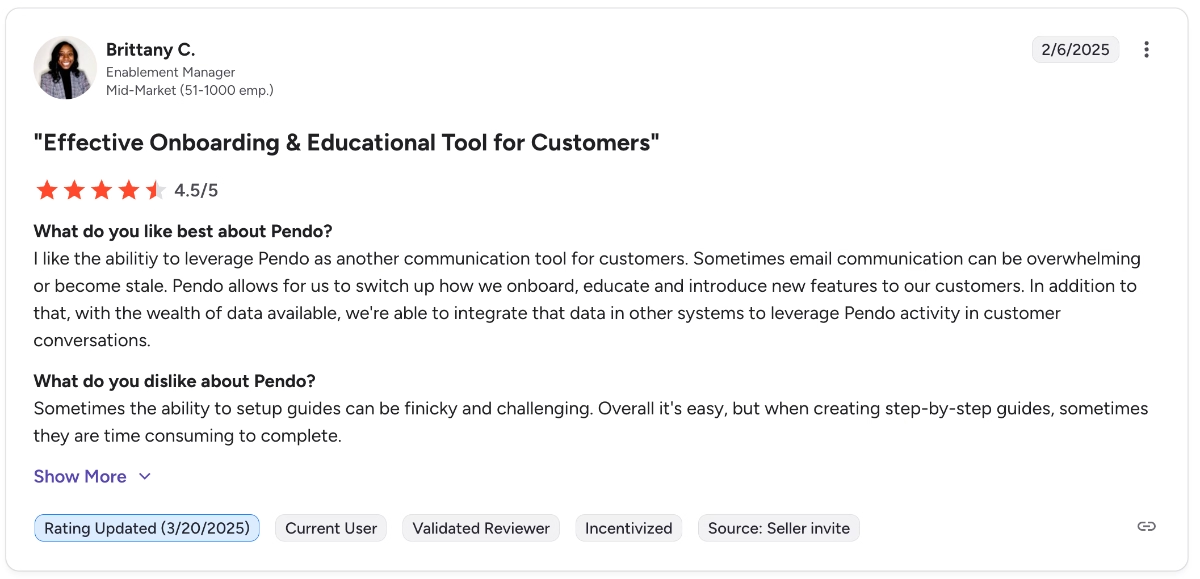
I like the ability to leverage Pendo as another communication tool for customers. Sometimes email communication can be overwhelming or become stale. Pendo allows us to switch up how we onboard, educate, and introduce new features to our customers.”
Great customer support
While Pendo is criticized a lot for its steep learning curve and constant need for hand-holding, its support team praised a lot for their quick responses and dedication to customer success.
For example, one long-term Pendo customer says:
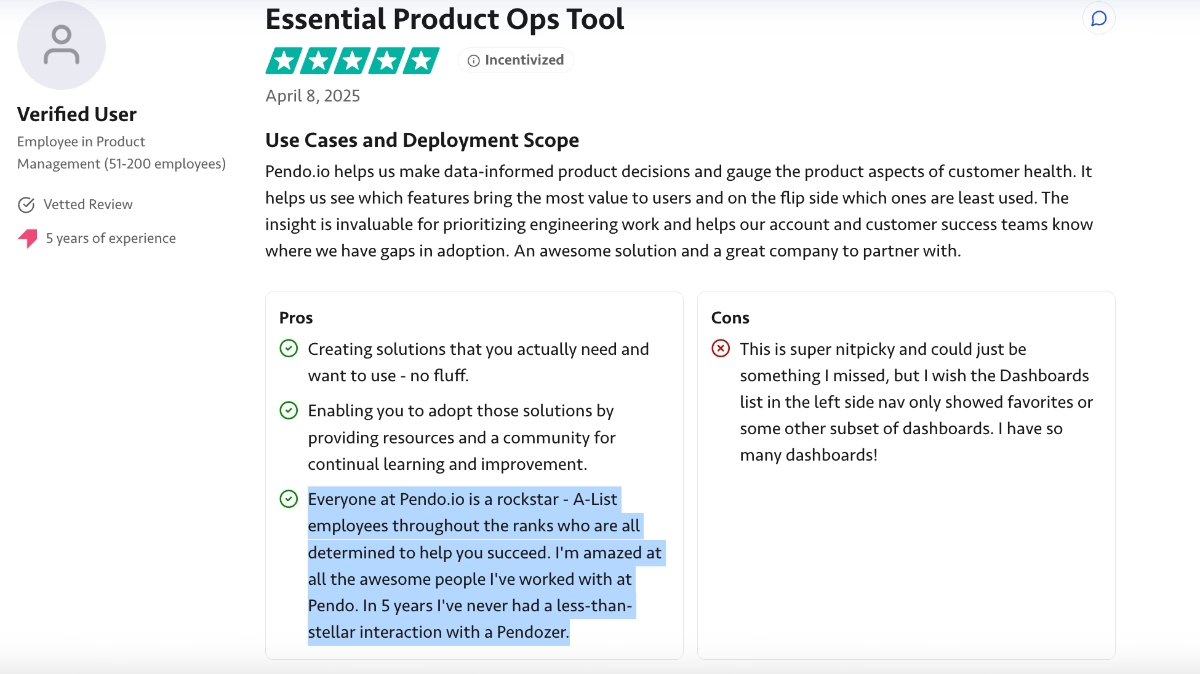
Everyone at Pendo.io is a rockstar - A-List employees throughout the ranks who are all determined to help you succeed. I'm amazed at all the awesome people I've worked with at Pendo. In 5 years, I've never had a less-than-stellar interaction with a Pendozer.”
Common complaints about Pendo
Now, we hinted at several common problems and grievances with Pendo, the issues with analytics and the learning curve of the tool. However, unfortunately, they’re not all…
🚨🚨 Here are the other issues with Pendo that have come up over and over again in customer reviews in the last year:
Fragmented user experience and complex UI
Pendo is a comprehensive solution with a lot of capabilities, however, it’s also a complex one with a confusing UX. Many Pendo users complain about the UI (some find it old school, some find it hard to understand/ memorize) as well as the overall usability, mainly how fragmented certain workflows can be and how much go and back they can require.
Here’s an example customer review about the issue:
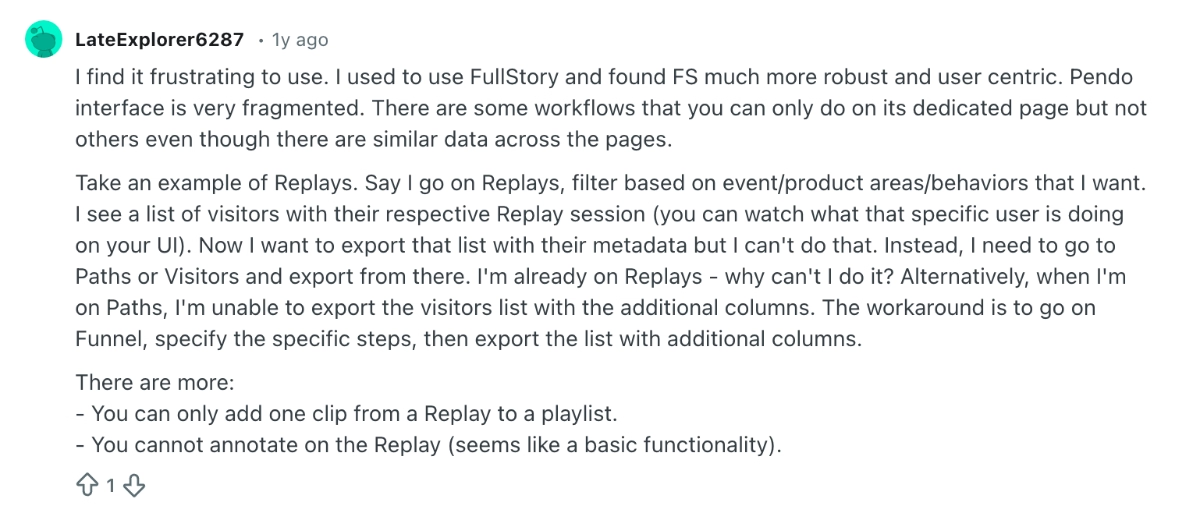
I find it frustrating to use. I used to use FullStory and found FS much more robust and user-centric. The Pendo interface is very fragmented. There are some workflows that you can only do on their dedicated page, but not others, even though there is similar data across the pages.”
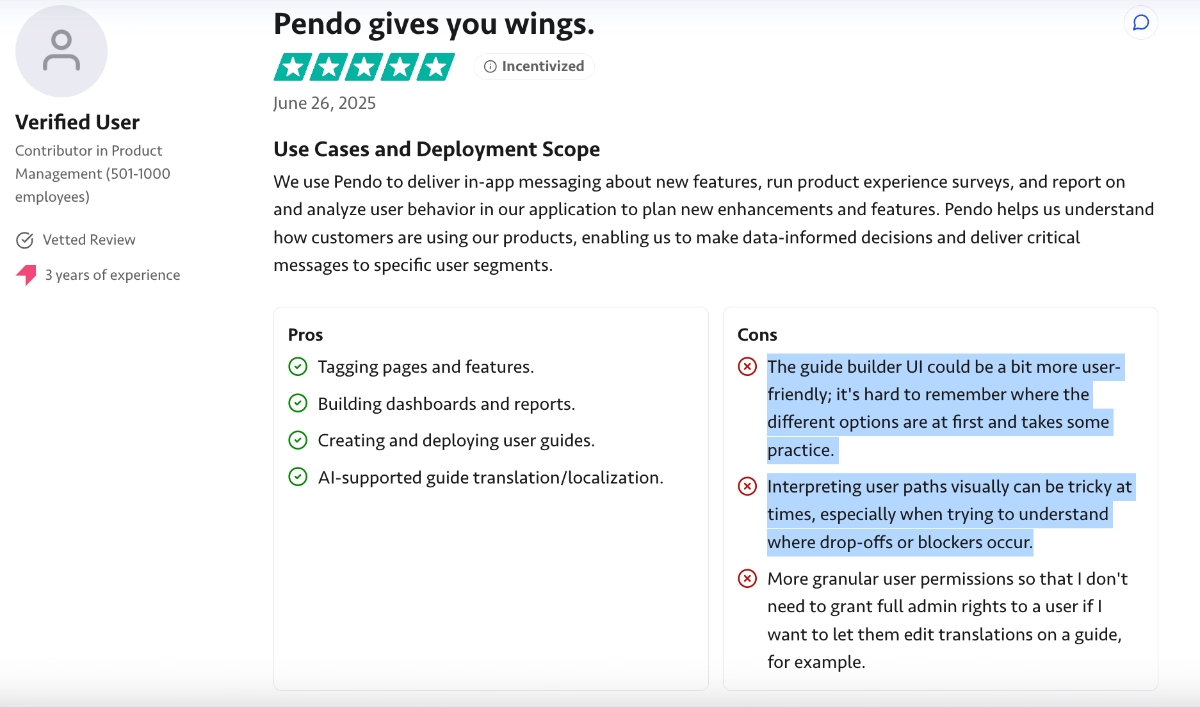
The UX/UI issues are not limited to session replays, as well. Several users also find the guide builders and reports confusing and hard to navigate, too. One user says:
The guide builder UI could be a bit more user-friendly; it's hard to remember where the different options are at first and takes some practice. Plus, interpreting user paths visually can be tricky at times, especially when trying to understand where drop-offs or blockers occur.”
Confusing implementation and setup
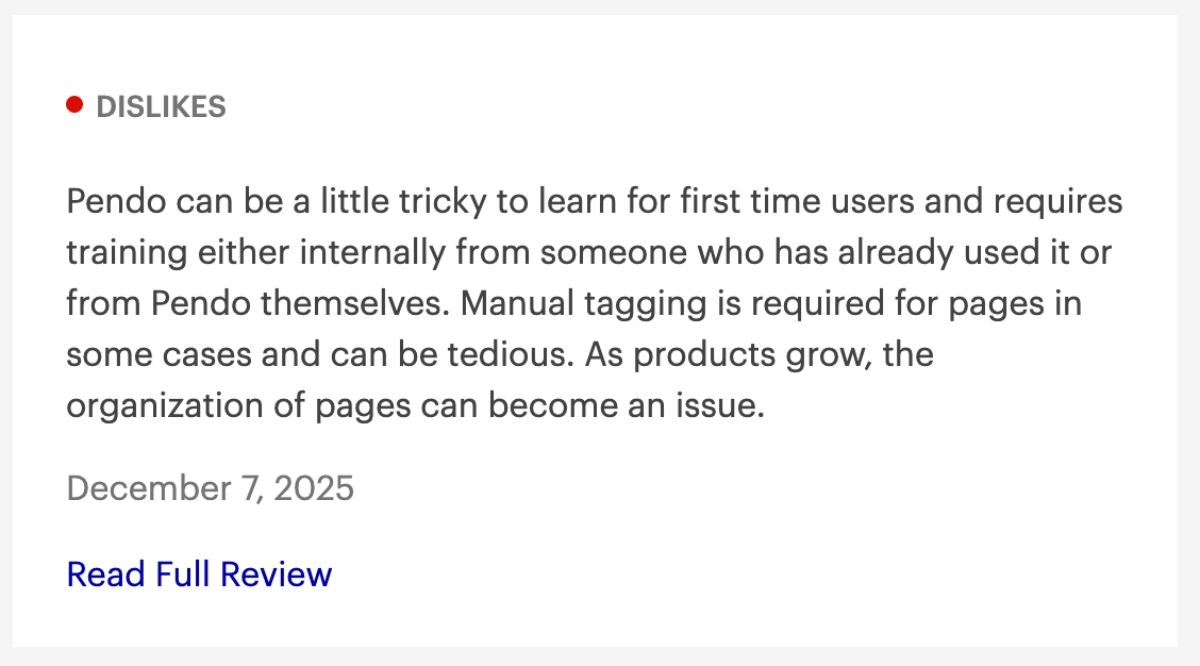
As we’ve highlighted before, Pendo is a tool that requires significant hand-holding and manual guidance, especially during setup. Many customers state they needed help from both the Pendo team and their internal technical teams, even though the tool was meant to let them avoid bothering their developers…
Pendo can be a little tricky to learn for first-time users and requires training either internally from someone who has already used it or from Pendo itself.”
Moreover, the need for hand-holding does not end with the setup if you’re not particularly tech-savvy. Many users state that they require support from their colleagues and/or the support team at Pendo after the initial implementation, too.
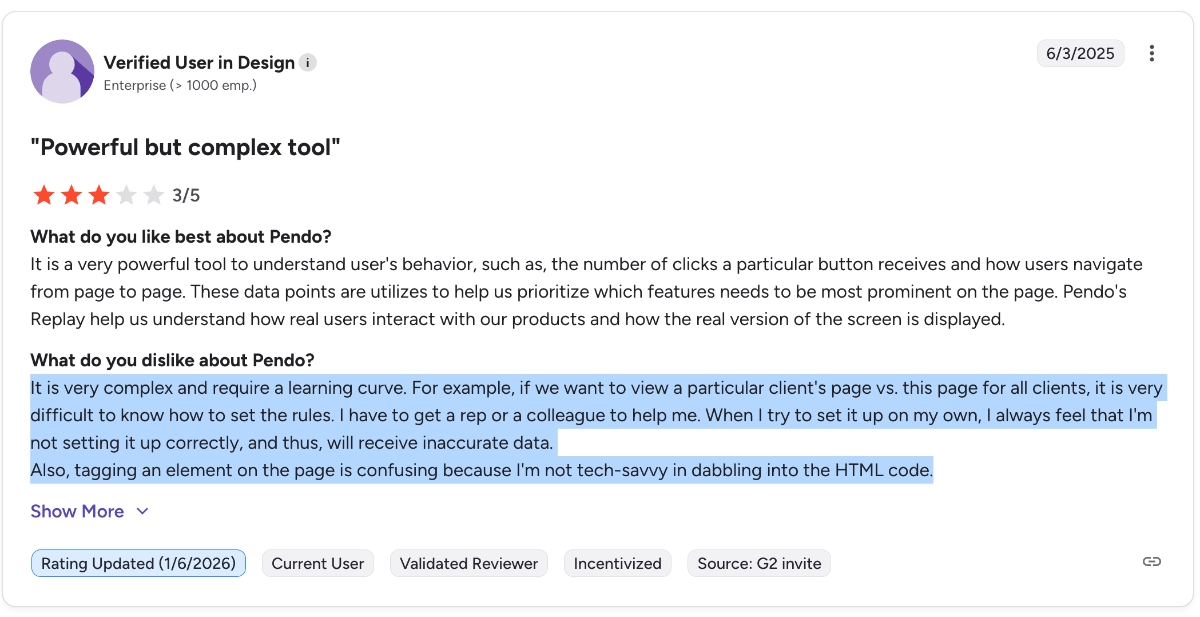
For example, one user says:
It is very complex and requires a learning curve. For example, if we want to view a particular client's page vs. this page for all clients, it is very difficult to know how to set the rules. I have to get a rep or a colleague to help me. When I try to set it up on my own, I always feel that I'm not setting it up correctly, and thus, will receive inaccurate data. Also, tagging an element on the page is confusing because I'm not tech-savvy in dabbling with the HTML code.”
Limited survey capabilities
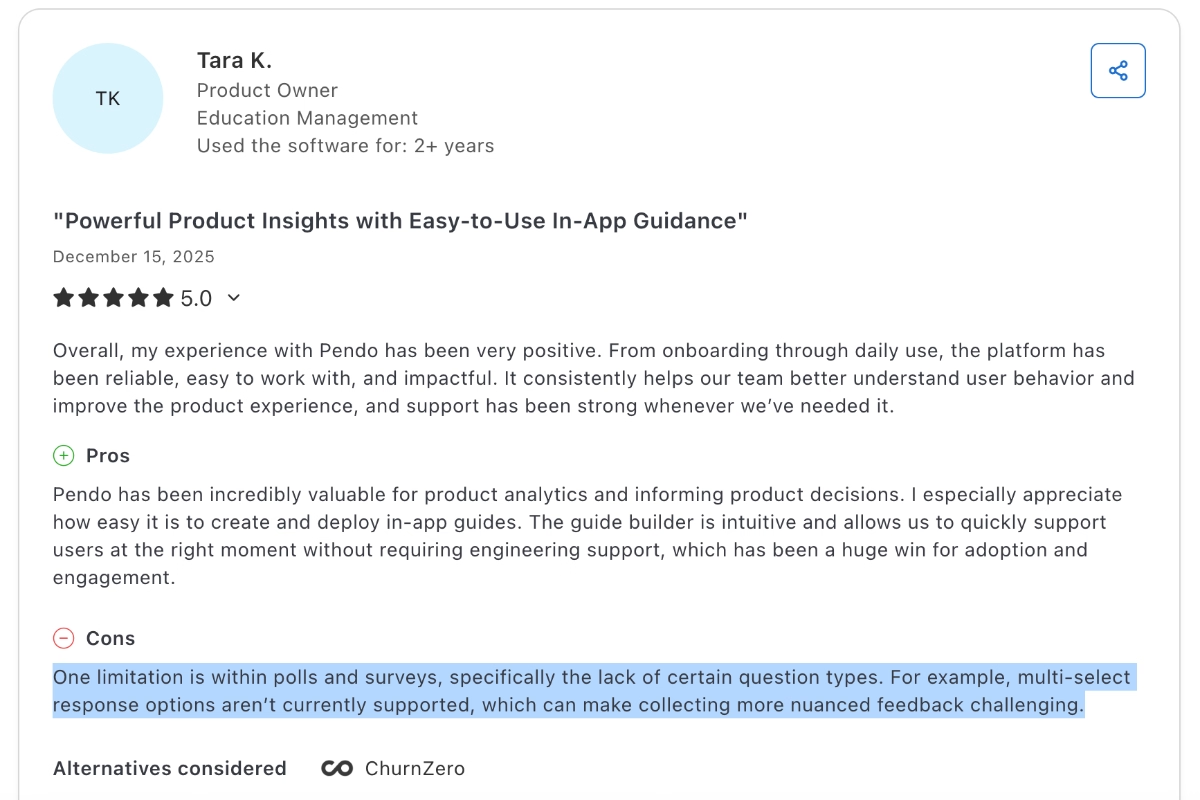
With Pendo, the number of questions you can add in a survey is limited. For example, you can only add one follow-up question after an NPS survey. Plus, the questions you can ask in a survey are also very limited. Many users find it difficult to create personalized and detailed surveys with Pendo due to these limitations.
Here’s how one user expresses their lack of satisfaction with Pendo surveys:
One limitation is within polls and surveys, specifically the lack of certain question types. For example, multi-select response options aren’t currently supported, which can make collecting more nuanced feedback challenging.”
Complex segment/ audience management
Pendo allows for in-app communication and onboarding personalization through segmentation and audience management capabilities. However, these capabilities are among the ones that have relatively complex and fragmented UX.
Especially if you’re managing a lot of guides and other materials, managing segments and audiences becomes very tedious and clunky, some users say.
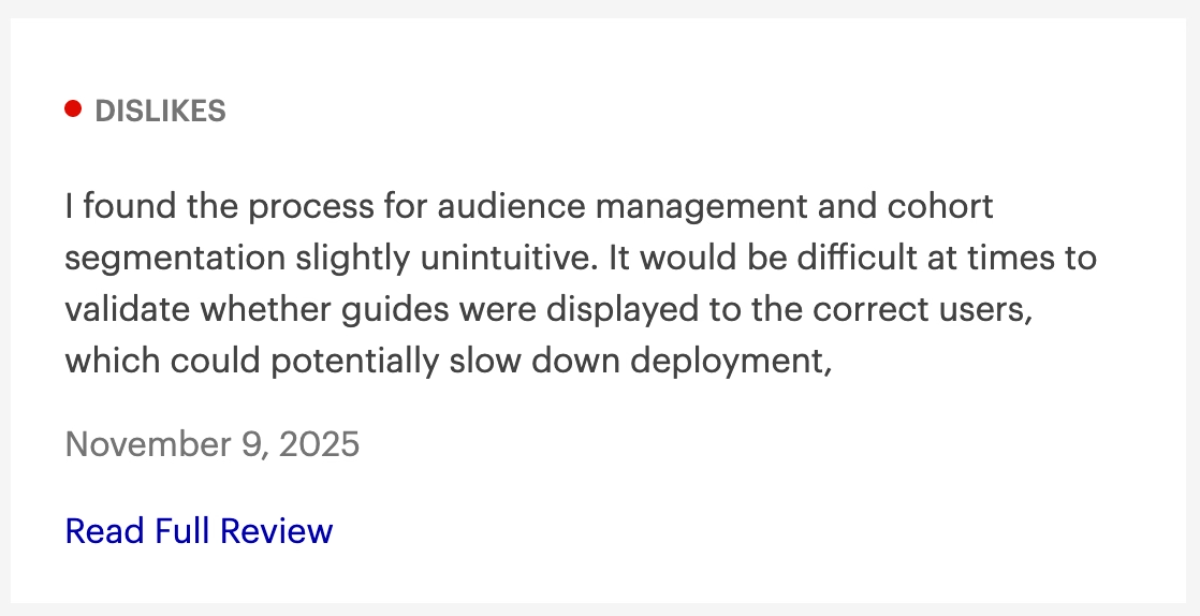
I found the process for audience management and cohort segmentation slightly unintuitive. It would be difficult at times to validate whether guides were displayed to the correct users, which could potentially slow down deployment.”
Lacks feature depth and customization
While some find Pendo’s wide range of features and use cases great, others criticize it for lacking depth and focus… The analytics capabilities are not detailed enough to be a real product analytics tool, and the in-app engagement and communication features lack customization and design freedom.
One customer says:
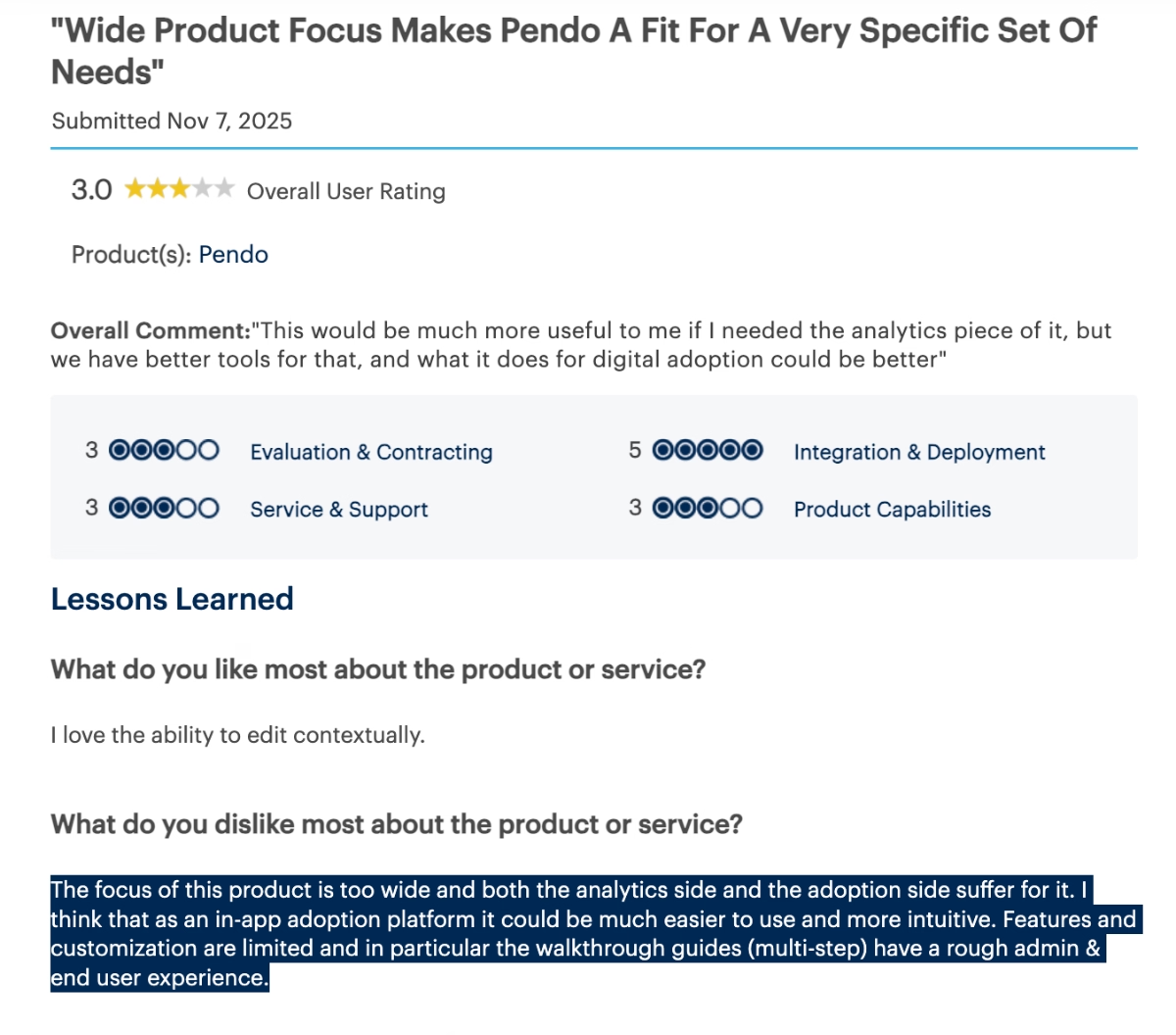
The focus of this product is too wide, and both the analytics side and the adoption side suffer for it. I think that as an in-app adoption platform, it could be much easier to use and more intuitive. Features and customization are limited, and in particular, the walkthrough guides (multi-step) have a rough admin & end user experience.”
Expensive pricing plans
The last (but certainly not least) important piece of criticism Pendo gets, again and again, is the platform’s pricing. Every year, it’s worse than the last.
Many of Pendo’s existing customers share their frustrations with pricing and how hard they struggle to justify the platform's cost, even though they love the app and clearly see its benefits and ROI…
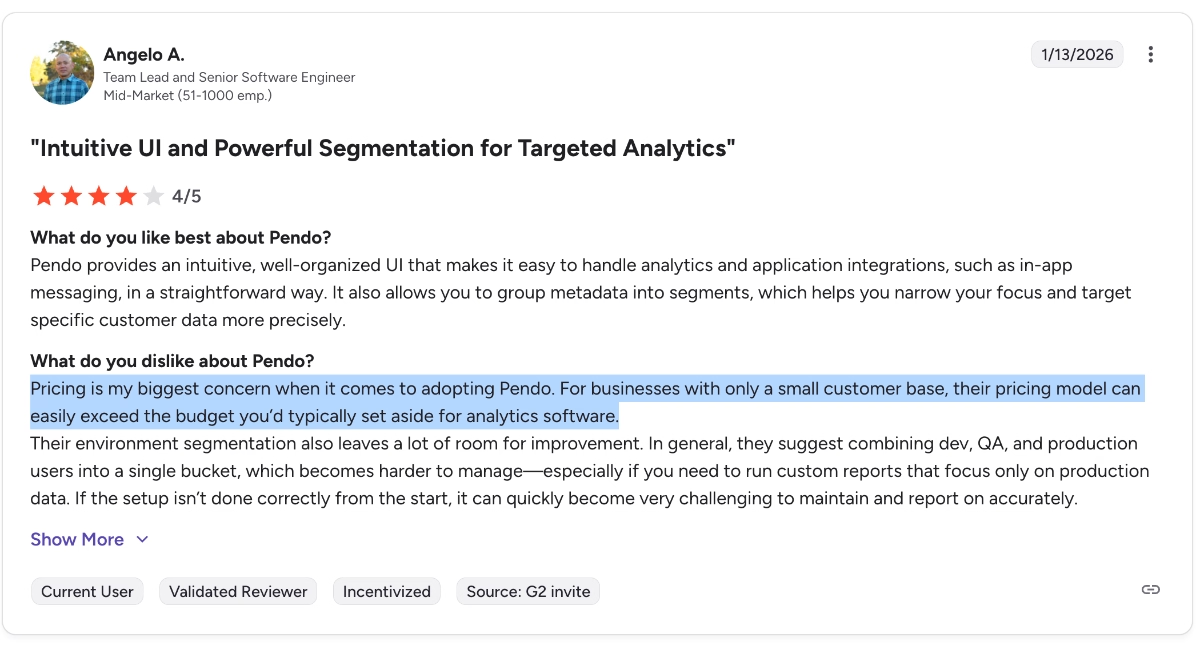
Pricing is my biggest concern when it comes to adopting Pendo. For businesses with only a small customer base, their pricing model can easily exceed the budget you’d typically set aside for analytics software.”
Additionally, Pendo’s opaque pricing model is also heavily criticized. Many users find the negotiation process tiring and not flexible enough, especially for growing startups and scaling companies.
One customer states their frustration as follows:
Most importantly, Pendo is not a great solution for a company (e.g., like a Series A) that is rapidly evolving and requires flexibility. Their pricing/licensing model is inflexible and old school. E.g., as of this writing, when you go to their pricing page, you get a "request pricing" button instead of actual information. Similarly, when my company wanted to transition off Pendo and asked for a 1-2 months extra time to facilitate, I was told that they only do 1 year contracts. Only after repeated escalations was I begrudgingly given the option for a 3-month term.”

And here’s what another customer says about Pendo’s prices:
While Pendo offers powerful insights and in-app tooling, the pricing quickly becomes hard to justify –especially for startups or scaling teams. The cost ramps up significantly as your MAU (Monthly Active Users) increase, making it feel like you’re penalized for product growth.”
I find Pendo to be quite pricey compared to its competitors, which makes me reconsider repurchasing without discounts or updated pricing. The basic capabilities offered by Pendo do not seem to justify the cost of the plan I am on. For example, features like heat maps and session replay are not included in the basic plan, whereas competitors offer these capabilities for free or at a lower price. It's challenging to defend Pendo's pricing when similar features are available more affordably elsewhere.”
We believe you got the sentiment, so, let’s move on…
Who Pendo is (and isn’t) for
Meet UserGuiding, a more practical and scalable Pendo alternative!
UserGuiding is a no-code, all-in-one product adoption platform that equips you with tools to create in-app experiences and offer your users self-serve support to increase feature engagement and adoption.
Here’s what you get with UserGuiding:
- Product tours
- Onboarding checklists
- Hotspots and tooltips
- Announcement modals (banners, slideouts, pop-ups, etc.)
- NPS and custom in-app surveys
- AI assistant
- Resource center (in-app)
- Knowledge base (standalone)
- Product updates (standalone)
- Segmentation
- Analytics
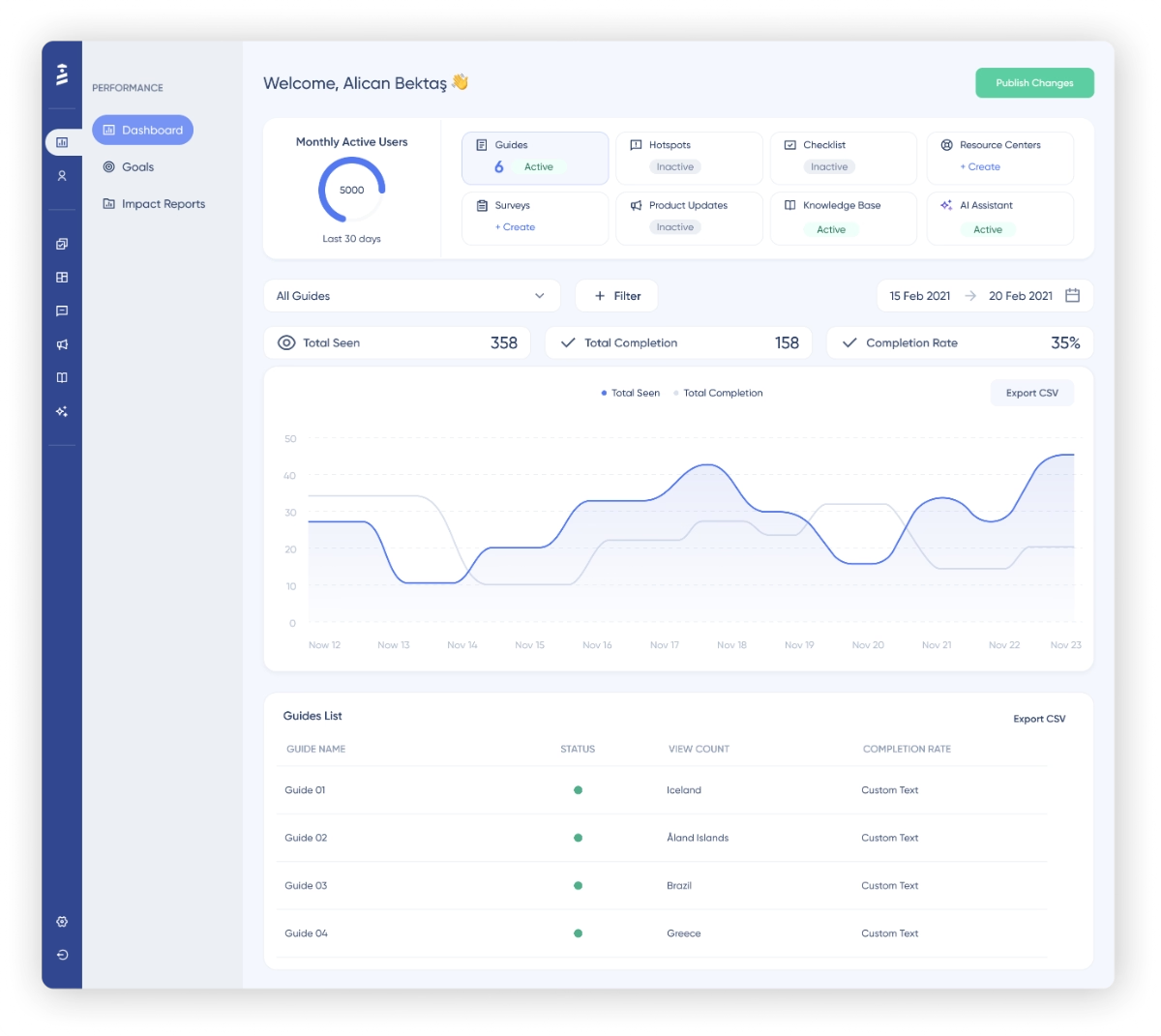
As you can see, UserGuiding and Pendo share many common features and capabilities.
Pendo’s onboarding and in-app communication-related features like guides, tooltips, pop-up modals, banners, resource centers, and surveys are also available in UserGuiding (with more templates and customization options, actually).
Additionally, UserGuiding also offers AI chat, knowledge base, and product updates to improve the self-serve support you offer to your customers.
But what really sets UserGuiding apart from Pendo is its usability.
UserGuiding is a true no-code solution with a little-to-no learning curve and a very self-explanatroy, intuitive UI.
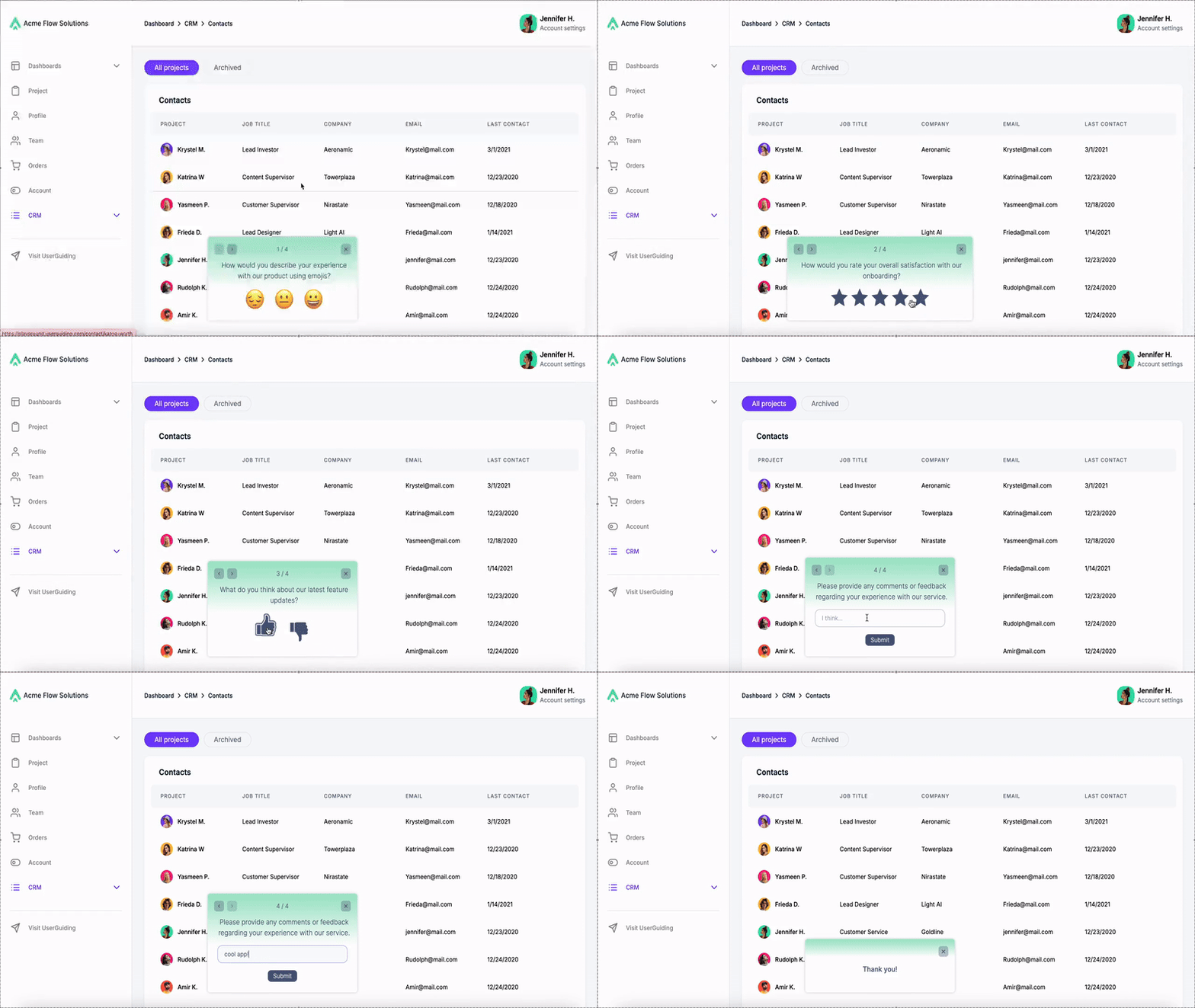
Let’s go over an example flow together and create an onboarding satisfaction survey (which you cannot really create with Pendo due to their question number and type limitations…)
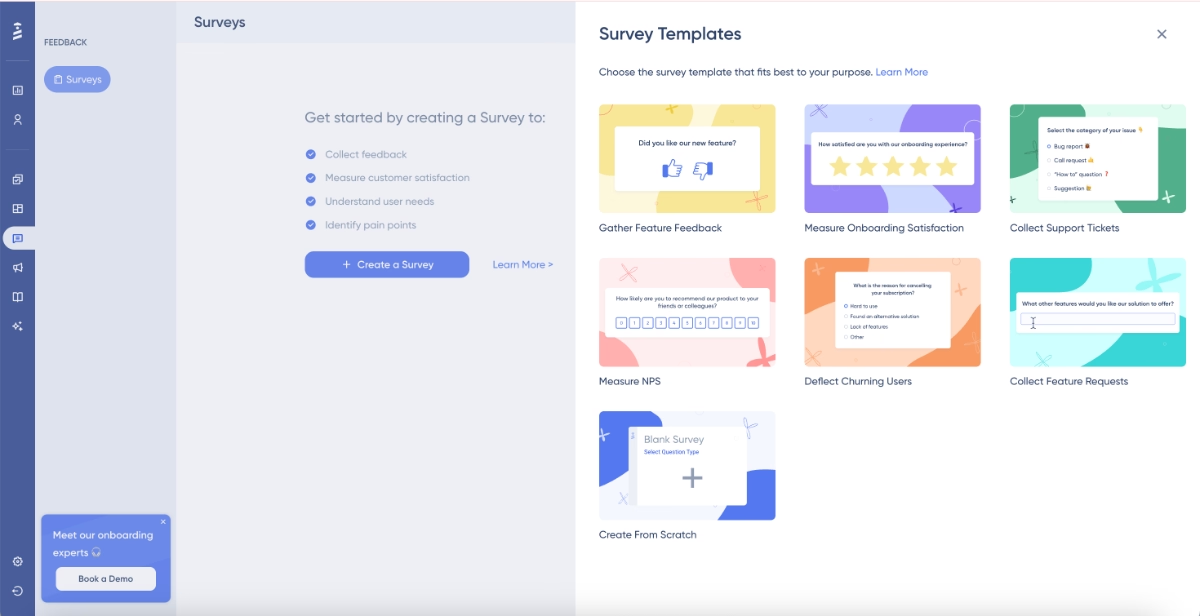
First, you go to the feedback tab and choose a survey template to start with:
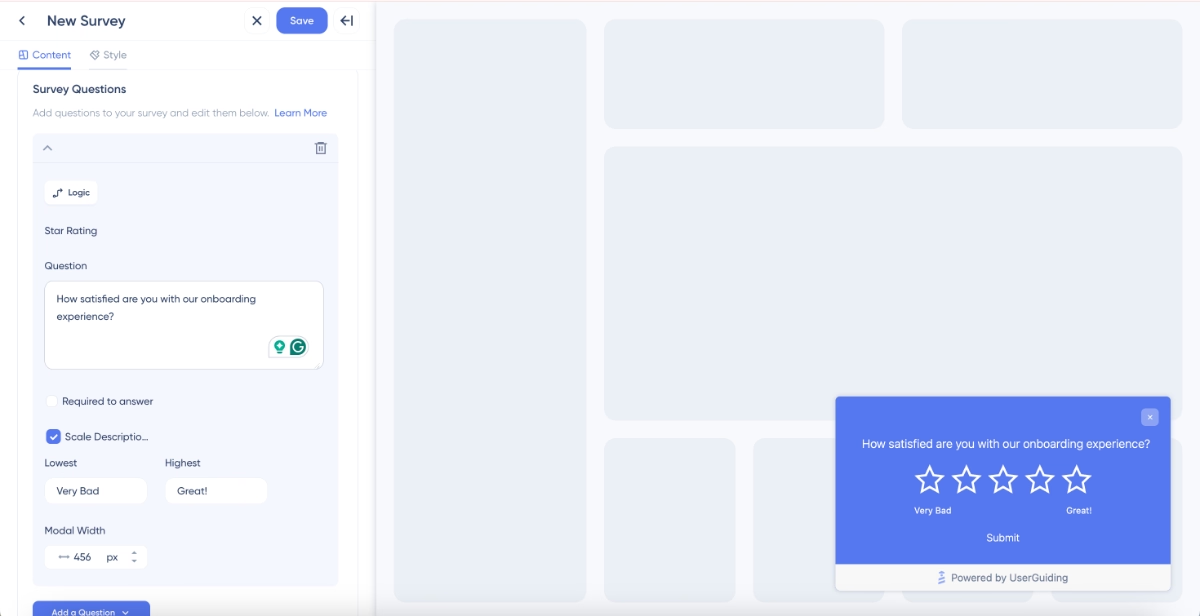
Then, you’ll be directed to the survey editor page and edit the question and add follow-up questions, as many as you want, with a survey logic as complex as you need, the sky is the limit here… (Although we recommend you stick to the survey best practices and keep your survey focused.)
Here is the survey editor:
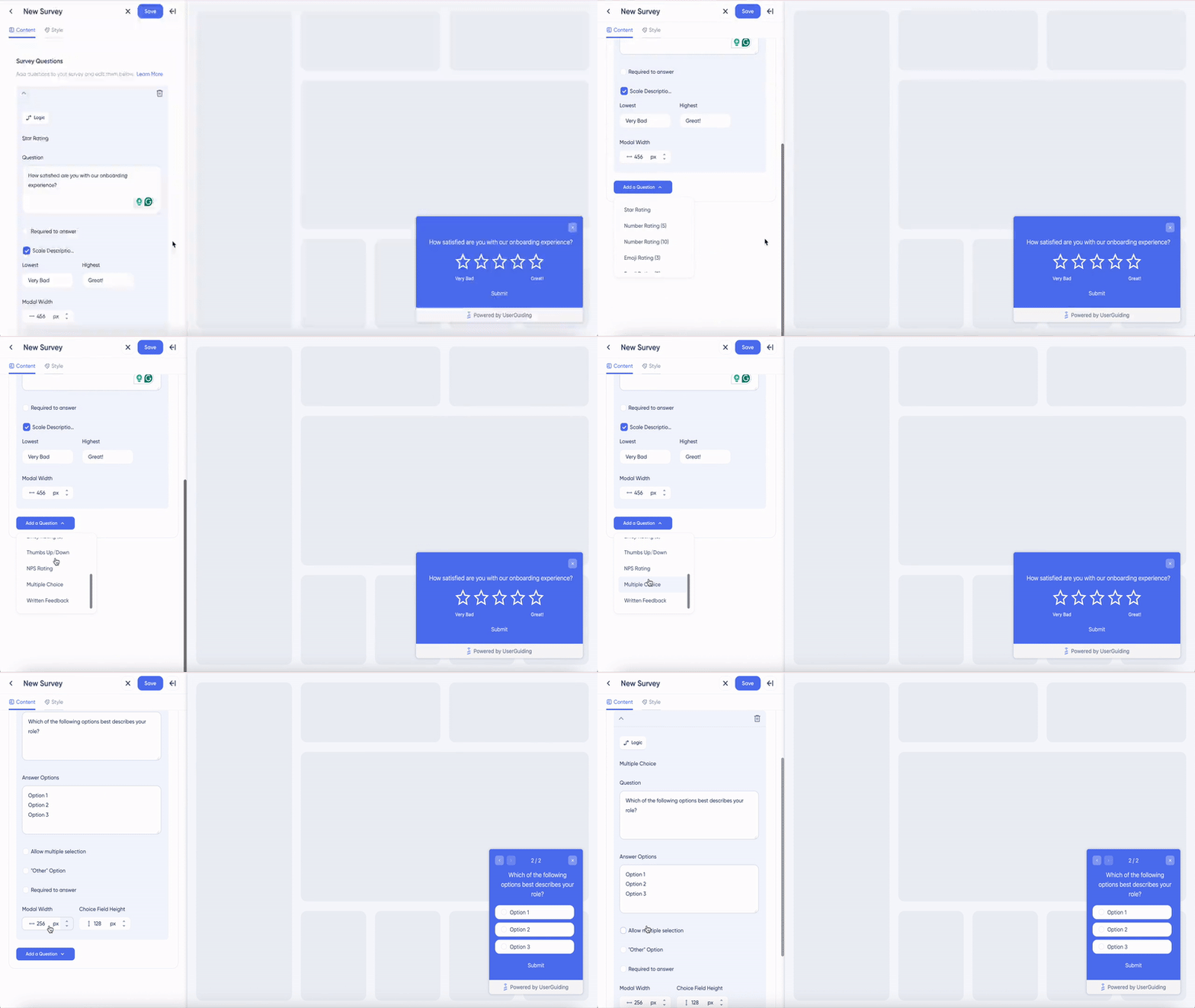
Here are the survey question types you can pick and choose from:
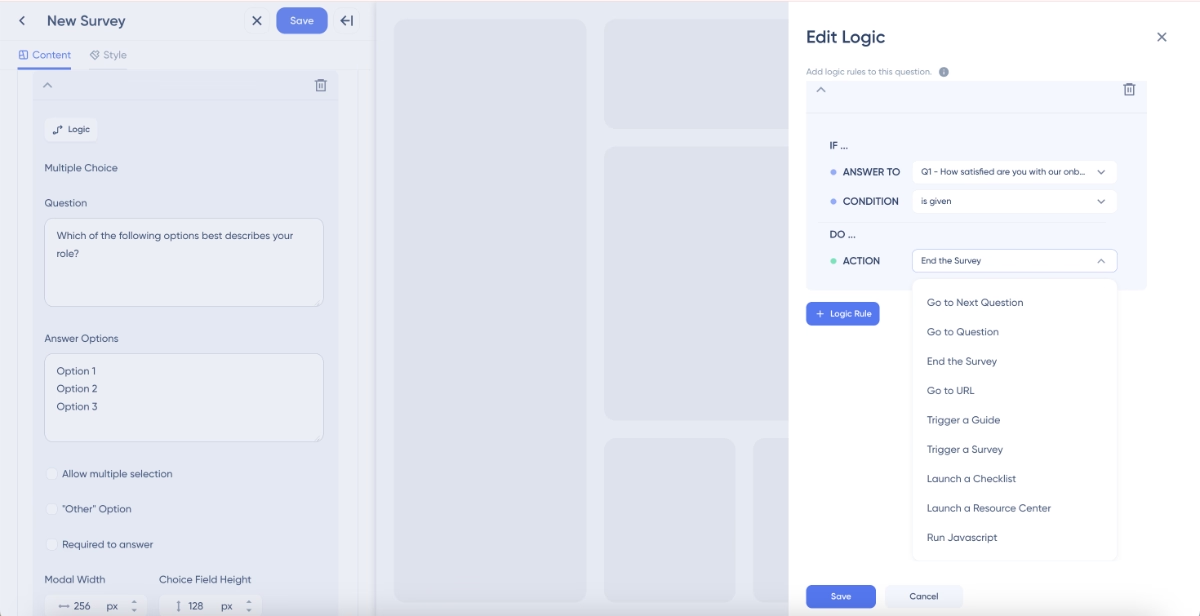
And here’s the survey logic editor that does not require any coding knowledge or complex technical expertise to create personalized surveys:
Once you’re done with the questions, you can head to the style tab in the survey editor and configure the look of your survey and adjust your background dimness, survey modal size, buttons, typography, colors, and your “thank you” message after the survey.
Within only minutes, you can create a survey that looks like this:
Intrigued? Start your free trial and explore UserGuiding’s capabilities yourself!
Or, if you’d like to compare Pendo and UserGuiding in more detail, let’s take you to our Pendo vs. UserGuiding comparison 👈🏻
Why teams love UserGuiding
Oh, it’s easy for you to claim UserGuiding is easier to implement, and it’s more user-friendly, especially for non-techincal users… you might say.
However, it’s not just us self-claiming UserGuiding’s practicality and scalability; it’s actually UserGuiding’s customers and users who say that UserGuiding is a scalable solution with little to no learning curve and better usability!
Here’s what UserGuiding’s customers say about the platform 👇🏻
Quicker and easier implementation
While Pendo is frequently criticized for its long set-up process that require a lot of support and hand-holding, UserGuiding’s set-up is often praised for its simplicity and quickness. Also, because UserGuiding’s UI is much simpler and intuitive, many of its customers also state that they were able to start using the tool immediately.
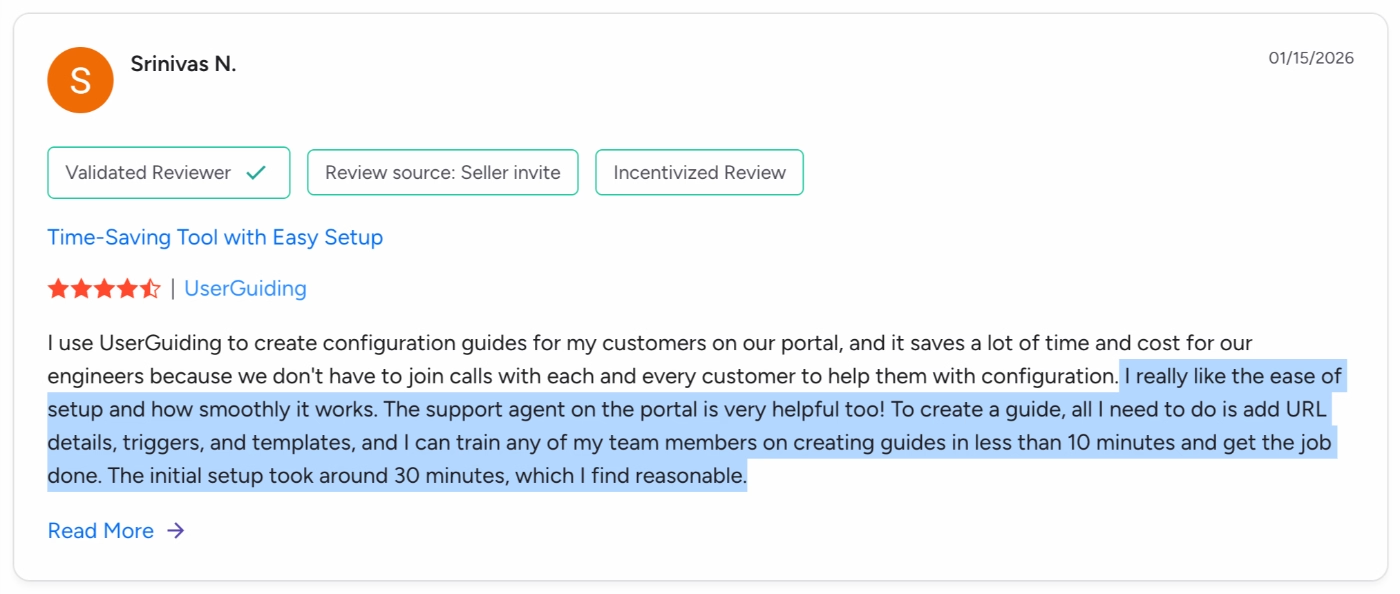
Here’s what a UserGuiding customer says about their implementation experience:
I really like the ease of setup and how smoothly it works. The support agent on the portal is very helpful, too! To create a guide, all I need to do is add URL details, triggers, and templates, and I can train any of my team members on creating guides in less than 10 minutes and get the job done. The initial setup took around 30 minutes, which I find reasonable.”
More responsive and easier to test ideas
Pendo’s guide editor is sometimes criticized for its unresponsiveness, especially with detailed and lengthier guides. Plus, many Pendo users also state that Pendo guides can become hard to manage and update with time, and you might end up needing to create the guides from scratch instead of tweaking the existing ones…
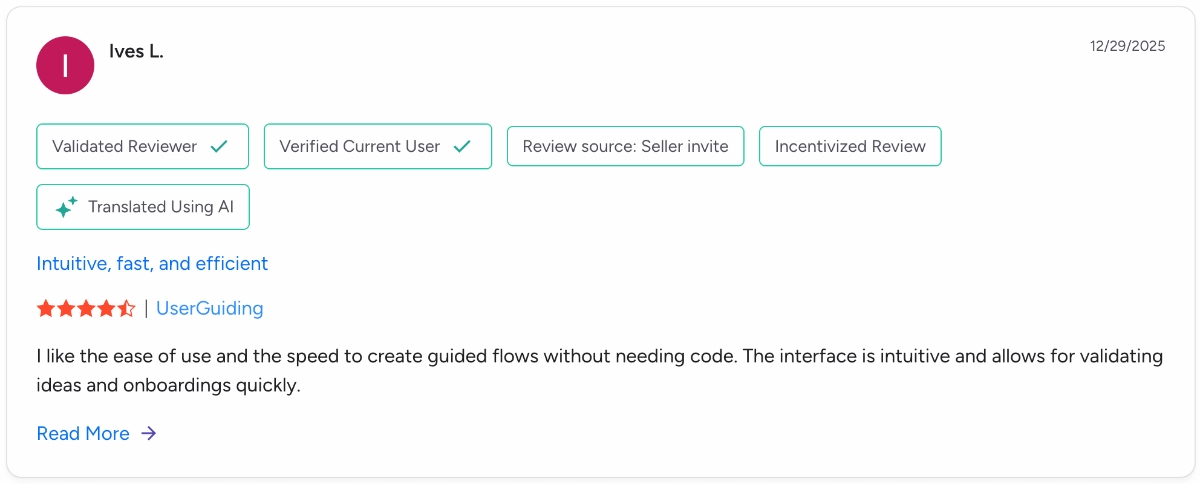
On the other hand, because the feature workflows are very responsive and easy to use, many UserGuiding users state that they’re able to quickly run tests and iterate ideas very easily.
I like the ease of use and the speed to create guided flows without needing code. The interface is intuitive and allows for validating ideas and onboardings quickly.”
More cost-effective and value-driven pricing plans
We’ve talked a lot about Pendo’s pricing, we do not need to highlight how expensive, rigid, and unscalable it is (plus, very opaque).
So, let’s talk a little bit about UserGuiding’s pricing.
UserGuiding has a transparent pricing strategy. It not just shares the starting prices of its paid plans, but also allows you to estimate your cost with an MAU slider on the pricing page.
So, you know how your cost will scale as you grow.
Plus, UserGuiding’s pricing plans actually make sense, meaning that the features are not hidden behind paywalls and expensive plans randomly. The plans are created with user needs in mind.
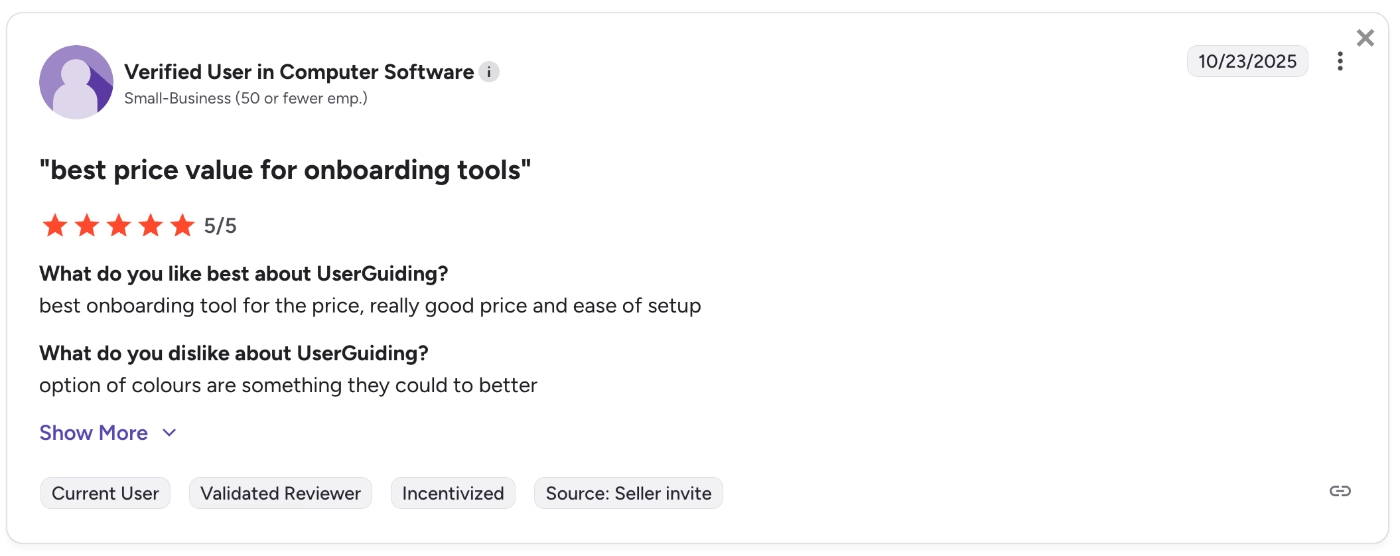
So much so that many UserGuiding customers call UserGuiding…
“Best price value for onboarding tools”
Final Verdict: Is Pendo worth it?
Pendo is a great solution with great capabilities. It has comprehensive analytics, mobile app support, a decent range of onboarding and in-app communication features… It’s good for teams that want to do a lot but are not willing to get separate tools necessarily (even though buying separate tools might come cheaper 👀).
However, it’s not the best for many teams for the very same reasons.
Trying to do everything all at once results in lacking feature depth, increased learning curve, constant support and maintenance needs, and expensive pricing plans.
So, we get it if you’re second-guessing Pendo…
You might want to check out more practical, more scalable, and much more transparent solutions, first. Like UserGuiding.
Or, if you’d like to compare Pendo with several other competitors, here are the top Pendo competitors and why they might be more suitable to you.
Frequently Asked Questions
How does Pendo bill?
Pendo has an opaque pricing strategy and does not share many details about its pricing plans or scaling with higher feature usage and MAU. Customer reviews online indicate that Pendo typically requires long-term contracts, with the shortest often being one year. Many features are only available as add-ons, which means that as you select additional features, your total cost rises on top of the base platform cost, which averages $48,500/yr according to Vendr data. The need for multiple add-ons can significantly increase the overall price and contribute to higher long-term contract values.
What is Pendo good for?
Pendo is a software experience management and product analytics platform. So, it’s good for creating and managing in-app experiences and communication. The app’s features allow its users to monitor user engagement and behavior patterns, conduct surveys, plan and prioritize new features, as well as creating promotional messaging and guidance materials. So, the ideal use case of Pendo would be to optimize the user experience to ensure higher adoption.
What companies use Pendo?
Pendo is an enterprise-level software with complex workflows, a steep learning curve, and high costs. To get the most out of the platform and justify its cost with the value you get from it, you might need to assign a team member to its maintenance. So, companies with enough resources can use Pendo, while companies who do not have enough budget to lock in multi-year contracts with 6 figures yearly, enough technical team members to reserve only for Pendo, or companies who are looking for fast ROI and more agile solutions that allow anyone to use and test ideas any time without requiring support might want to stay away from Pendo. Additionally, because Pendo supports mobile apps, it’s optimal for companies with both web and mobile apps.
Who competes with Pendo?
Pendo has several use cases, and thus, several competitors that focus on different use cases. On the analytics side, Pendo competes with companies like Amplitude, Mixpanel, and Whatfix. On the engagement side, it competes with UserGuiding, Userpilot, Appcues, and WalkMe.

.png)










