


.svg)
.svg)
.svg)
.svg)



.svg)




.svg)
.svg)


According to Rocketlane’s 2025 State of Customer Onboarding Report, many companies are well aware that customers expect personalized onboarding experiences. In fact, more than 40% of businesses say that 26–50% of their customers expect onboarding to be tailored to their specific needs and use cases. For 35% of companies, that expectation rises to 51–75% of customers.
However, there’s still a noticeable gap between expectations and reality.
Nearly 48% of these businesses say their onboarding processes are still being standardized and optimized to meet those expectations. And for about 37% of companies, this optimization effort is still less than halfway complete.

If you’re trying to close this gap, chances are you’ve considered using a product adoption or onboarding tool to make onboarding more structured, scalable, and personalized.
But is Userflow the right tool for that job?
To answer that question, we analyzed real Userflow reviews from platforms like G2 and Capterra, focusing mainly on feedback from the last couple of years (mainly since 2024).
Here’s the quick overview for those short on time 📋
TL;DR
- Userflow is a no-code product adoption platform designed to create onboarding flows, tooltips, checklists, and other in-app experiences without relying heavily on developers.
- Userflow’s pricing starts at $240/mo (billed annually) for up to 3,000 MAU with the Startup plan. The platform offers three plans (Startup, Pro, and Enterprise), and most core features (like unlimited flows, checklists, and announcements) are included even in the entry plan.
- According to recent user reviews, Userflow’s biggest strengths are its ease of use, quick implementation, and lightweight UI. Many teams also appreciate how quickly non-technical users can learn the platform and start building onboarding experiences.
- However, users frequently complain about limited analytics capabilities, underdeveloped AI features, and the lack of some advanced product adoption capabilities compared to larger platforms. Several reviewers also mention steep price jumps between MAU tiers and plans.
- Userflow is best suited for startups and non-technical teams that want a simple, no-code onboarding solution without a steep learning curve.
- If you’re looking for more advanced capabilities like standalone surveys, richer analytics, use-case-oriented templates, or built-in knowledge bases and product update pages, a more comprehensive (while still being no-code) alternative like UserGuiding might be a better fit.
Userflow at a glance
Userflow is an all-in-one product adoption and onboarding platform that offers features and capabilities for you to create, monitor, and optimize your in-app experiences and communications.
The main offerings of the platform include:
- Flows (for guides, product tours, and announcements)
- Checklists
- Banners
- In-app surveys
- Resource centers
- AI assistants
- Event trackers
📈 In the beginning of 2026, Userflow released FlowAI Insights as part of their FlowAI capabilities. With the FlowAI Insights, the platform automatically monitors your in-app materials and their engagement. Then, when engagement drops or when it detects an optimization issue with any of your flows, it provides actionable insights.
Other FlowAI capabilities include AI-powered and automated translation/localization, material creation and optimization.
Userflow pricing
Userflow has a transparent and relatively flexible* pricing structure. There are 3 plans: Startup, Pro, and Enterprise. The Startup plan starts at $240/mo (when billed annually) for up to 3,000 MAUs. You can also get this plan with a monthly billing option, (thus the flexibility), in that case, the starting price increases to $300/mo. From 3,000 to 8,000 MAUs, the starting price of the Startup plan increases to $320/mo (when billed annually).
The Pro plan starts at $680/mo (when billed annually) for up to 10,000 MAUs. This plan is suitable for a monthly billing option, as well, in which case, it starts at $850/mo.
Userflow’s pricing plans are very generous in terms of features and feature caps.
All plans (even the cheapest plan, Startup) come with unlimited flows, checklists, and announcements. With the Pro plan, you also get unlimited seats/team members and surveys.
What differentiates pricing plans from one another is the MAU limits, integrations, customization capabilities, and AI capabilities.
FlowAI Insights and FlowAI translation come only with the Pro and Enterprise plans. Though the Startup plan still includes FlowAI Assistant, Smartflow, FlowAI Rephrase & Translate.
👉🏻 If you’d like to learn more about Userflow’s pricing plans and which one is more suitable for your needs, let’s take you to our detailed Userflow pricing breakdown.
What users like about Userflow
Userflow was founded in 2018 and has quickly become a popular choice for teams that want a simple and truly no-code onboarding tool. Unlike many digital adoption platforms that can feel complex and developer-heavy (like Pendo, WalkMe, Whatfix, Userpilot 👀), Userflow focuses on usability and quick implementation, even it sometimes comes at the cost of lacking capabilities.
So, while many non-technical teams and users appreciate Userflow’s simplicity and ease of use, some reviewers say the platform can feel a bit limited compared to other alternatives.
Userflow has…
- 112 reviews on G2 and 4.8/5 ⭐
- 14 reviews on Capterra and 4.8/5 ⭐
👇🏻 Here’s what customers like most about Userflow:
Easy to use and learn
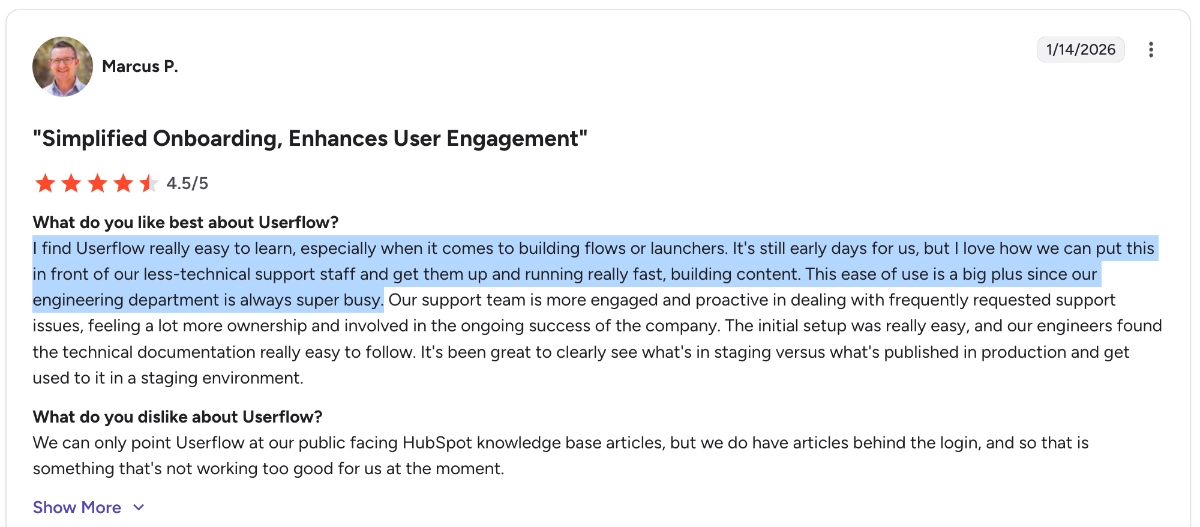
Userflow’s ease of use is one of the most frequently mentioned positives in customer reviews. Many users say the platform is very quick to learn, even for non-technical teams, which makes it easy to build experiences without constant support from dev teams.
I find Userflow really easy to learn, especially when it comes to building flows or launchers. It's still early days for us, but I love how we can put this in front of our less-technical support staff and get them up and running really fast, building content. This ease of use is a big plus since our engineering department is always super busy.”
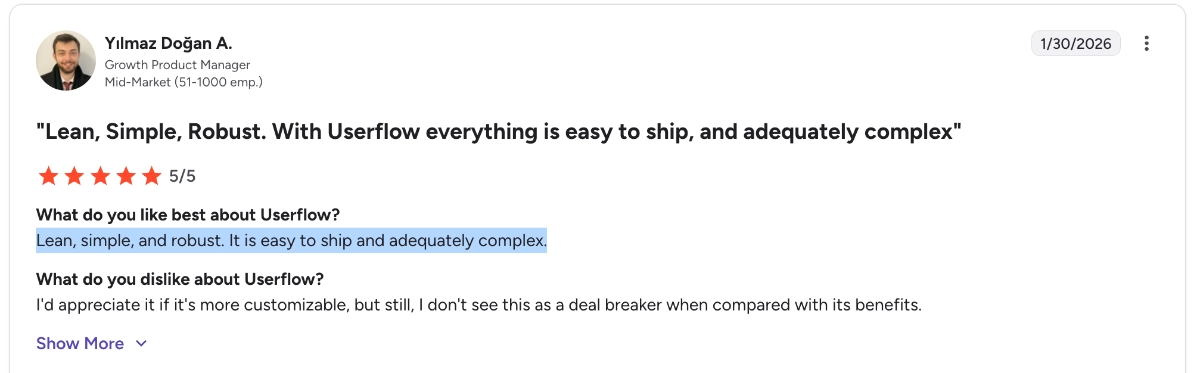
Here’s another Userflow user praising the usability of the app:
Lean, simple, and robust. It is easy to ship and adequately complex.”
Responsive to customer feedback
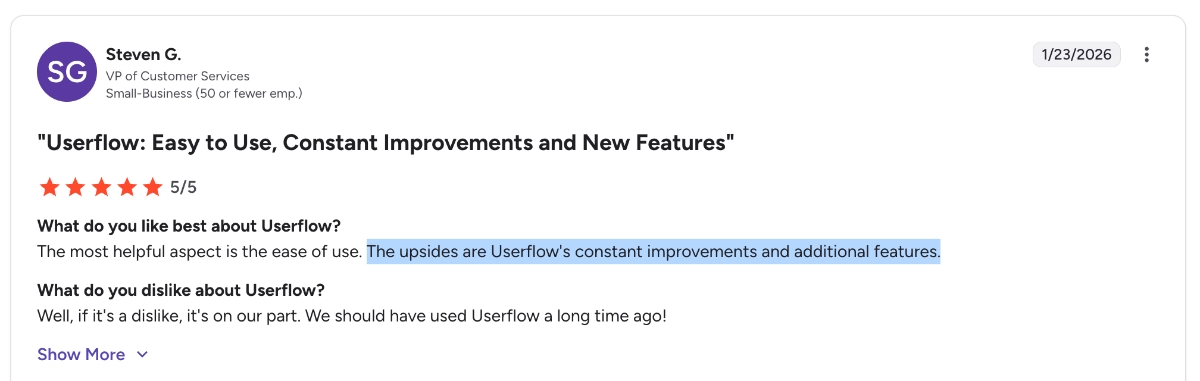
Another thing users appreciate is how actively the Userflow team improves the product. Several reviewers mention frequent updates and new features being added over time.
The upsides are Userflow's constant improvements and additional features.”
Broad range of use cases*
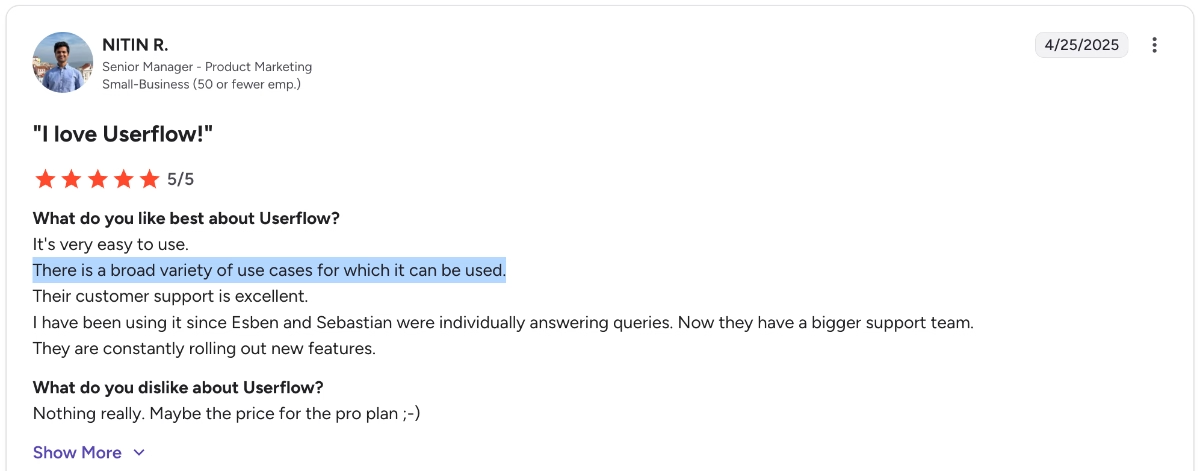
Despite its simplicity, many users say Userflow can support a variety of use cases. Teams use it for creating onboarding experiences, announcing and promoting features, offering automated self-serve support, and collecting customer feedback through user surveys.
Userflow also calls itself an all-in-one product adoption platform.
There is a broad variety of use cases for which it can be used.”
⚠️ While it’s true that Userflow can be used for several different use cases, and can even replace a few separate tools, it’s still not the most comprehensive DAP or product adoption platform on the market.
It lacks many of the analytics and reporting capabilities that several competitors offer. It also doesn’t include standalone features like changelogs, product roadmaps, product update pages, or help centers, which some other platforms provide. On top of that, some users feel that a few of the features it does offer lack depth.
So yes, it can be a great starting point for many use cases.
If you’re a startup (with the budget for Userflow 👀) that’s just getting started with PLG, onboarding, and adoption, the platform can feel like a world of opportunities.
However, for SMBs or enterprise companies that have been in the market for a while and have already tried several similar platforms, Userflow might not be as impressive.
With that in mind, let’s look at the platform’s common complaints in more detail 👇🏻
Common complaints about Userflow
Very limited analytics
One of the most common complaints about Userflow is its analytics capabilities. Several users say the reporting features are quite basic, which means they often rely on integrations with other analytics tools.
And while the tool offers no-code event tracking capabilities, they’re also not very detailed in terms of the insights you can get from the analytics dashboards.
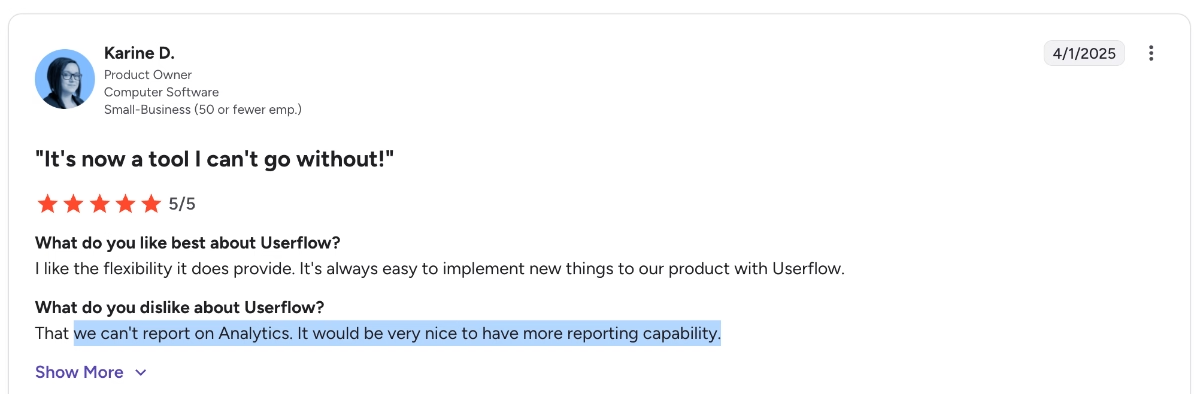
We can't report on Analytics. It would be very nice to have more reporting capability.”
Here’s what another customer says:
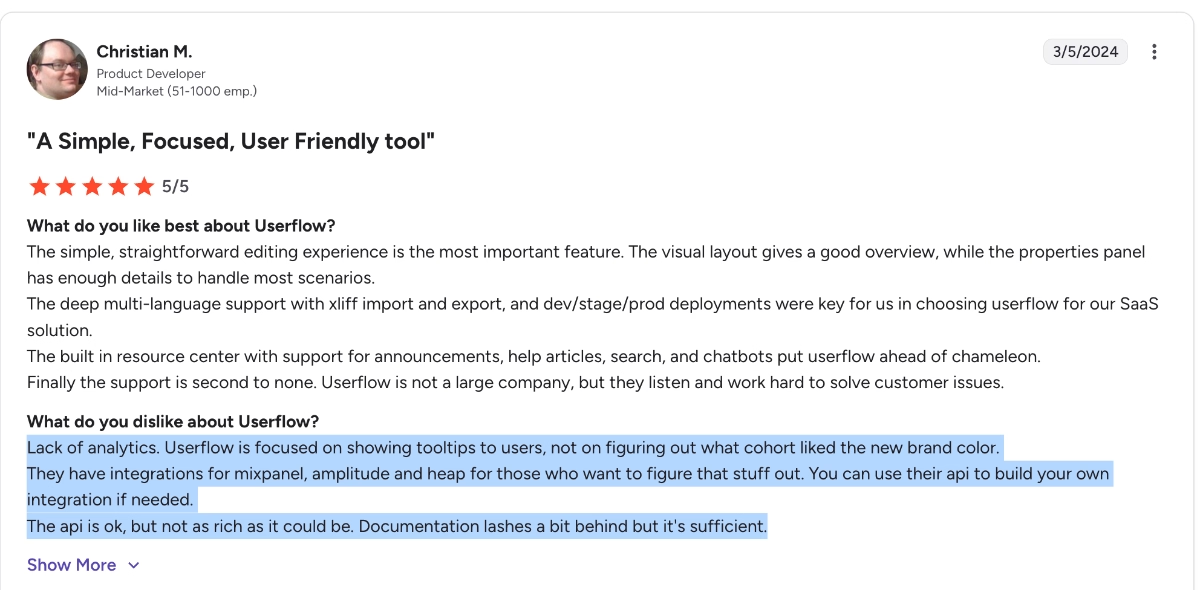
There’s a lack of analytics. Userflow is focused on showing tooltips to users, not on figuring out which cohort liked the new brand color. They have integrations for Mixpanel, Amplitude, and Heap for those who want to figure that stuff out. You can use their api to build your own integration if needed. The api is ok, but not as rich as it could be. Documentation lags a bit behind, but it's sufficient.”
The AI capabilities are not fully developed, yet
Userflow has introduced AI features to help generate flows faster. However, some users say these tools still need improvement and can sometimes produce results that are too generic.
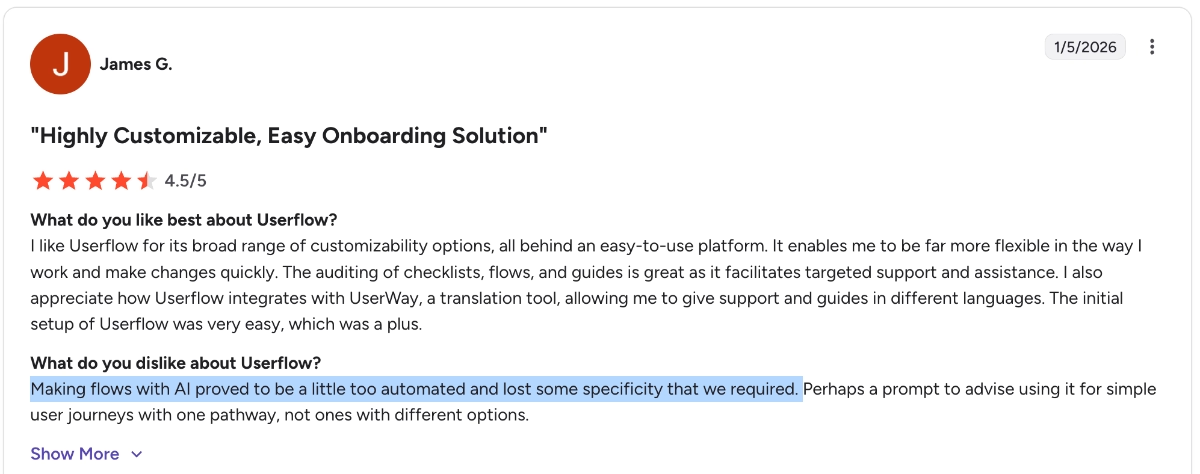
One reviewer explains it like this:
Making flows with AI proved to be a little too automated and lost some specificity that we required.”
Lacks some advanced features
Userflow’s simplicity can also be a drawback for some teams. A few users say the platform lacks some advanced capabilities compared to bigger digital adoption platforms.
Even though Userflow calls itself an all-in-one product adoption platform, it doesn’t offer detailed analytics and engagement monitoring capabilities (like session recording or heatmaps) that Userpilot offers; it doesn’t offer product updates pages or standalone knowledge bases/ help centers that UserGuiding offers, and it doesn’t have advanced segmentation…
The list can go on and on, unfortunately.
Only complaint is some advanced features are missing compared to bigger players.”

Steep price differences between plans
Some reviewers also mention pricing. In particular, users say the jump between different plans can be quite large, which may make the tool less accessible for smaller teams.
Also, the MAU limits between plans are quite large. While this can be a good thing if your product needs a high MAU quota, it may feel unnecessary if your MAU doesn’t fluctuate much or if you simply don’t need that many monthly active users. In those cases, the jump between plans can feel bigger than it needs to be.
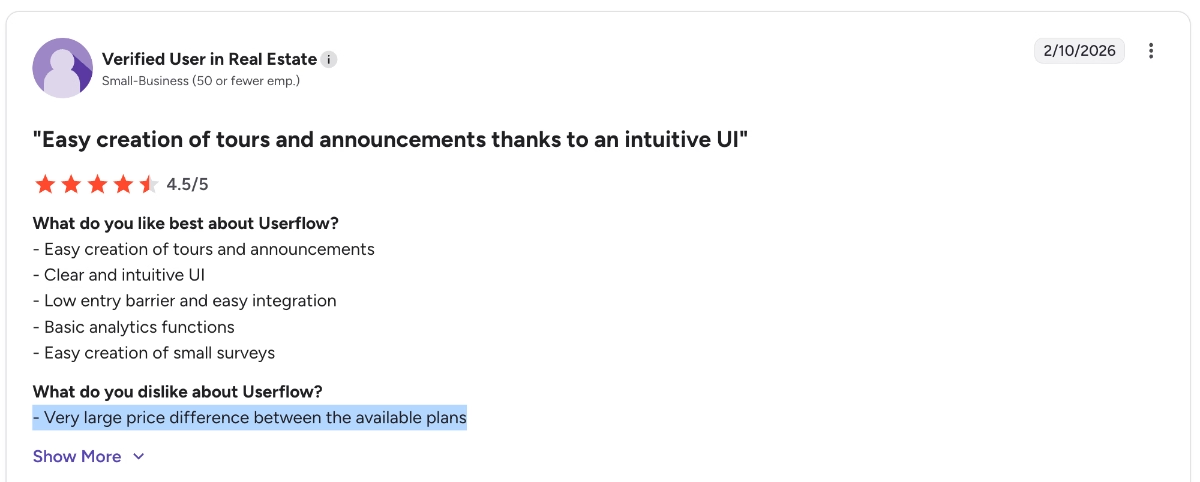
Very large price difference between the available plans”
Here’s what another customer says on Capterra:
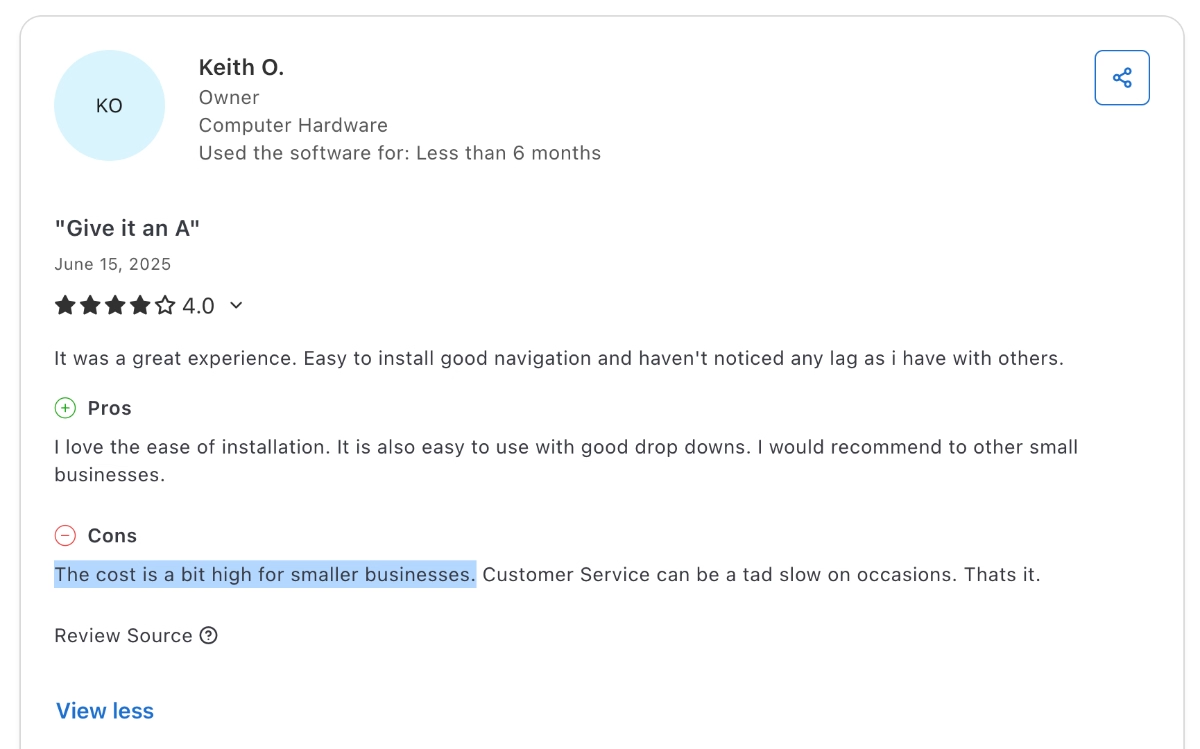
The cost is a bit high for smaller businesses.”
Who Userflow is (and isn’t) for
Meet UserGuiding, a more scalable and advanced Userflow alternative
UserGuiding is a no-code, all-in-one product adoption platform that offers core functionalities similar to Userflow, plus more advanced and varied features for different use cases and needs.
📌 Here’s what you get with UserGuiding in terms of features:
- Product tours
- Onboarding checklists
- Hotspots and tooltips
- Announcement modals (banners, slideouts, pop-ups, etc.)
- NPS and custom in-app surveys
- AI assistant
- Resource center (in-app)
- Knowledge base (standalone)
- Product updates (standalone)
- Segmentation
- Analytics
- Localization (with auto-translate capabilities, now 🎊)
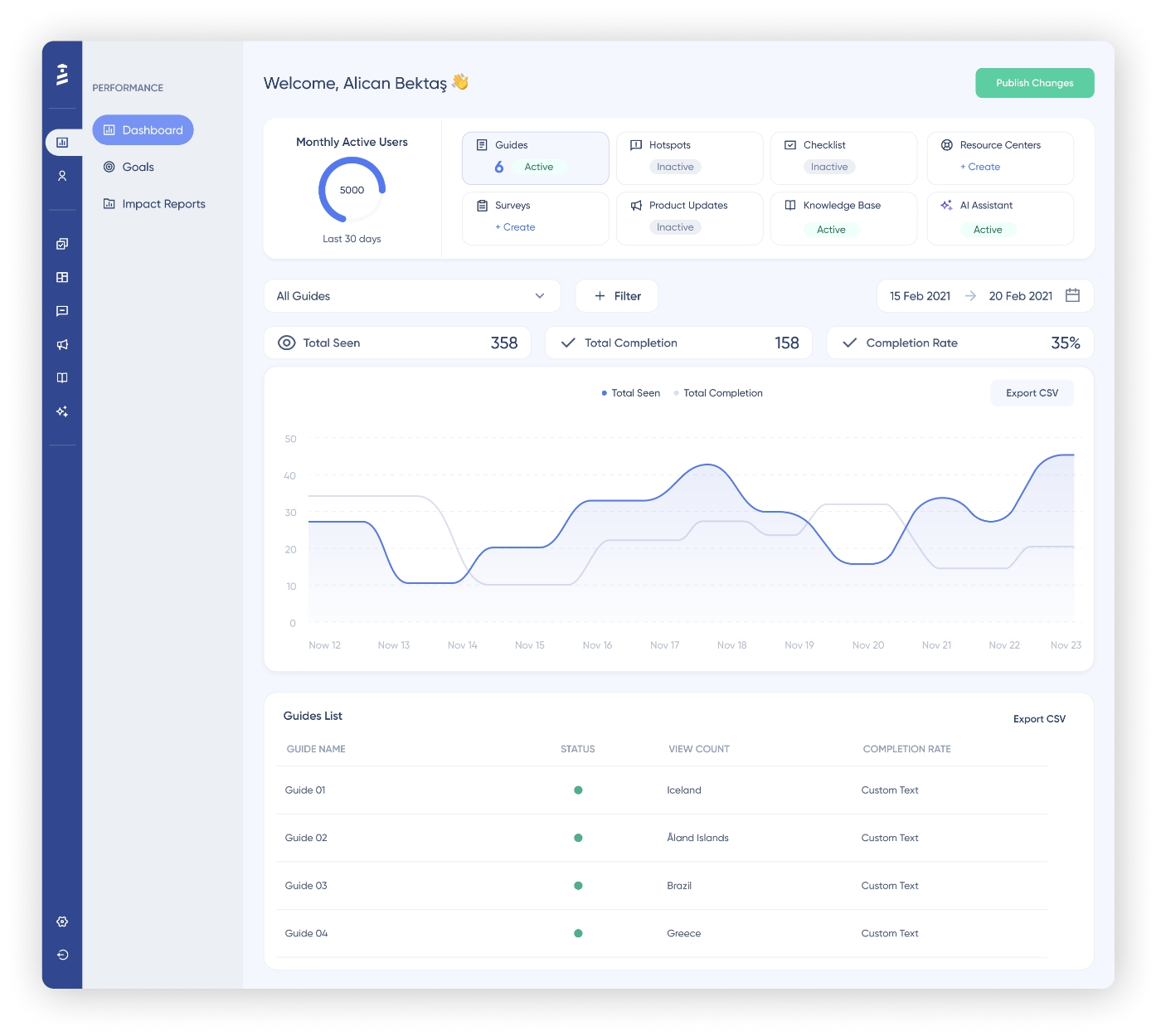
So yes, if your main goal is to build simple onboarding flows and tooltips, both Userflow and UserGuiding can help you achieve that.
However, UserGuiding offers more depth and flexibility, especially when it comes to user research, templates, and analytics.
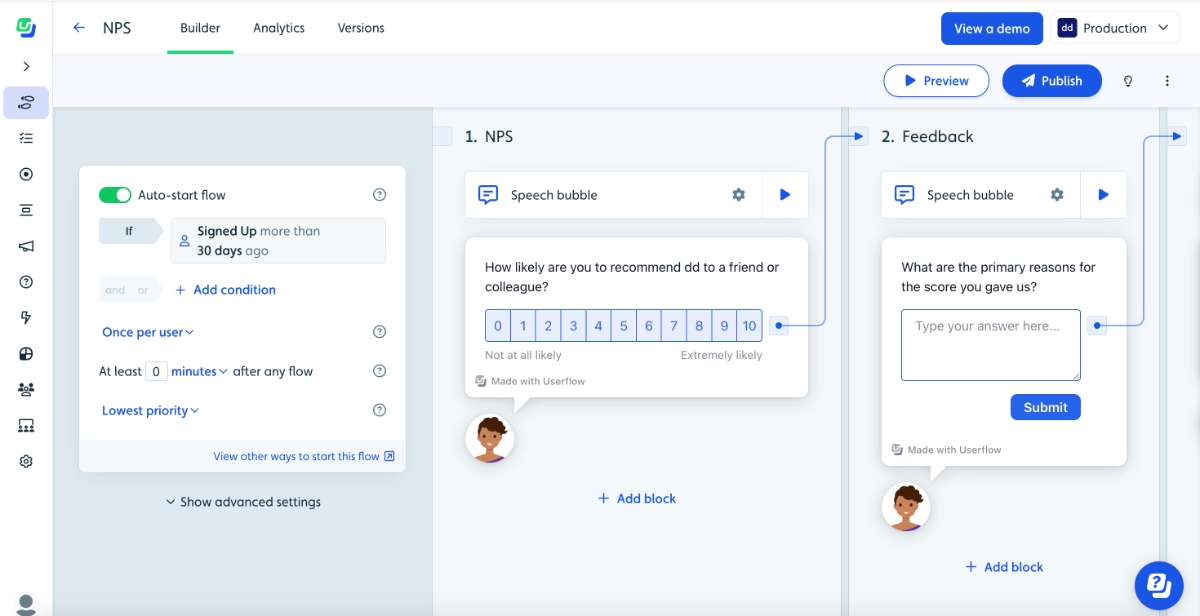
Userflow does offer some survey capabilities, but they’re embedded inside flows rather than offered as a standalone feature.
You can add question blocks within a flow to collect feedback, create simple NPS surveys, or ask open-ended, rating, and multiple-choice questions. However, the variety of question types is fairly limited.
Another drawback is that, because surveys live inside flows, managing survey logic can become confusing and crowded in the UI, especially if you’re trying to build more complex feedback flows or conditional follow-up questions.
Here’s what the UI looks like when you try to create surveys with Userflow:
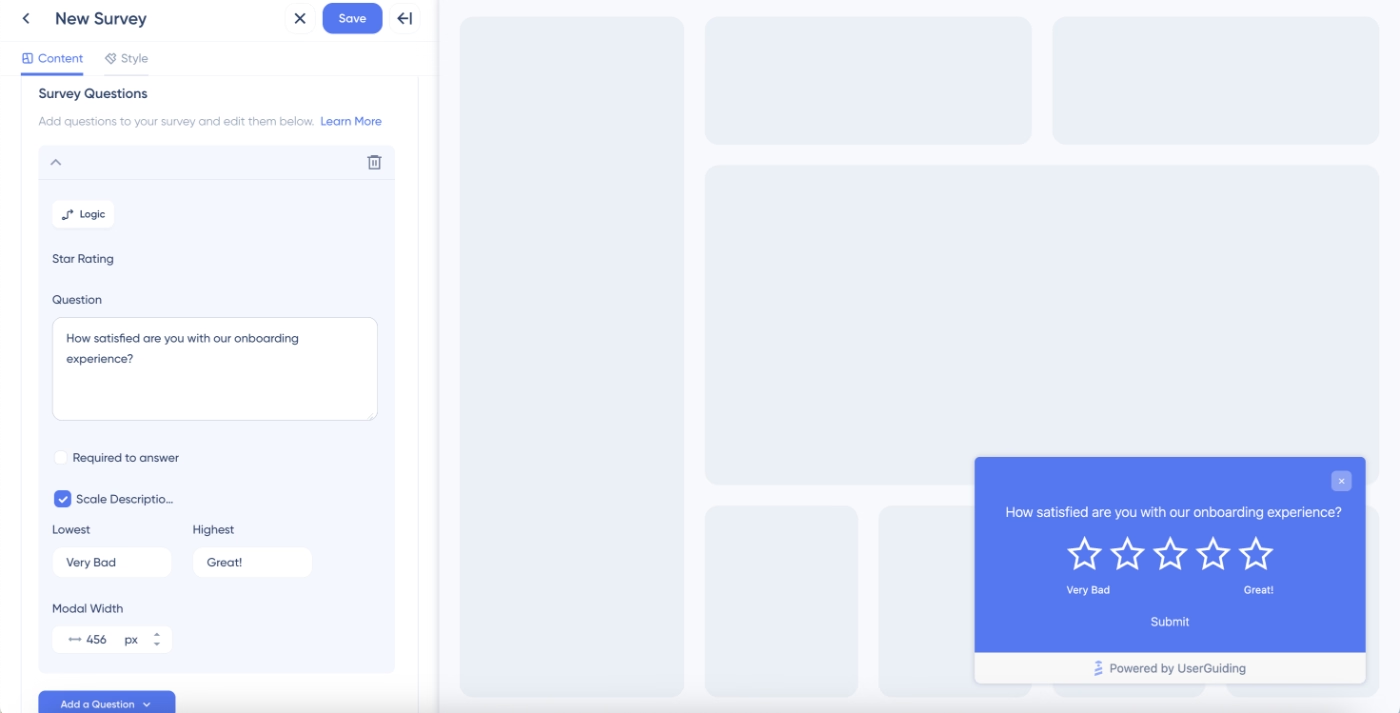
Whereas with UserGuiding, you get more survey question types, a simpler and more organized UI, plus, more advanced targeting and survey logic (still without a learning curve).
Here’s what the UserGuiding survey builder looks like:
And here’s what the UserGuiding survey logic looks like:
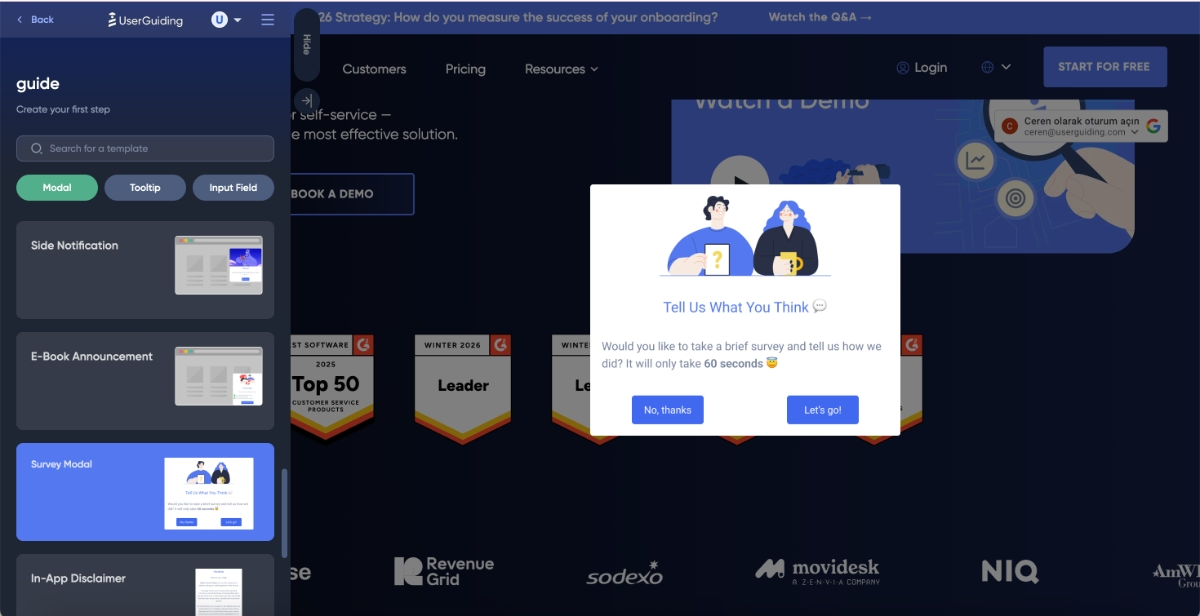
Another area where UserGuiding differs from Userflow is its template library.
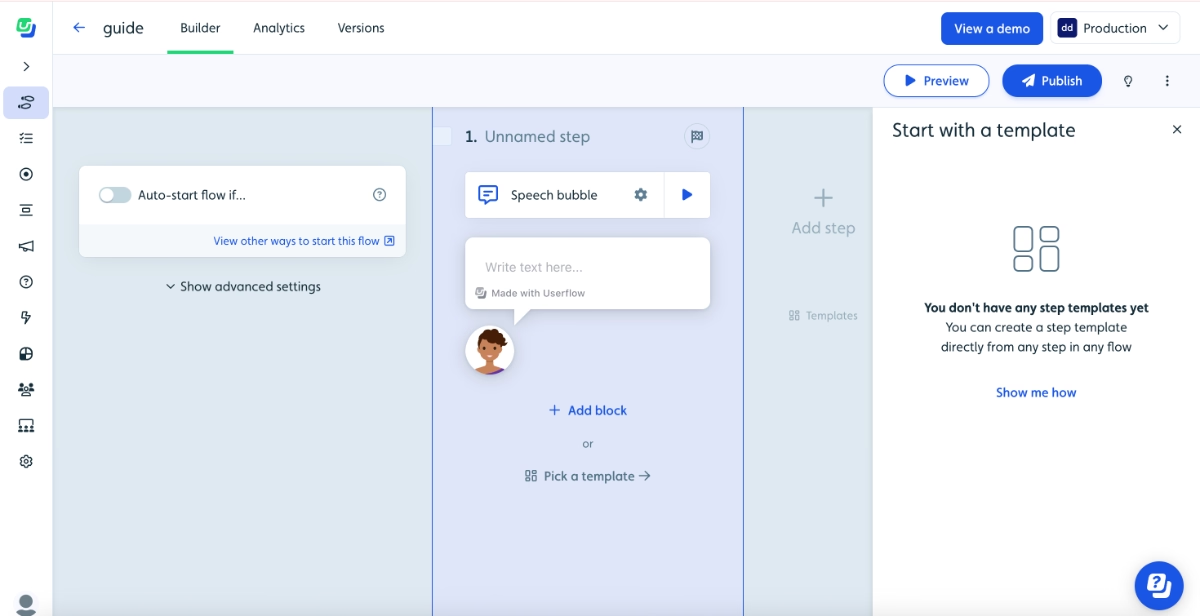
Userflow doesn’t offer any templates to get started or even to get inspiration from. Yes, you can use the Smartflow feature to build flows with AI; however, that technically still does not give you any use case idea if you haven’t used flows before.
With UserGuiding, you get an extensive, modern, and use-case-oriented template gallery for announcements, surveys, banners, and guide modals.
Here are some of UserGuiding’s announcement modal templates:
And here’s Userflow’s empty template gallery, in comparison:
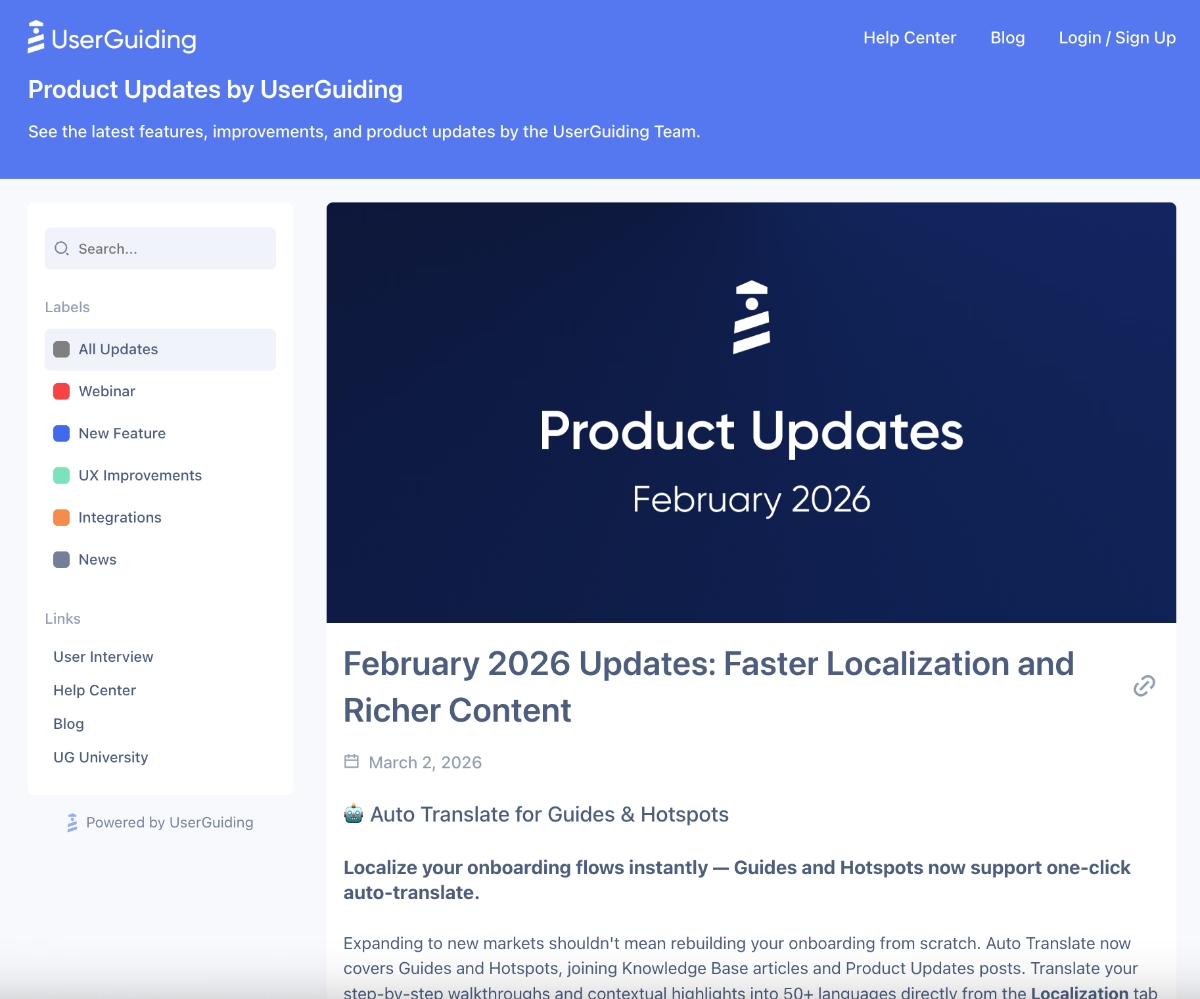
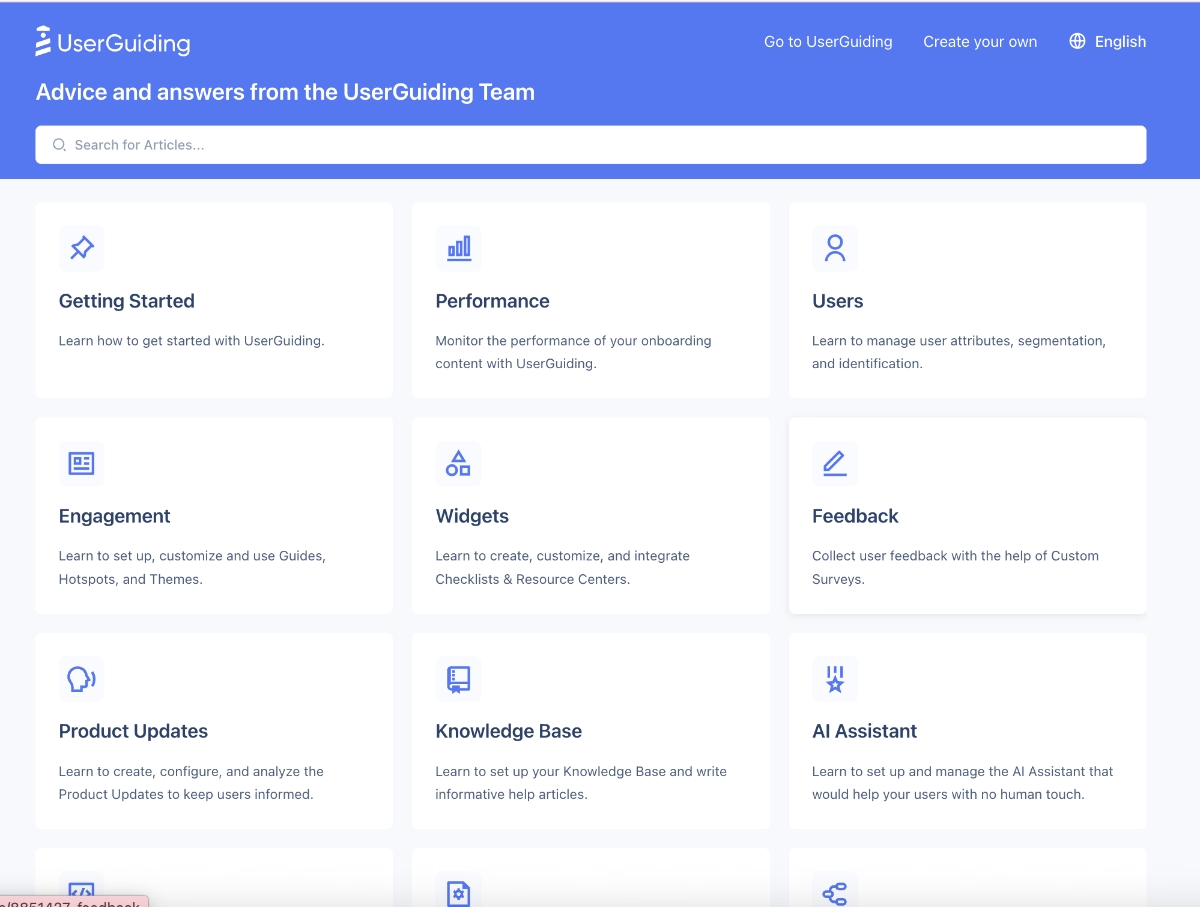
And finally, UserGuiding offers 2 standalone features (Product Updates and Knowledge Base) that help you offer self-serve support and communicate your feature updates and releases outside of your app, from dedicated centralized hubs, too.
Here’s what the Product Updates looks like:
And here’s what the Knowledge Base looks like:
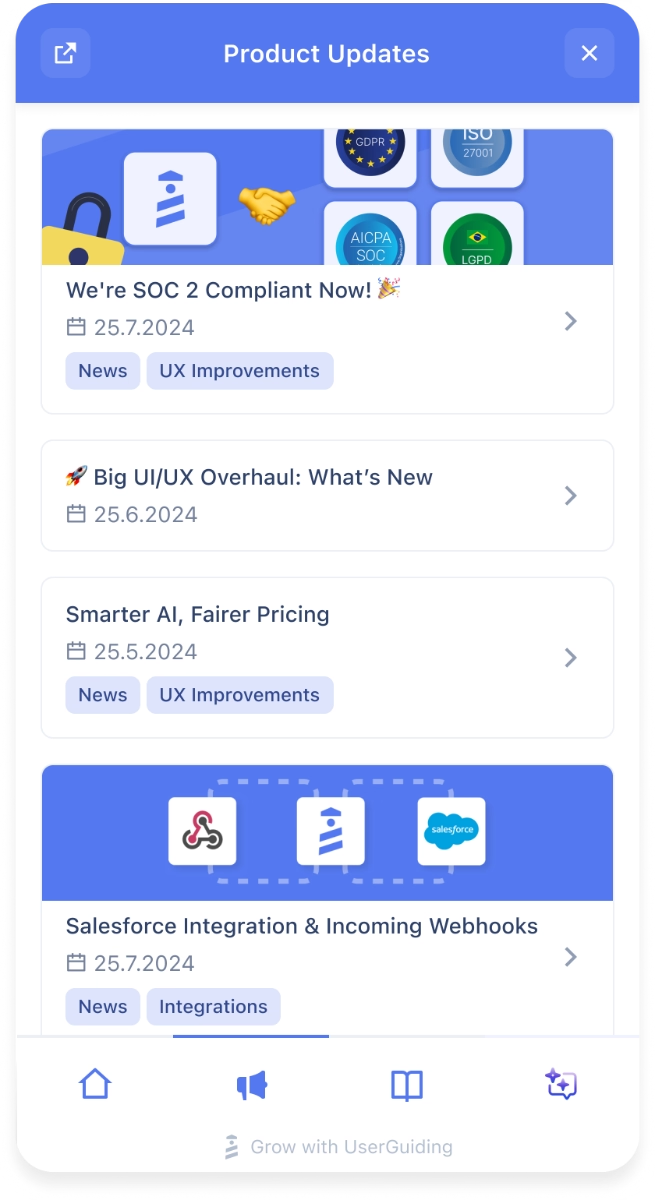
You can also link both of these standalone pages to your in-app resource center to make them available within the app, as well. Here’s how product updates looks within the RC widget:
Moreover, UserGuiding’s AI assistant can be linked to the knowledge base and use the information there to offer automated self-serve support to your customers within the app.
🎁 Intrigued? Start your free trial today and check out UserGuiding’s capabilities yourself!
👉🏻 If you need more time to compare UserGuiding and Userflow, let’s take you to our detailed side-by-side UserGuiding vs. Userflow comparison article.
Why teams love UserGuiding
UserGuiding offers a broader and more feature-rich product adoption toolkit compared to Userflow, which makes it easier for product, marketing, and customer success teams to handle different parts of the user journey without relying on several separate tools.
And of course, these are not just our observations.
👇🏻 Here’s what UserGuiding customers say about the platform:
More advanced capabilities
UserGuiding is often praised for the range of capabilities it offers. This broader toolkit makes it easier to support users throughout the entire product journey, from onboarding to feature discovery and feedback collection.
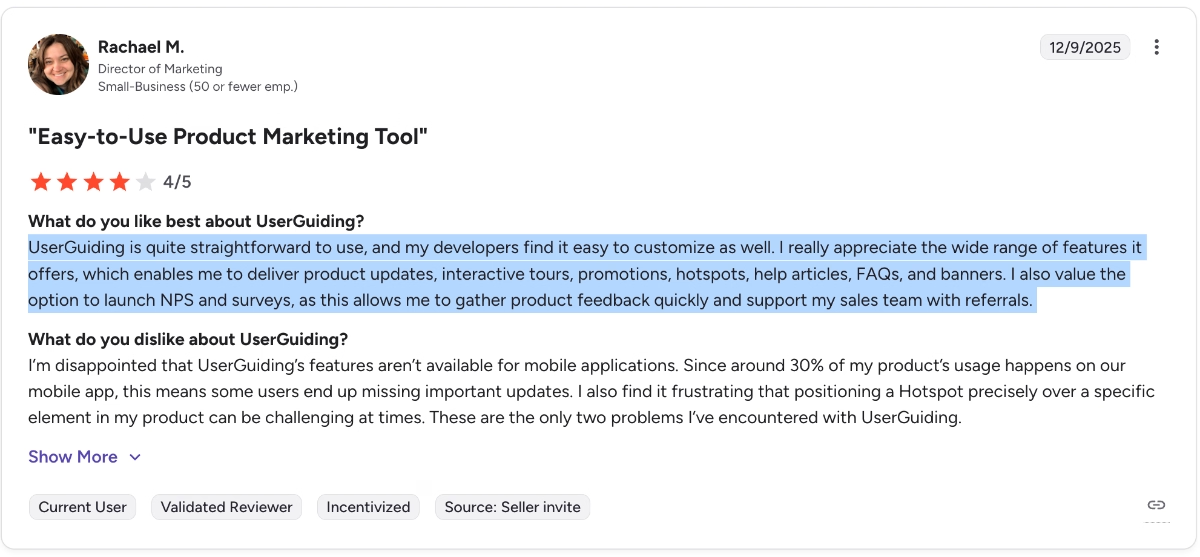
One customer explains it like this:
UserGuiding is quite straightforward to use, and my developers find it easy to customize as well. I really appreciate the wide range of features it offers, which enables me to deliver product updates, interactive tours, promotions, hotspots, help articles, FAQs, and banners. I also value the option to launch NPS and surveys, as this allows me to gather product feedback quickly and support my sales team with referrals.“
More flexible and scalable pricing plans
Another thing customers highlight in their reviews is UserGuiding’s pricing structure. Compared to many other product adoption tools, users often say the platform offers good value for the number of features included.
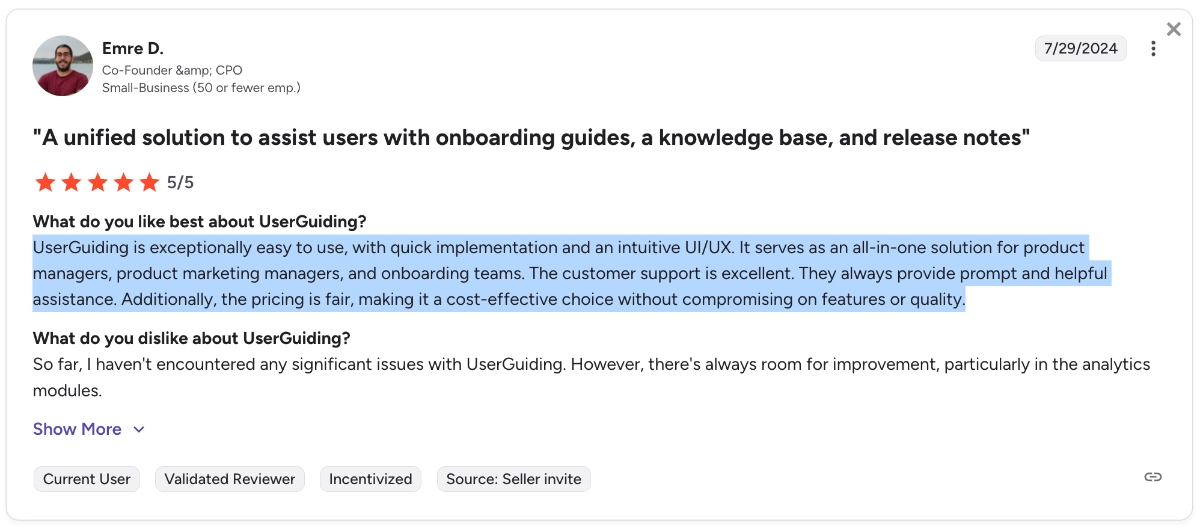
Here’s how another customer describes their experience with UserGuiding:
UserGuiding is exceptionally easy to use, with quick implementation and an intuitive UI/UX. It serves as an all-in-one solution for product managers, product marketing managers, and onboarding teams. Additionally, the pricing is fair, making it a cost-effective choice without compromising on features or quality.”
Final verdict: Is Userflow worth it?
Userflow is a very easy-to-use product adoption tool that focuses on simplicity and a true no-code experience. It’s quick to implement, easy to learn, and allows non-technical teams to build onboarding flows, tooltips, and checklists without relying on developers.
However, that simplicity also comes with some trade-offs.
Userflow lacks several advanced capabilities that other product adoption platforms offer, such as advanced surveys, knowledge bases, product updates pages, or deeper analytics and reporting features.
Some users also find the pricing jumps between plans quite steep.
So, while Userflow can be a great starting point for startups and teams that want a lightweight onboarding solution, it might feel limiting for companies that need more advanced capabilities or a more comprehensive product adoption platform.
👉🏻 If you’d like to explore other tools before deciding, here are the best Userflow alternatives and competitors for different needs.
Frequently Asked Questions
What is Userflow?
Userflow is a no-code product adoption platform that helps you create in-app onboarding experiences and user guidance without relying heavily on developers. With Userflow, you can build product tours, tooltips, onboarding checklists, and announcements to guide users through your product. The platform focuses on simplicity and quick implementation, making it easy to launch and manage in-app experiences.
Who is Userflow for?
Userflow is mainly designed for SaaS companies that want a simple way to improve user onboarding and feature adoption. It’s particularly popular among non-technical product managers, growth teams, and customer success teams. The platform is often preferred by startups and smaller teams that value ease of use over highly advanced capabilities.

.png)










