


.svg)
.svg)
.svg)
.svg)



.svg)




.svg)
.svg)


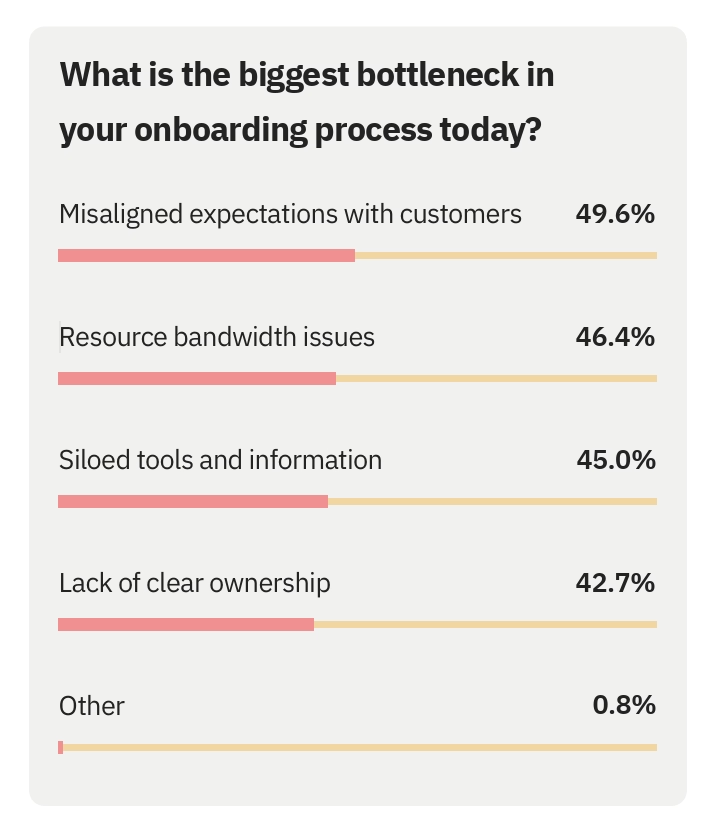
Rocketlane’s 2025 State of Customer Onboarding Report found that 46% of teams struggle to dedicate time and energy to personalizing onboarding, while 45% are overwhelmed by managing siloed tools and references.
If you’re also among the ones who struggle to manage different resources and tools, and you’ve decided to find a different way to manage your onboarding processes and centralize your efforts in 2026, you might have come across Userpilot.
But, is Userpilot the right tool for you?
Should you consider an alternative? And if so, which one?
In this article, we’ll help you answer these (and possibly other questions you might have), and offer an honest overview of Userpilot sustained by Userpilot’s own customer reviews.
We’ll look at all and only the most recent reviews, reviews from 2025 and 2026, and hopefully get a good sense of Userpilot’s strengths and weaknesses altogether.
So, ready? Let’s get started! 🔎
TL;DR
- Userpilot is a product growth platform that offers features for in-app education, engagement, and communication. The platform also has several product analytics capabilities.
- Userpilot’s starting price is $299/mo (paid yearly). However, this starter plan does not offer most of Userpilot's capabilities, and it’s not scalable; it's limited to 2k MAU.
- The pricing strategy regarding the growth and enterprise plans is not very transparent; Userpilot does not disclose their starting prices.
- According to recent user reviews, Userpilot’s strengths include personalization and targeting, easy-to-use feature builders, and helpful customer support.
- On the other hand, people complain about Userpilot’s limited analytics dashboard customization and data control capabilities, underdeveloped mobile app features, limited integration capabilities, pricing, and sometimes clunky, unresponsive editors.
- Userpilot is best suited for teams looking for mobile app support.
- For teams with high MAUs, extensive customization expectations, and greater in-app and off-app customer support needs, a more scalable and practical alternative can be UserGuiding.
Userpilot at a glance
Userpilot is a product growth platform primarily used for user onboarding and in-app support. It helps you to decrease the learning curve of your SaaS product and increase user engagement/ adoption through guided experiences.
Here’s what the platform offers in terms of features:
- In-app guidance and onboarding (product tours, tooltips, checklists, and resource center)
- In-app communication (tooltips and banners)
- User research (feedback surveys and
- Detailed product analytics (funnel, trend, retention, and path reports)
Userpilot supports mobile app experiences, as well. With their mobile plan, you can deliver push notifications, onboarding flows, and in-app surveys. The reports of your mobile app engagement and performance are also accessible through a separate analytics dashboard.
📬 Recently, Userpilot also released a new feature for customer lifecycle emails, which is currently in BETA.
If you’d like to learn more about Userpilot’s features and capabilities (without committing time to a free trial), here’s our detailed Userpilot use case analysis. 👈🏻
Userpilot Pricing
When it comes to pricing, Userpilot is not the most expensive solution in the market; however, it’s not really cost-effective or even scalable.
They disclose only their lowest tier’s price on their pricing page, which costs $200/mo (paid annually). This plan comes with guides, banners, checklists, and hotspots, as well as trend analytics. So, no resource center, no fancy analytics, no session recording, no emails, not even custom surveys…
The Starter plan is not scalable; it comes with 2000 MAU, you cannot scale the MAU, or get any add-ons with it.
If you want to get access to the platform’s offerings (which is required if you want to have a chance at real product growth), then you need to loosen the purse strings and go with the Growth or Enterprise plan.
How much do they cost, are you asking? Well… They don’t disclose the starting prices for those. However, based on Vendr data and calculations, the average cost of a 1-year Growth plan contract is around $8,500.
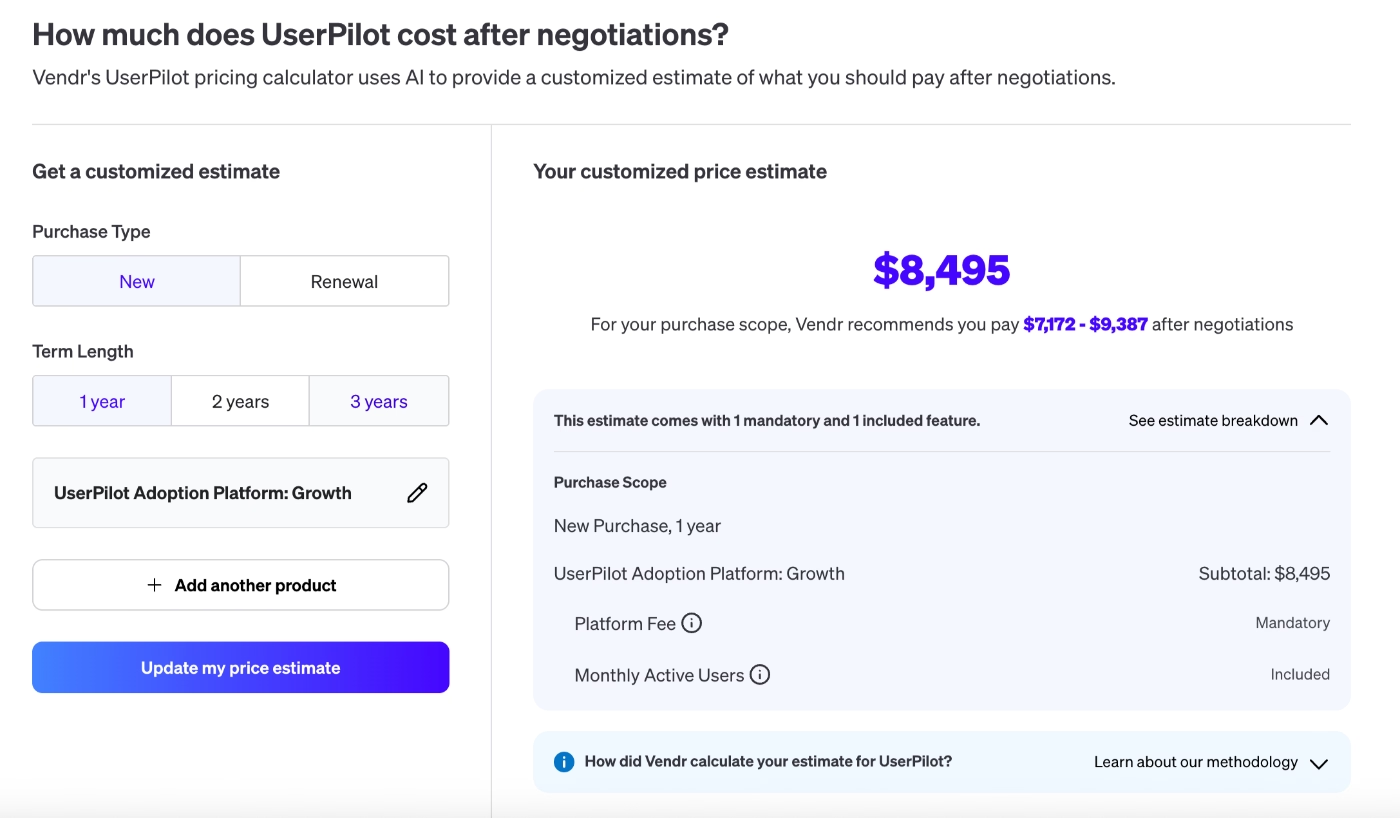
⚠️ If you need custom MAU or any add-ons (like mobile experience features or session replays), this price is very likely to go up. The Growth plan comes with 5k MAU, and it can be scaled up to 100k MAU.
If you’re interested in the price breakdown of Userpilot and whether or not any of these plans is suitable for you, here’s our detailed Userpilot price analysis. 👈🏻
What users like about Userpilot
Userpilot has been around for several years now. The company was founded in 2018, and since then, it has created quite an impressive customer base with companies from different industries and sectors.
So, let’s hear from Userpilot's customers and see what they love (and hate) about the platform.
Userpilot has…
- 905 reviews on G2, and it is rated 4.6/5 ⭐
- 57 reviews on Capterra, and it is rated 4.6/5 ⭐
In order to offer the most useful insights and to be fair, we’ve analysed all and only the reviews from 2025 and 2026.
Here’s what made Userpilot’s customers happy in the last year 👇🏻
Fast implementation
Userpilot is a no-code tool with a relatively easy setup. Many customers find the platform’s implementation process fast, especially for the guides, checklists, and tooltips. While some customers find the settings in the flow builder a little bit overwhelming (and some clunky), many others also praise it and find it user-friendly.
So, there’s no clear consensus on the platform's ease of implementation.
However, several positive comments (like this 👇🏻) can be found.
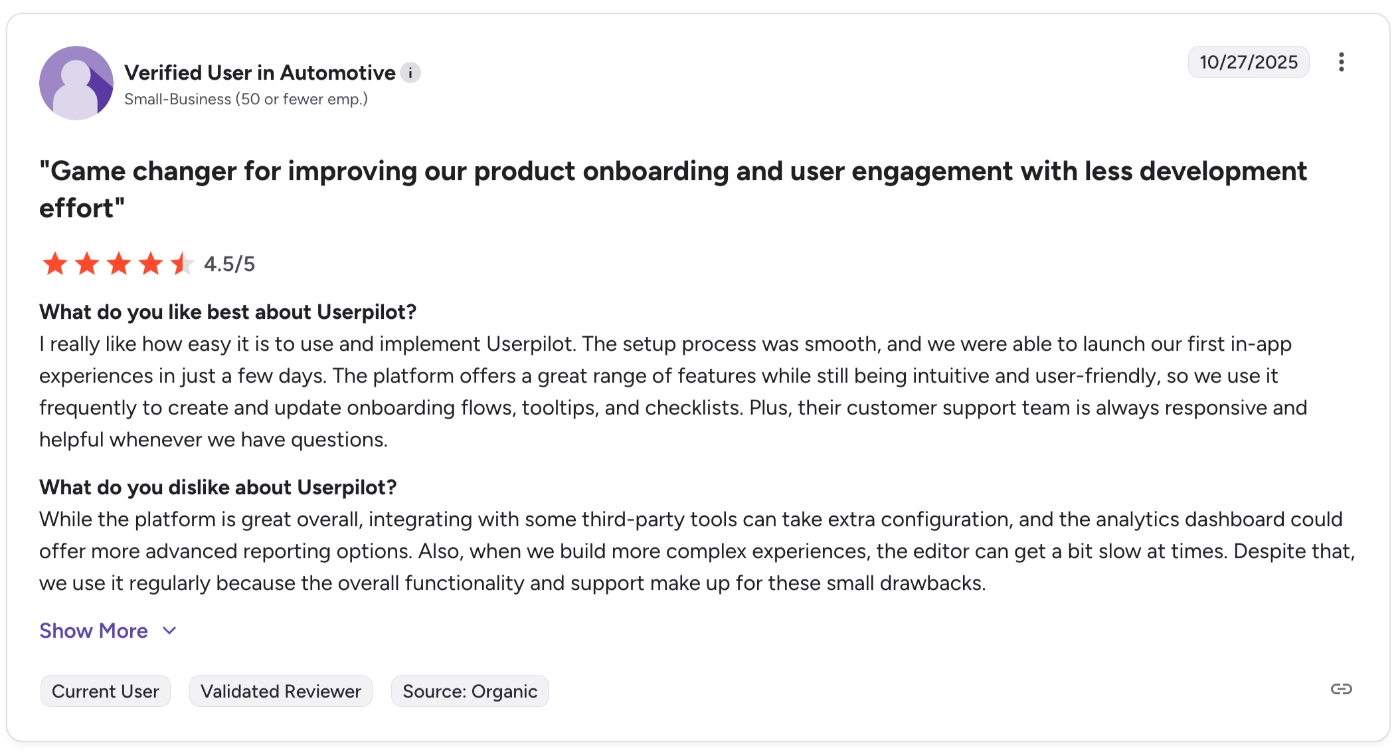
I really like how easy it is to use and implement Userpilot. The setup process was smooth, and we were able to launch our first in-app experiences in just a few days.”
⚠️ As we’ve said, several other users also find the platform overwhelming to navigate, especially if they haven’t used a similar tool before. Plus, some features have steeper learning curves, like analytics and segmentation. The fast implementation reviews are mostly about the in-app experience features like guides and checklists.
For example, one customer says:
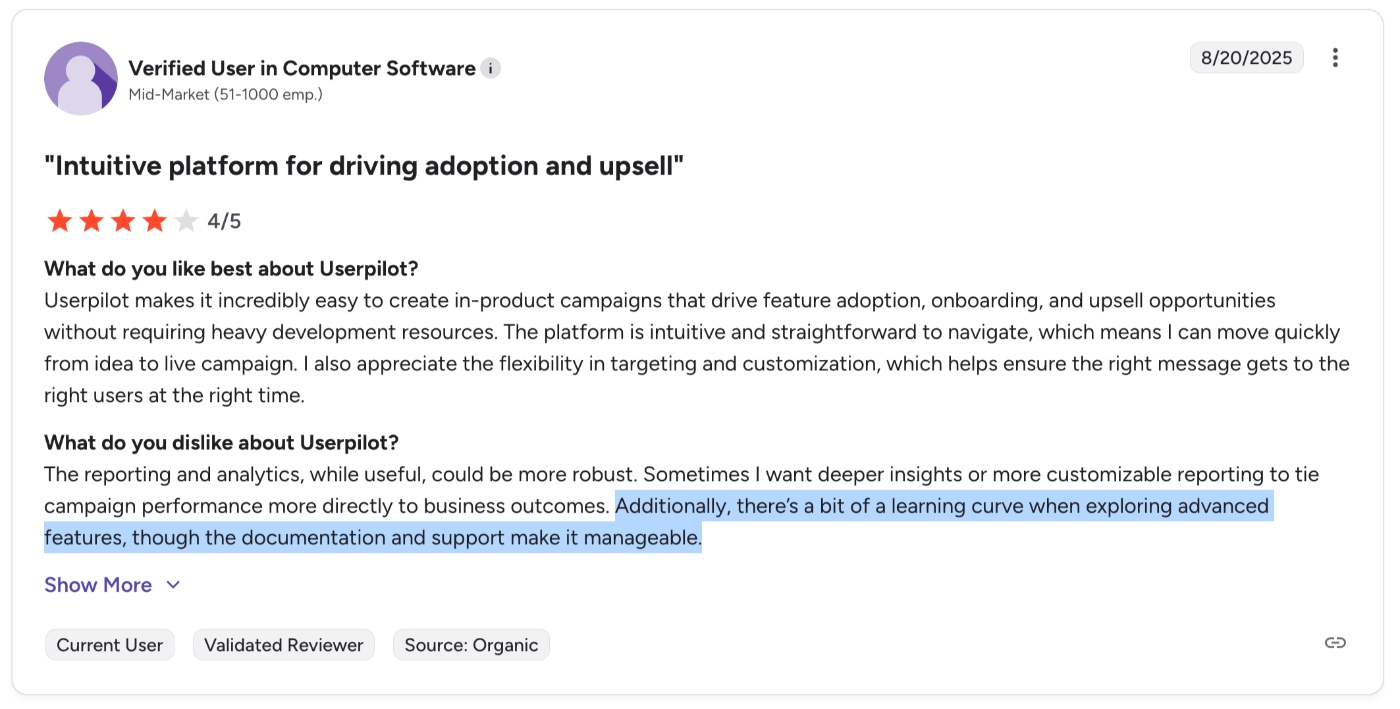
There’s a bit of a learning curve when exploring advanced features, though the documentation and support make it manageable.”
No-code in-app experience builder
One of the main use cases of Userpilot is to build in-app experiences without allocating development resources. So, many of their customers do not have technical backgrounds or coding skills. People find Userpilot easy to use, even without technical expertise.
One customer says:
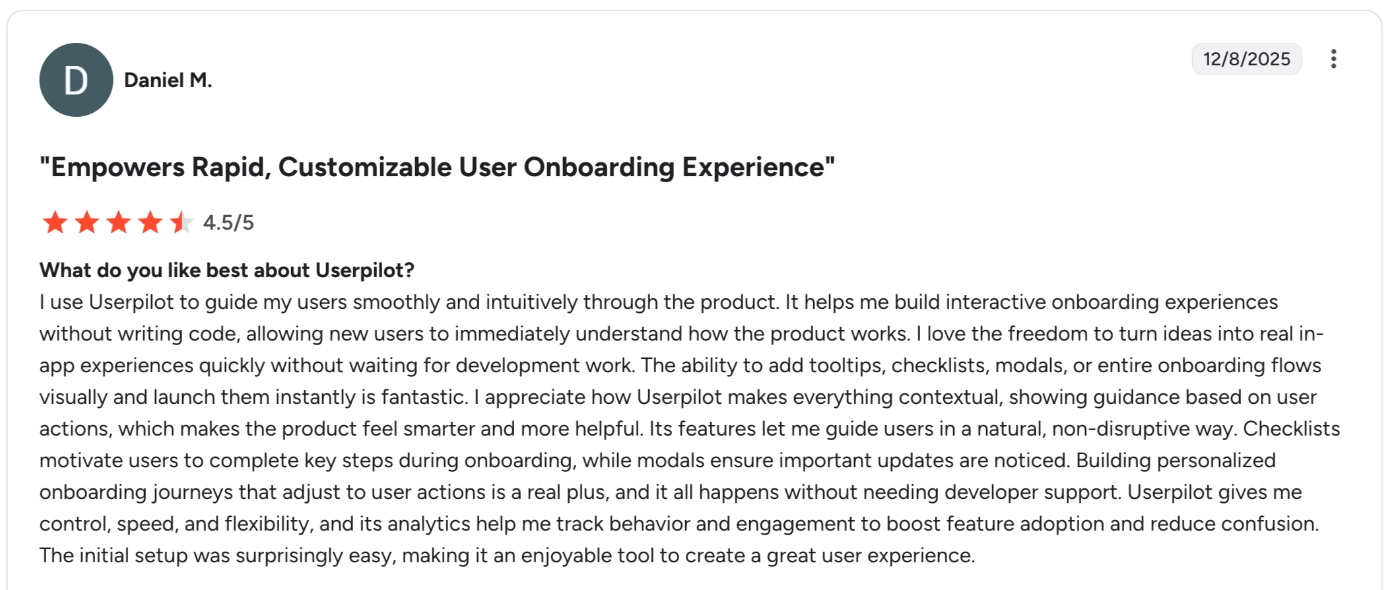
It helps me build interactive onboarding experiences without writing code, allowing new users to immediately understand how the product works. I love the freedom to turn ideas into real in-app experiences quickly without waiting for development work. The ability to add tooltips, checklists, modals, or entire onboarding flows visually and launch them instantly is fantastic.”
Decent personalization and targeting
Userpilot allows users to create user segments and targeting rules to personalize in-app communication and guidance. While some find these rules and segmentation logics a little hard to manage, most of the users appreciate the level of control these features provide, like this customer here:
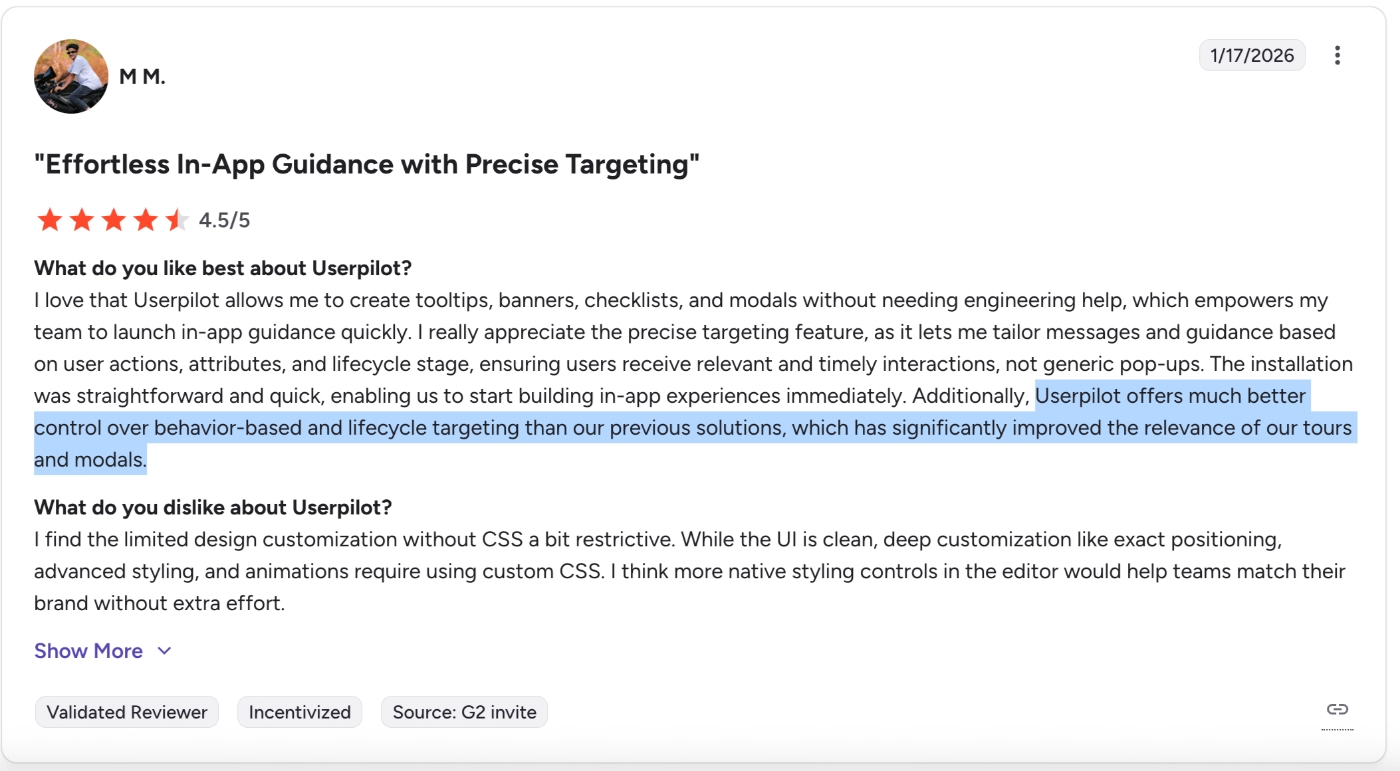
Userpilot offers much better control over behavior-based and lifecycle targeting than our previous solutions, which has significantly improved the relevance of our tours and modals.”
Helpful customer support
The level of customer support Userpilot offers depends on which pricing plan you subscribe to. For the lowest tier, they offer email and live chat support, while for growth and enterprise, you get additional options such as phone support, a dedicated customer success manager, and a 90-day implementation plan.
Regardless of the support type and medium, though, Userpilot’s CS team is mentioned positively in many customer reviews.
Here’s an example:
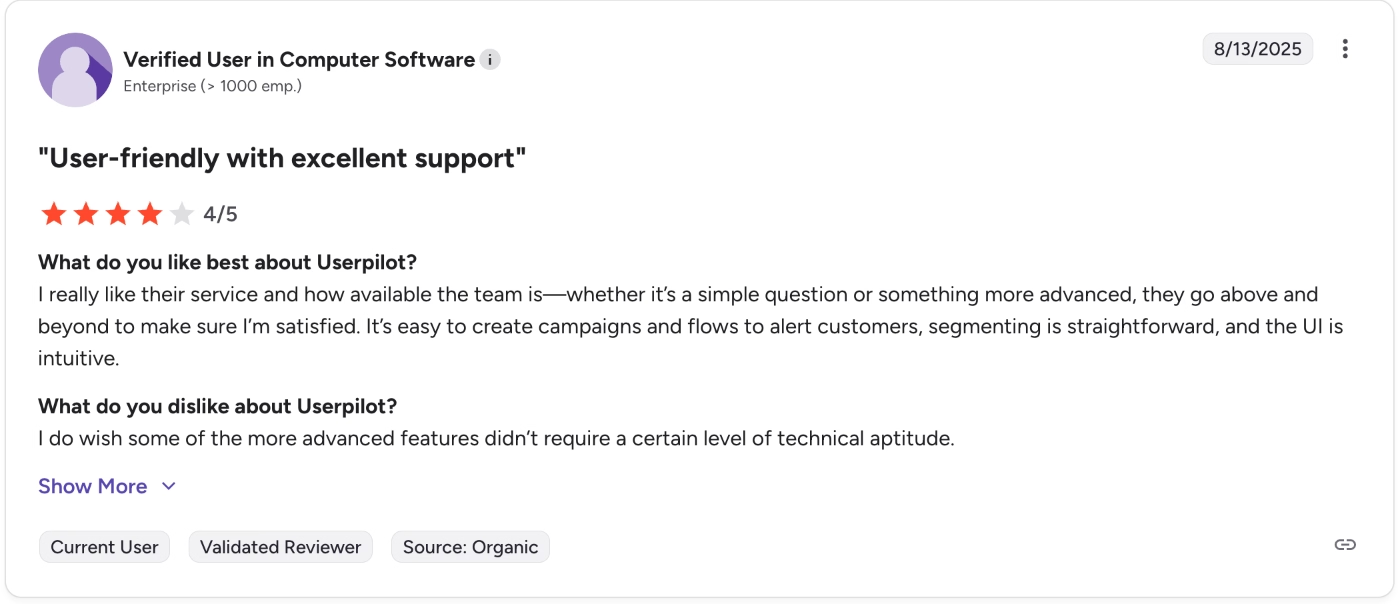
I really like their service and how available the team is –whether it’s a simple question or something more advanced, they go above and beyond to make sure I’m satisfied.”
Common complaints about Userpilot
We’ve talked about the positive aspects of Userpilot, as well as some controversial ones. However, they were not all what Userpilot customers had to say about the platform in 2025…
There’s also the other side of the medallion, the darker side, let’s call it.
Here are the most common problems Userpilot’s customers face:
Limited analytics dashboard customization
Userpilot (on paper) offers a great range of analytics and reporting capabilities. However, these capabilities are not that strong in reality. Yes, you can track events and create reports for various use cases, such as funnels, trends, and conversions.
However, many users find the analytics dashboards a little unorganized.
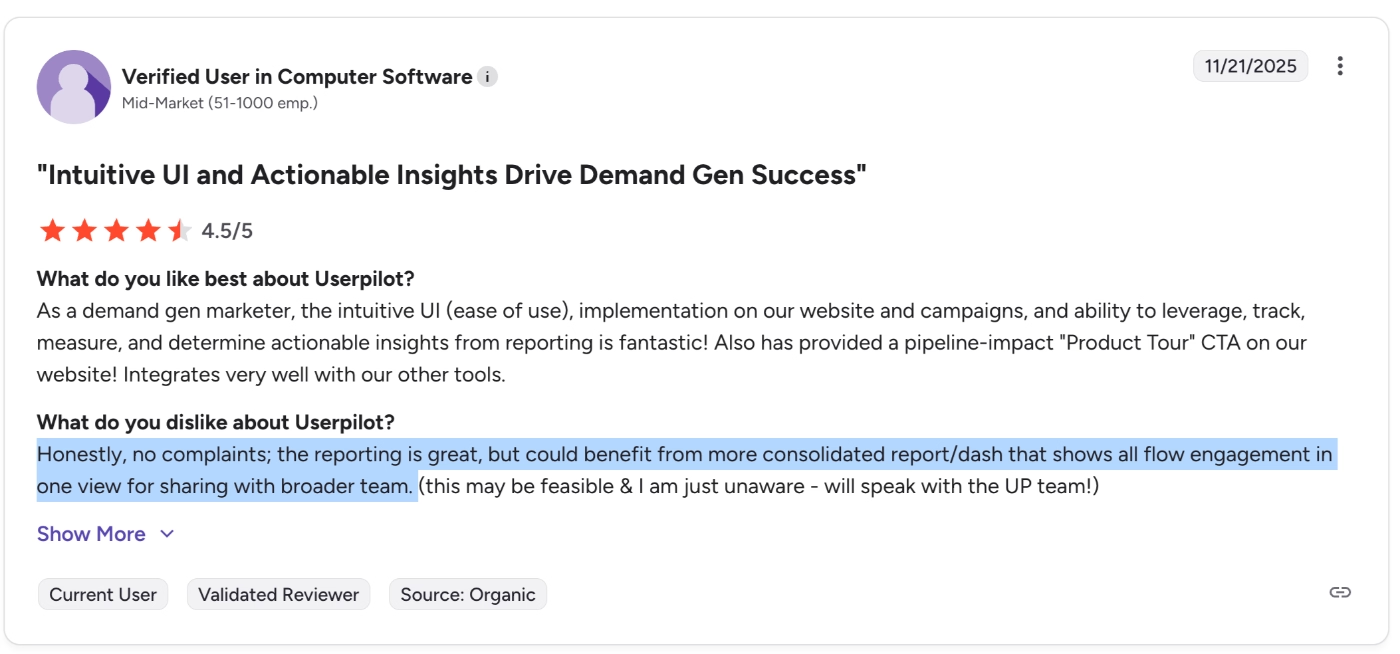
Honestly, no complaints; the reporting is great, but could benefit from a more consolidated report/dashboard that shows all flow engagement in one view for sharing with the broader team.”
Some users also find the analytics dashboards and reports not very intuitive, even though they find the rest of the platform easy to navigate. One Userpilot customer says:
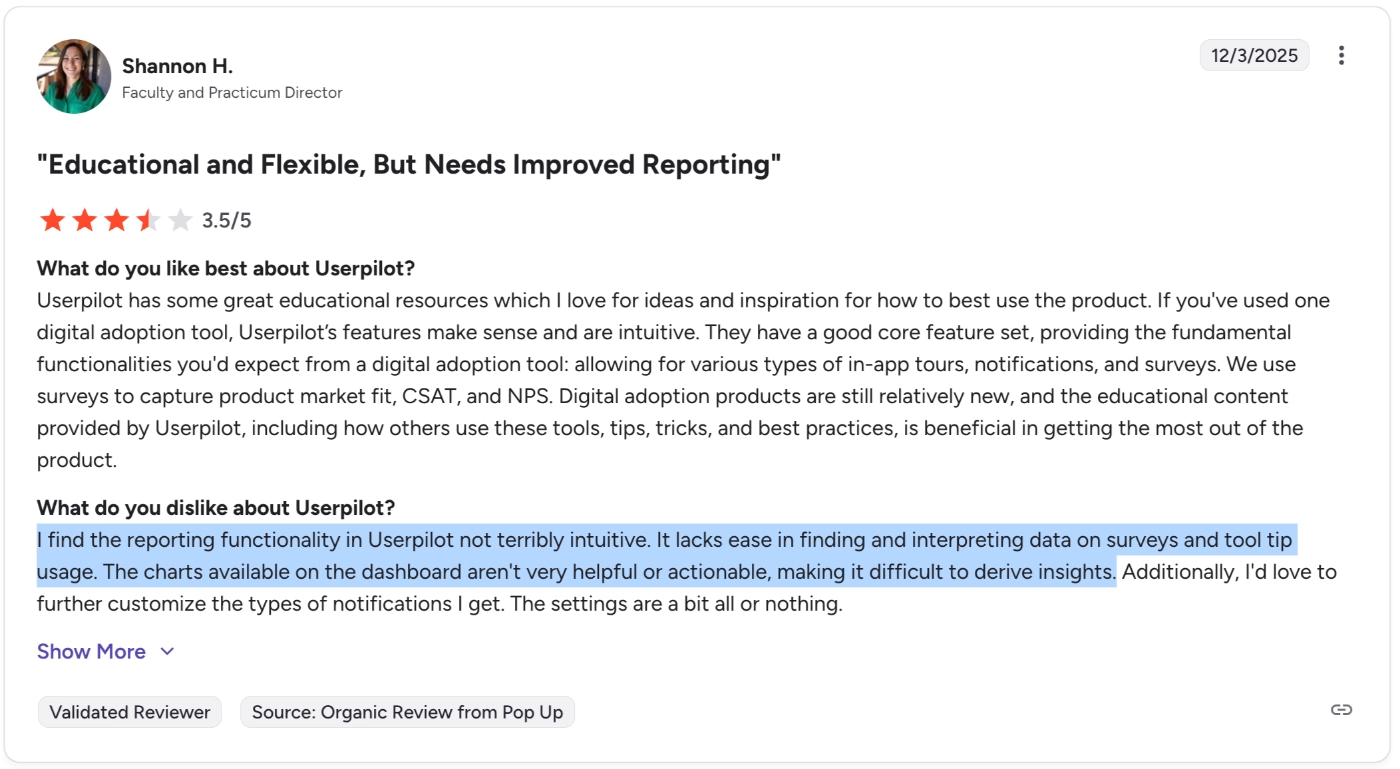
I find the reporting functionality in Userpilot not terribly intuitive. It lacks ease in finding and interpreting data on surveys and tool tip usage. The charts available on the dashboard aren't very helpful or actionable, making it difficult to derive insights.”
⚠️ There’s also the issue of data control. Several users complain about the limitation of the custom reports and how they cannot play with the data as they want. One user says:
I also believe that their custom reports could be more flexible. I oftentimes feel that I can't slice and dice data exactly as I would like to.”
While another one says:
It can be a bit of a reporting dashboard overload - personally, there's only a couple of metrics that are usual in my role - perhaps would be nice to be able to pick and choose which graphs/tables/reports are most relevant to you.”
Potential usability issues with complex flows
Userpilot’s flow builder has been criticized several times for its clunkiness. While some users complain about how hard it can be to choose/highlight the areas you want while building flows, especially on relatively crowded UIs, some also state that creating flows or adding steps can become slower and time-consuming over time.
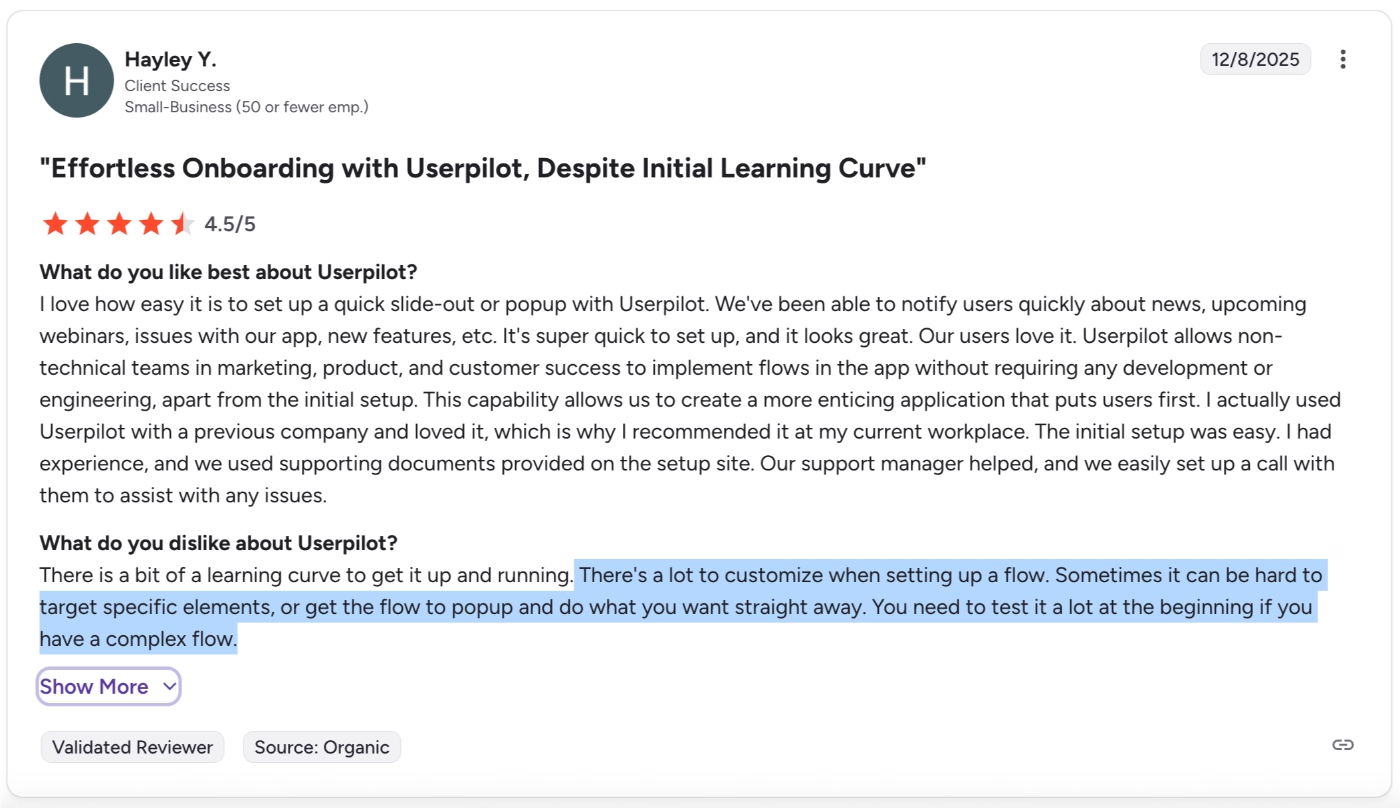
There's a lot to customize when setting up a flow. Sometimes it can be hard to target specific elements or get the flow to pop up and do what you want straight away. You need to test it a lot at the beginning if you have a complex flow.”
Underdeveloped mobile experiences
Userpilot’s mobile experience features are a significant advantage for the tool, as most onboarding and adoption platforms do not support mobile apps. However, this does not mean the features are perfect.
Several customers criticize Userpilot’s mobile features, saying they’re not truly mobile-first and aren't designed to work perfectly in mobile apps. One customer says:
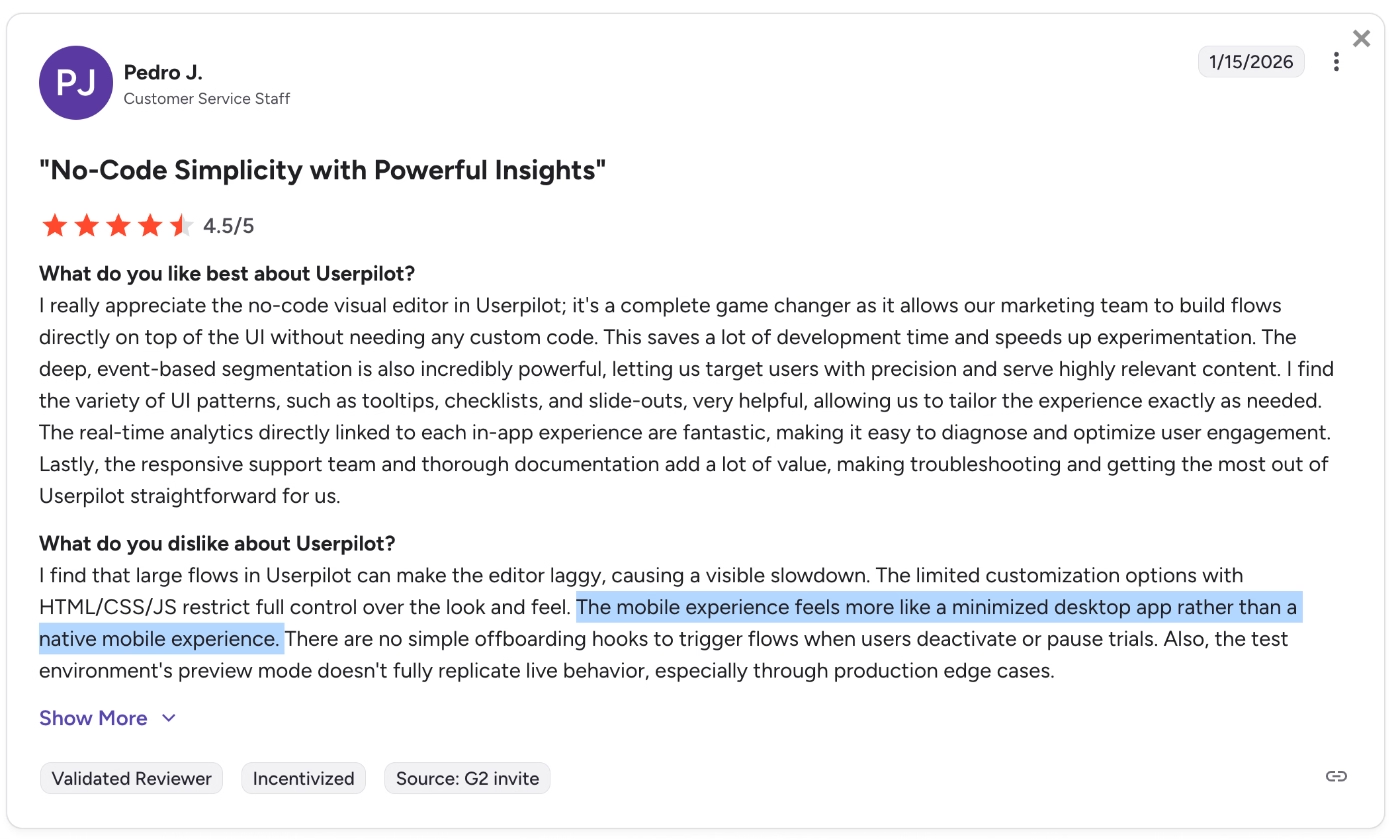
The mobile experience feels more like a minimized desktop app rather than a native mobile experience.”
A similar comment comes from several more customers, for example, one says:
There are not as many opportunities for the mobile-first facing applications.”
Limited customization
Userpilot’s customization capabilities are also often found to be insufficient.
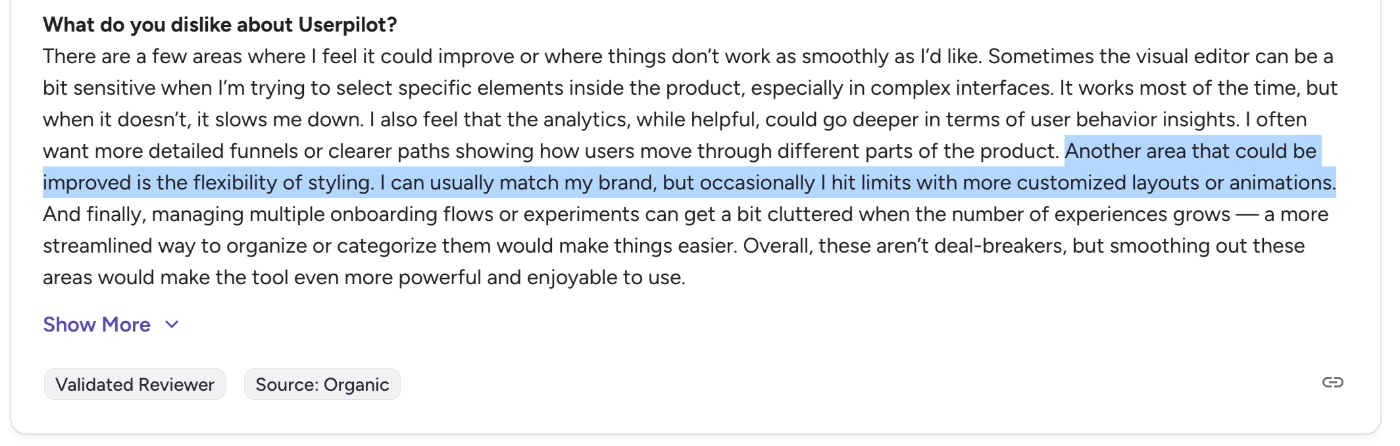
Another area that could be improved is the flexibility of styling. I can usually match my brand, but occasionally I hit limits with more customized layouts or animations."
Expensive
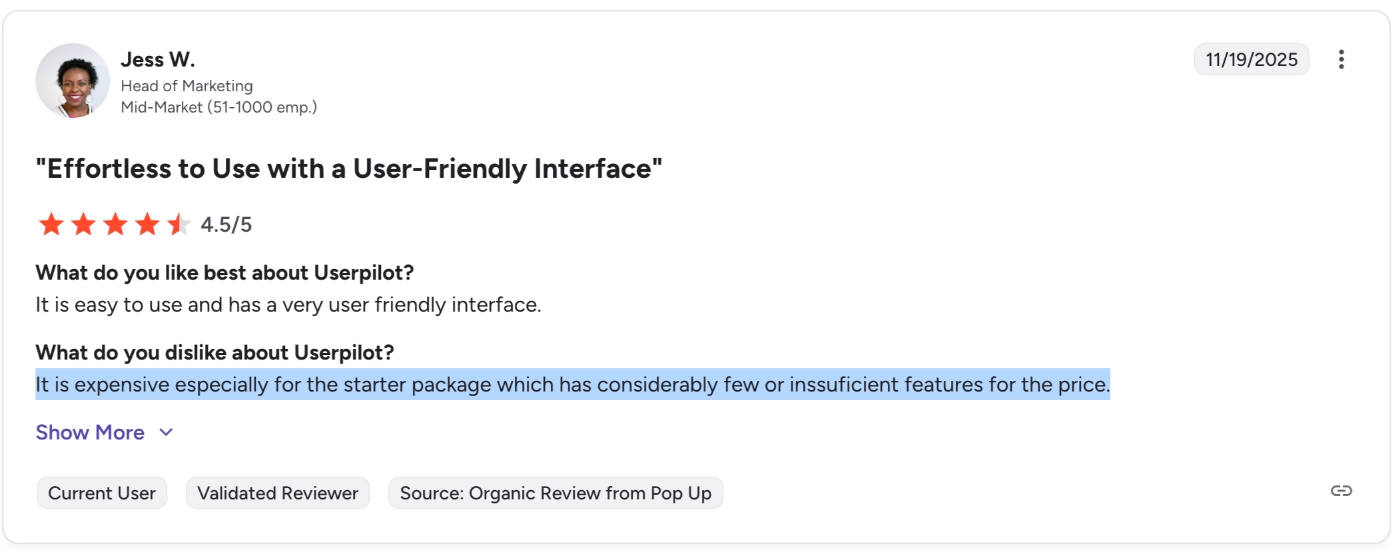
Userpilot is not a budget-friendly solution; even on its “cheapest” tier, it still costs a lot. And what’s annoying for some Userpilot users is that you don't get much for what you pay…
One user says:
It is expensive, especially for the starter package, which has considerably fewer or insufficient features for the price.”
Limited integration options
Another common complaint point for Userpilot is the integration capabilities. While some find the integration and webhook capabilities limited…
Steeper learning curve and limited integrations and webhooks.”
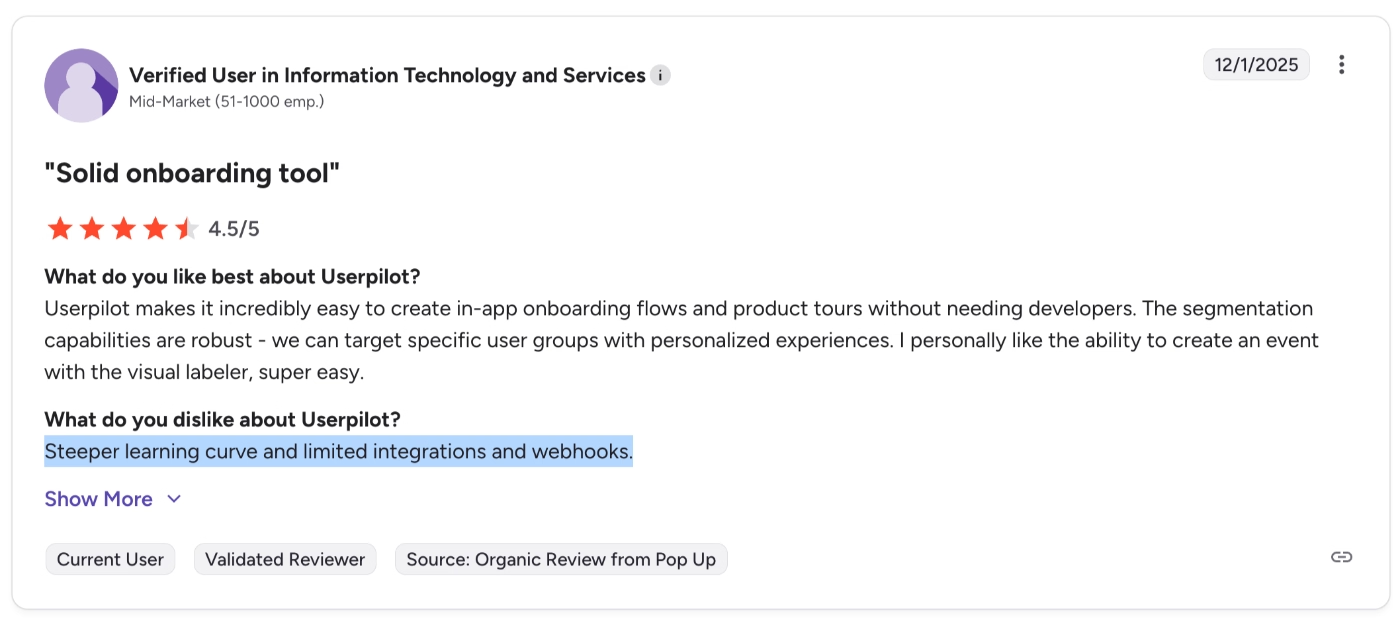
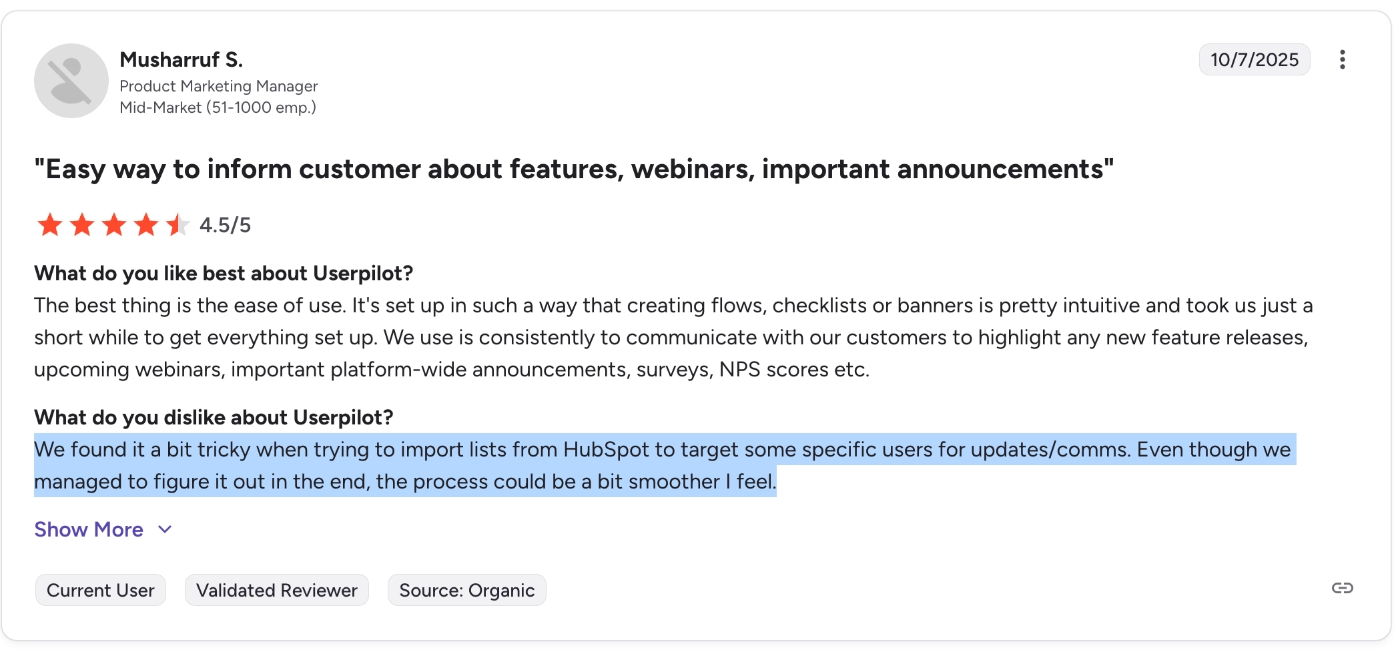
Some find the existing integrations hard to use. For example, one user complains about the HubSpot integration and how it can become tricky to import lists from HubSpot:
We found it a bit tricky when trying to import lists from HubSpot to target some specific users for updates/comms. Even though we managed to figure it out in the end, the process could be a bit smoother, I feel.”
Who Userpilot is (and isn’t) for
Meet UserGuiding, a scalable Userpilot alternative!
UserGuiding is a no-code, all-in-one product adoption platform that offers features and capabilities for you to onboard users, communicate feature updates, offer in-app support, and more.
Here’s what you get with UserGuiding:
- Product tours
- Onboarding checklists
- Hotspots and tooltips
- Announcement modals (banners, slideouts, pop-ups, etc.)
- NPS and custom in-app surveys
- AI assistant
- Resource center (in-app)
- Knowledge base (standalone)
- Product updates (standalone)
- Segmentation
- Analytics
As you can see, while UserGuiding doesn’t offer some of the features Userpilot has, like emails and mobile experiences, it still offers the full set of features Userpilot offers in terms of in-app engagement and communication, plus more, like AI assistants.
The standalone features like knowledge base and product updates are also important features that Userpilot lacks, but UserGuiding offers for a complete customer communication experience.
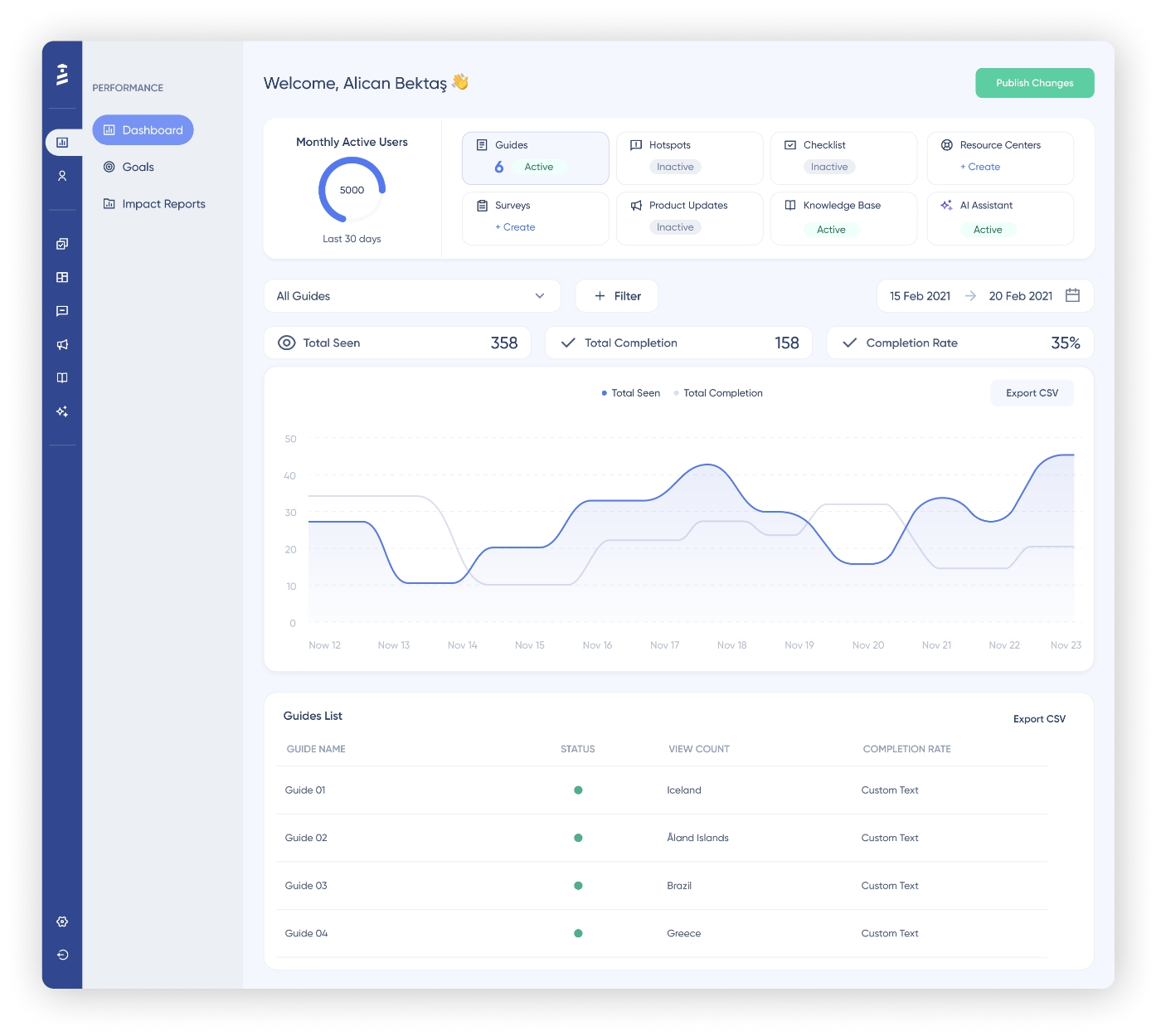
UserGuiding is a true no-code tool with a little to no learning curve and an intuitive, user-friendly UI. Let’s go through an example workflow together, and then you’ll see what we mean by a “true no-code tool” and “user-friendly UI”.
Userpilot offers very limited survey options, even in the Growth and Enterprise plans, so let’s see what UserGuiding offers in terms of surveys 📋
First of all, you get several use-case-oriented survey templates with UserGuiding:
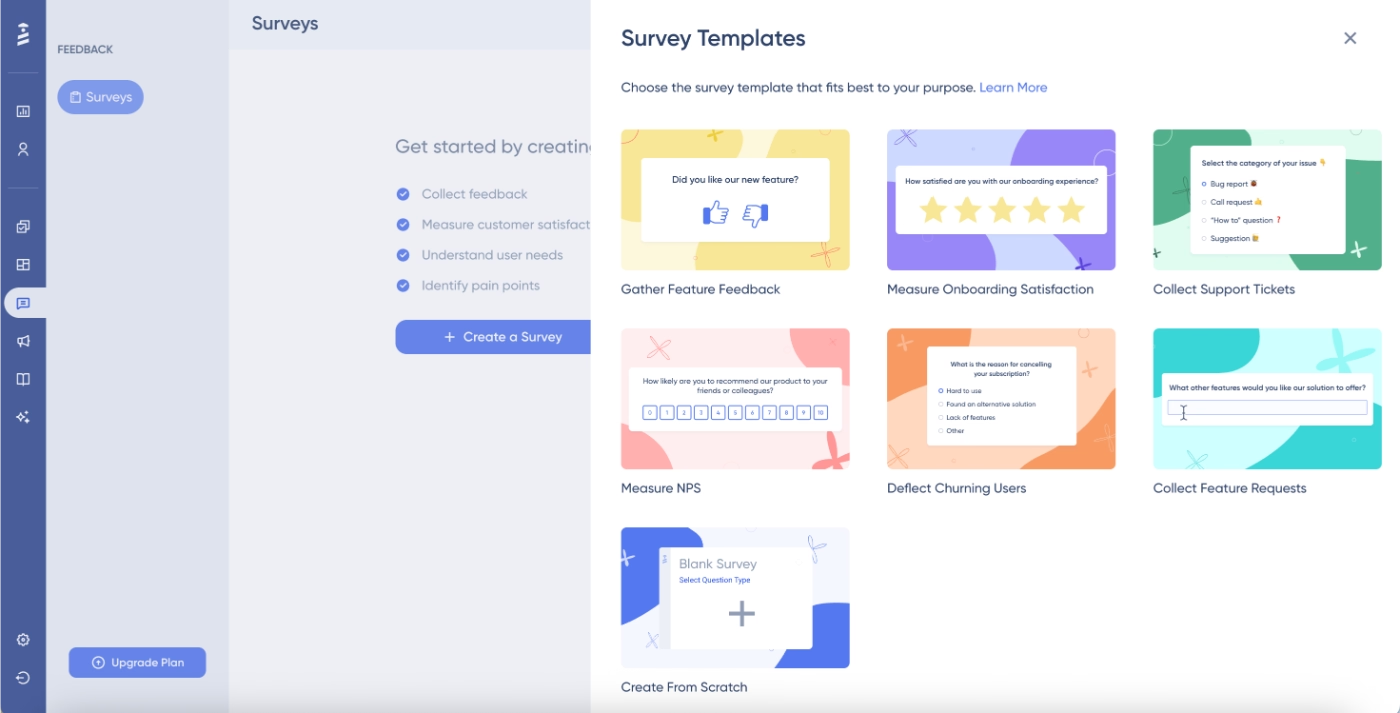
Let’s choose the onboarding satisfaction survey to build on.
On the left side, you have the survey editor, and on the right side, the preview.
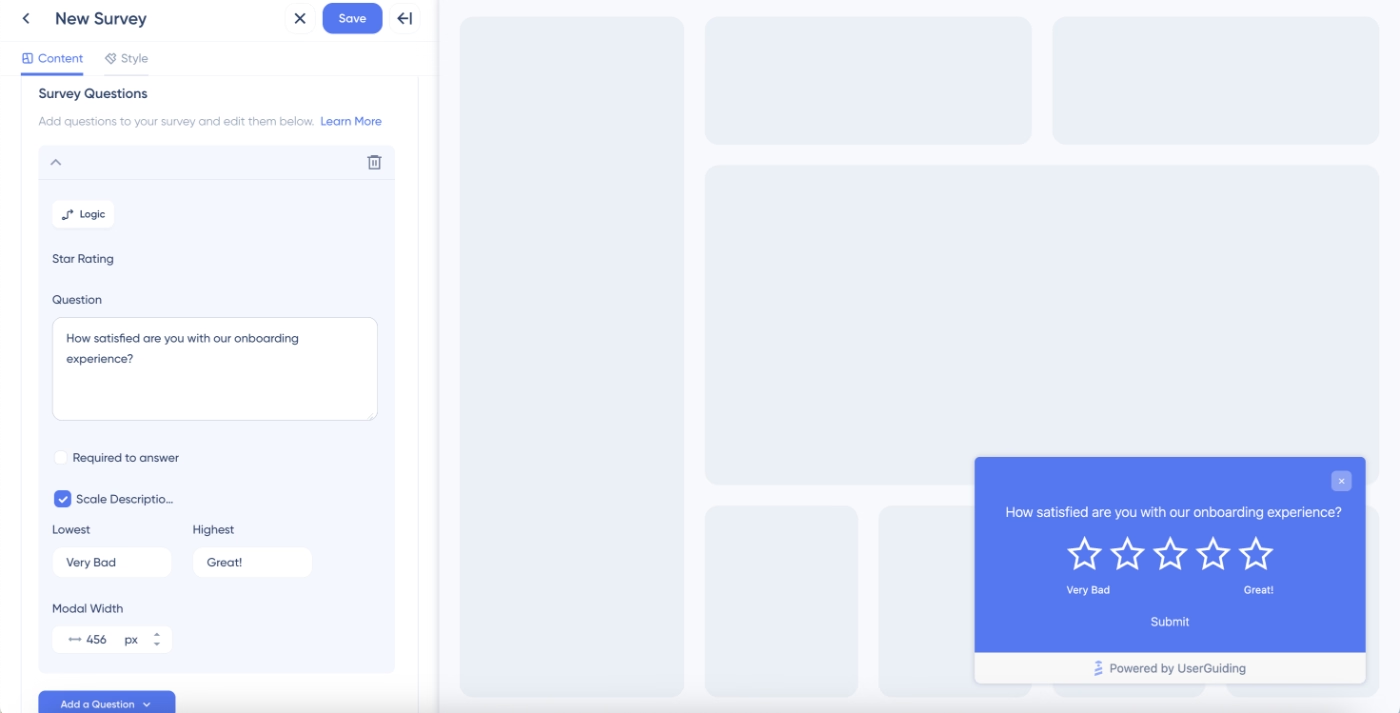
Here, all you need to do is type in the question, decide whether you want to include scale descriptions, tweak the size of the modal if you want, and then add a follow-up question.
In terms of question types, you have a lot of options.
Star rating, number rating, emoji rating, NPS rating, multiple choice, open-ended…
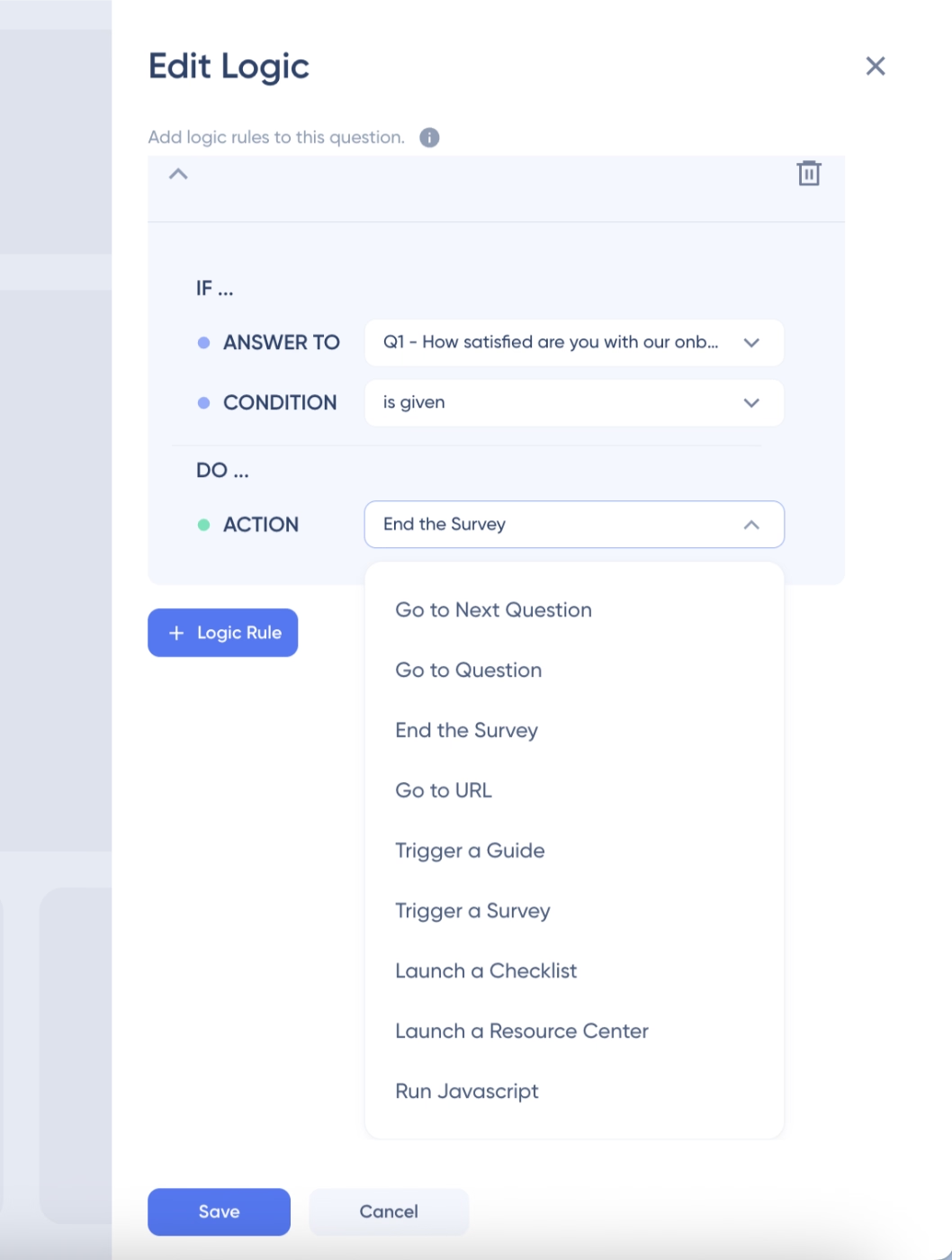
You choose what you want to use, and then repeat the steps: type in the question, edit the settings. You can also create survey logics to personalize your surveys based on answers and ask different follow-ups to different users, or even trigger different materials like guides.
That, too, is pretty easy to do with UserGuiding.
You choose the question to add the logic, the condition of the logic, and the action. All from a no-code survey logic editor with a drop-down menu.
UserGuiding also offers a lot more customization options for the materials you build, both through the no-code theme editor and CSS.
You can create themes beforehand and choose the theme you want while building your materials, or you can customize the look of an individual material in the editor.
Here’s what the themes page looks like:
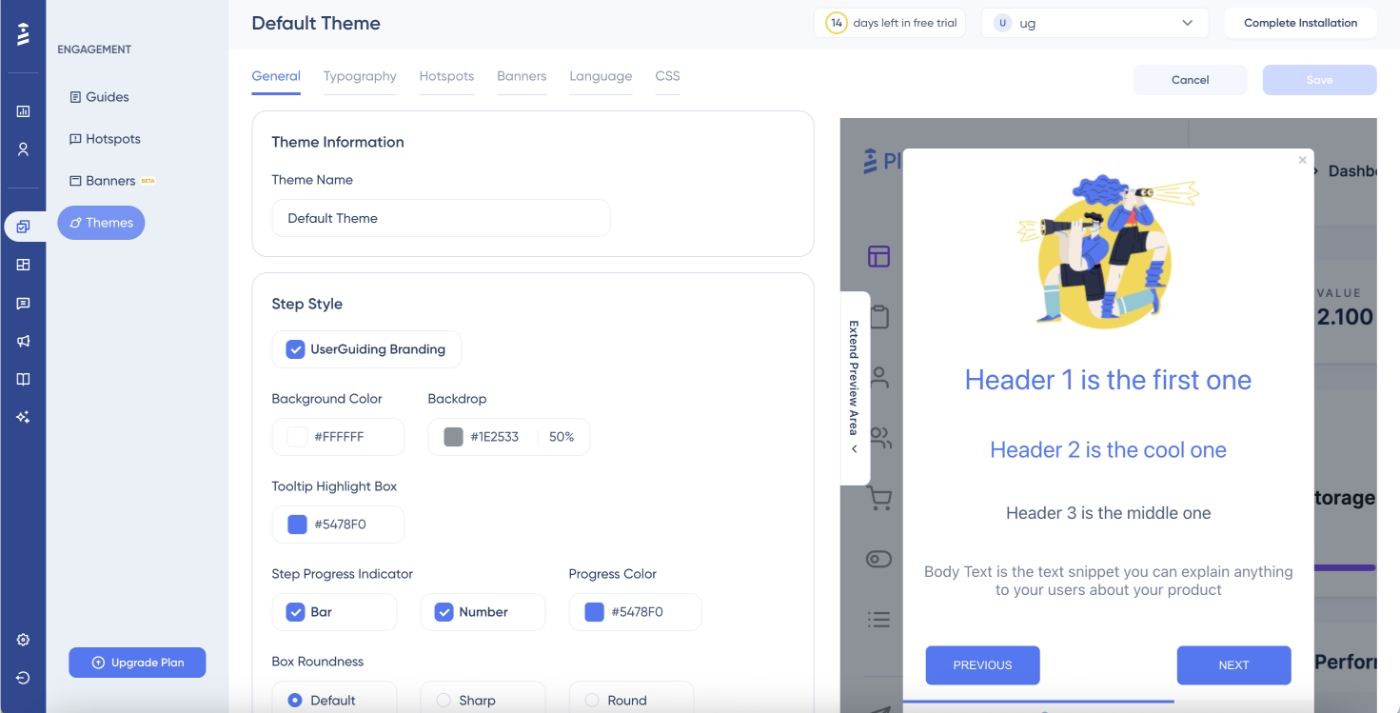
Here, you can customize all aspects of your tooltip/guide steps, including boxes, colors, background dimness, buttons, and progress indicators. You can then proceed to the typography options to customize font choices, sizes, colors, and alignments.
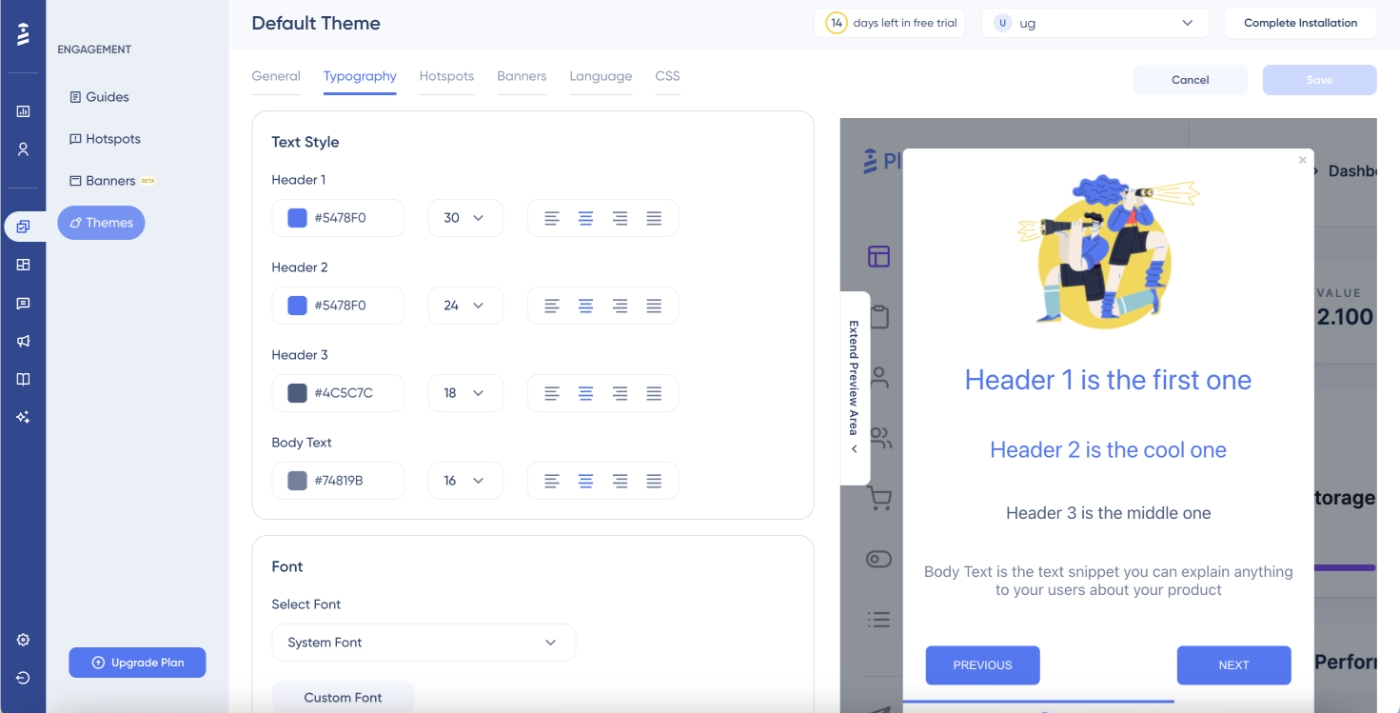
You can also create default banner styling (again, colors, positioning, sizing, buttons, etc.) and hotspot styling (beacons, interaction events, etc.) within the themes, as well. So your general setting doesn’t have to be the same for your banners and hotspots.
Here’s what the hotspot customization page looks like:
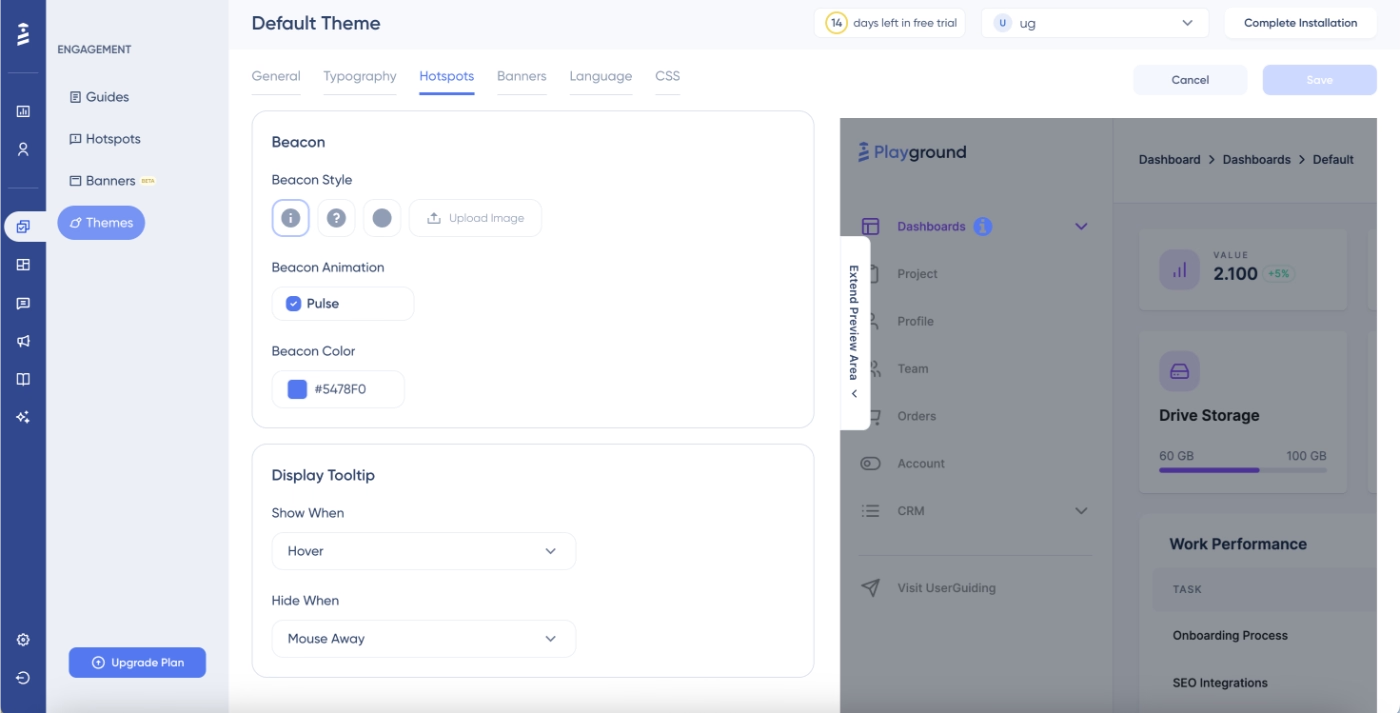
As you can see, all settings can be previewed on the right side of the page, so you don’t have to save the settings, create materials, check how they look, and then come and update your settings again.
Intrigued?
🎁 Start your free trial and check UserGuiding out for yourself!
And if you prefer to learn more about UserGuiding’s use cases and capabilities before starting your free trial, let’s take you here. 👈🏻
Why teams love UserGuiding
UserGuiding is more cost-effective, more customizable, and more comprehensive than Userpilot. And you don’t need to take our word for it, as it’s not just us claiming that out of thin air; it’s actually UserGuiding users and customers saying that!
Quicker and easier implementation
Userpilot’s implementation, too, is praised by several users; however, many users still state that they’ve needed onboarding support from the Userpilot team, and it still takes a few days to set up the tool and get started with it, which is not bad in industry standards, but still more compared to UserGuiding’s setup and implementation. 👀
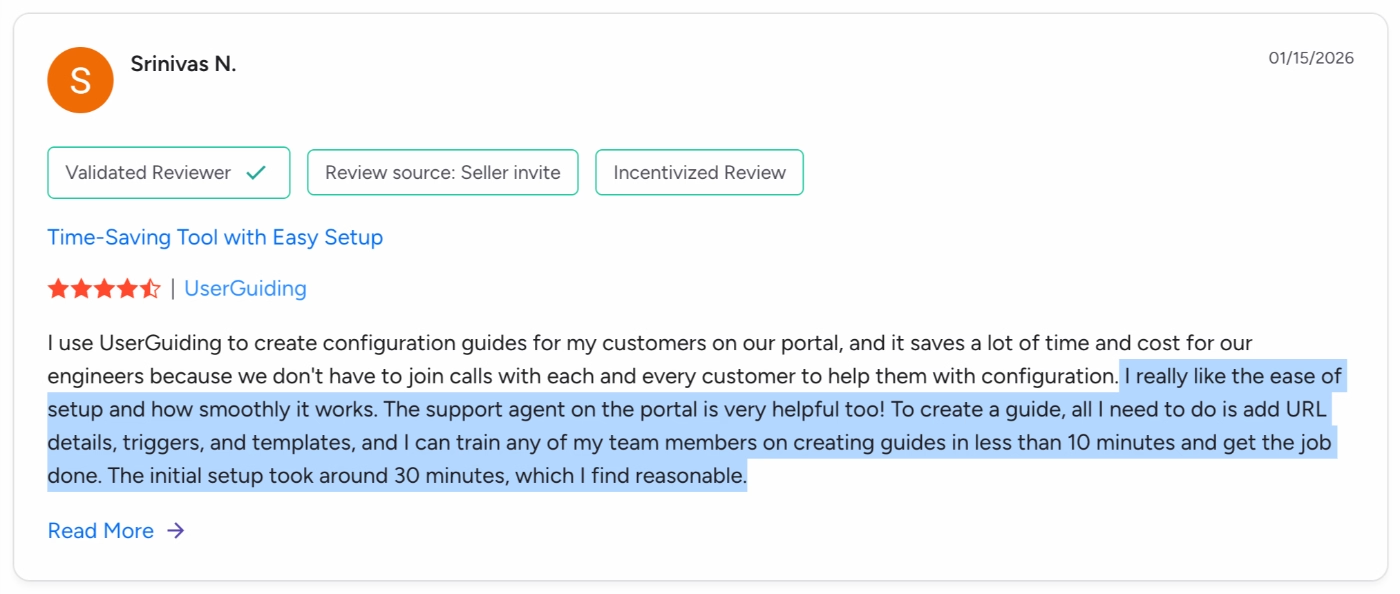
Here’s what a UserGuiding customer says about their implementation experience:
I really like the ease of setup and how smoothly it works. The support agent on the portal is very helpful, too! To create a guide, all I need to do is add URL details, triggers, and templates, and I can train any of my team members on creating guides in less than 10 minutes and get the job done. The initial setup took around 30 minutes, which I find reasonable.”
More comprehensive toolkit
Userpilot might offer more analytics capabilities; however, it lacks the customer support and communication features that UserGuiding offers, such as AI agents, knowledge bases, and more templates and customization options for in-app communication.
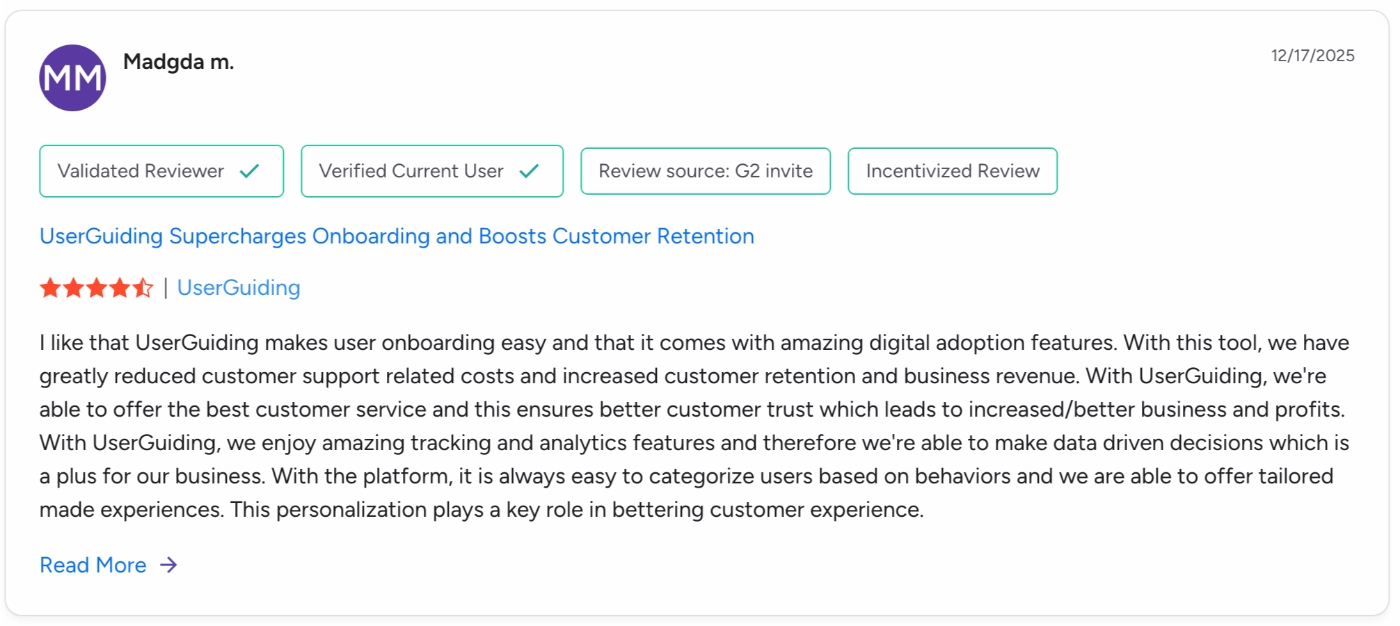
I like that UserGuiding makes user onboarding easy and that it comes with amazing digital adoption features. With this tool, we have greatly reduced customer support-related costs and increased customer retention and business revenue. With UserGuiding, we're able to offer the best customer service, and this ensures better customer trust, which leads to increased/better business and profits.”
More cost-effective and value-driven pricing plans
Userpilot is overall more expensive than UserGuiding; however, cost-effectiveness is not only about the numbers. Userpilot also hides a great deal of its cool features behind paywalls and add-ons; it doesn’t have a transparent pricing strategy, and it’s not very scalable.
Whereas UserGuiding doesn’t hide its core features and has a transparent pricing strategy. UserGuiding has three paid plans:
- Starter plan: $249/month (billed yearly)
- Growth plan: $499/month (billed yearly)
- Enterprise plan: Custom price
AI features (Lighthouse included) are available across all plans.
UserGuiding’s pricing plans are also created with customer needs in mind, so the feature distribution and caps make much more sense.
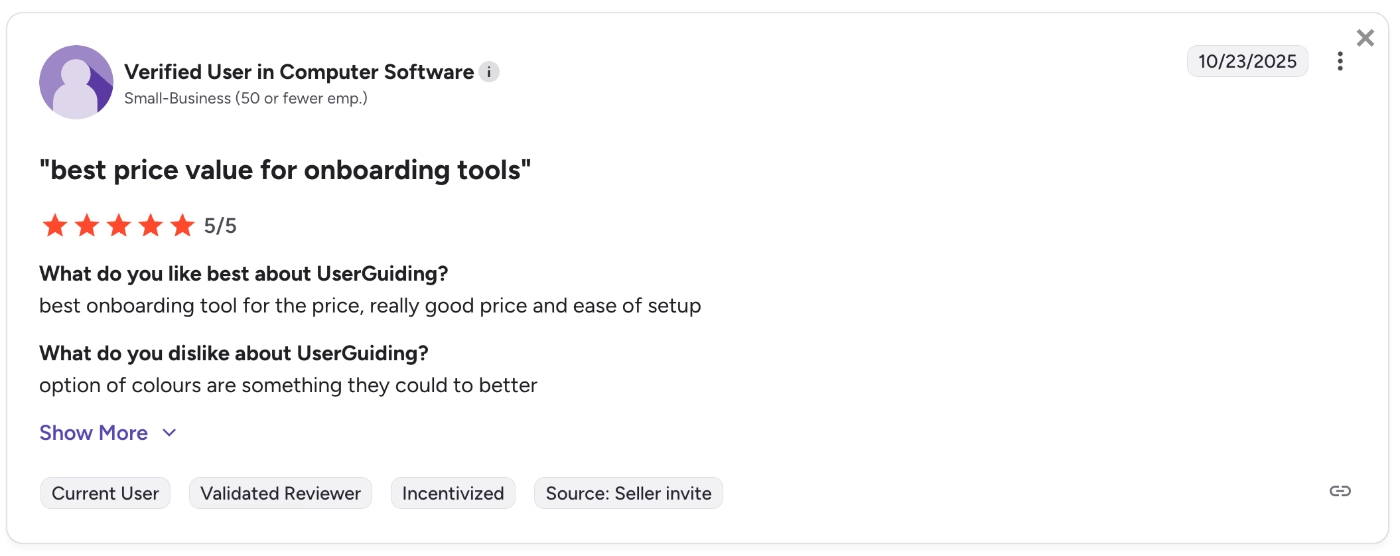
There’s a reason why some UserGuiding customers can’t stop talking about the value they get for the price they pay 👀
Best price value for onboarding tools”
You can also check out our more in-depth comparison of Userpilot and UserGuiding. 👈🏻
Final Verdict: Is Userpilot worth it?
Well… Userpilot offers a lot of cool features like session recordings, different reporting capabilities, event tracking, mobile features, emails…
However, none of these features is that strong.
Session replays are an add-on; they’re not included even in the enterprise plan. Analytics and reporting are heavily criticized due to their lack of customization and data control capabilities. Mobile features are there, but are often found not enough. Plus, they’re only included in the enterprise plan, and for the growth plan, they’re an add-on. Emails are still in beta testing.
The features are scattered across plans and add-ons, the MAU limits are low, the starting prices of 2/3 plans are not transparently communicated, the only plan with a price tag on is not scalable, and doesn’t include half of the features…
So, we would say no, Userpilot is not worth it.
But could this unique combination of features speak to your needs? Of course.
After all, Userpilot is among the very few solutions that offer both web and mobile app experiences, now with an email feature as well. It’s still on the average range in terms of pricing, not as cheap as some of its competitors, but certainly not as expensive as others, too.
It’s still relatively easy to use with a relatively low learning curve.
So, you decide if it’s worth yourself.
But if you would like to compare Userpilot with more of its competitors before deciding, we’ve just the guide for you! Here are the top 11 alternatives to Userpilot. 👈🏻
Frequently Asked Questions
What is Userpilot used for?
You can use Userpilot for user onboarding, in-app guidance, feature announcement, user research, and engagement monitoring. Userpilot’s features allow users to create interactive flows to encourage feature engagement and adoption. Userpilot can also be used to detect user engagement trends and collect user feedback to understand what users love about a product and what needs improvement.
Is Userpilot easy to use?
Userpilot is a relatively easy-to-use solution. It has a low learning curve and an intuitive UI. While its in-app experience features like guides, tooltips, and checklists are easy to use and set up, its more advanced features like reporting and segmentation can come with a bit of a learning curve and take longer to implement. However, Userpilot is still a no-code tool that can be used by non-technical users with some training and onboarding.
What is the difference between Userpilot and UserGuiding?
Both Userpilot and UserGuiding offer in-app onboarding and communication tools like guides, checklists, tooltips, banners, surveys, and resource centers. However, what differentiates one from the other is the additional capabilities they offer and the secondary use cases they focus on. For Userpilot, analytics and mobile experiences are central additional capabilities. For UserGuiding, customer support is more central, so it offers features like AI assistants, knowledge bases, and product updates. The pricing strategies of the two tools are very different as well. Userpilot doesn’t have a transparent pricing strategy, while UserGuiding offers a pricing page that lets potential customers calculate their costs.

.png)










