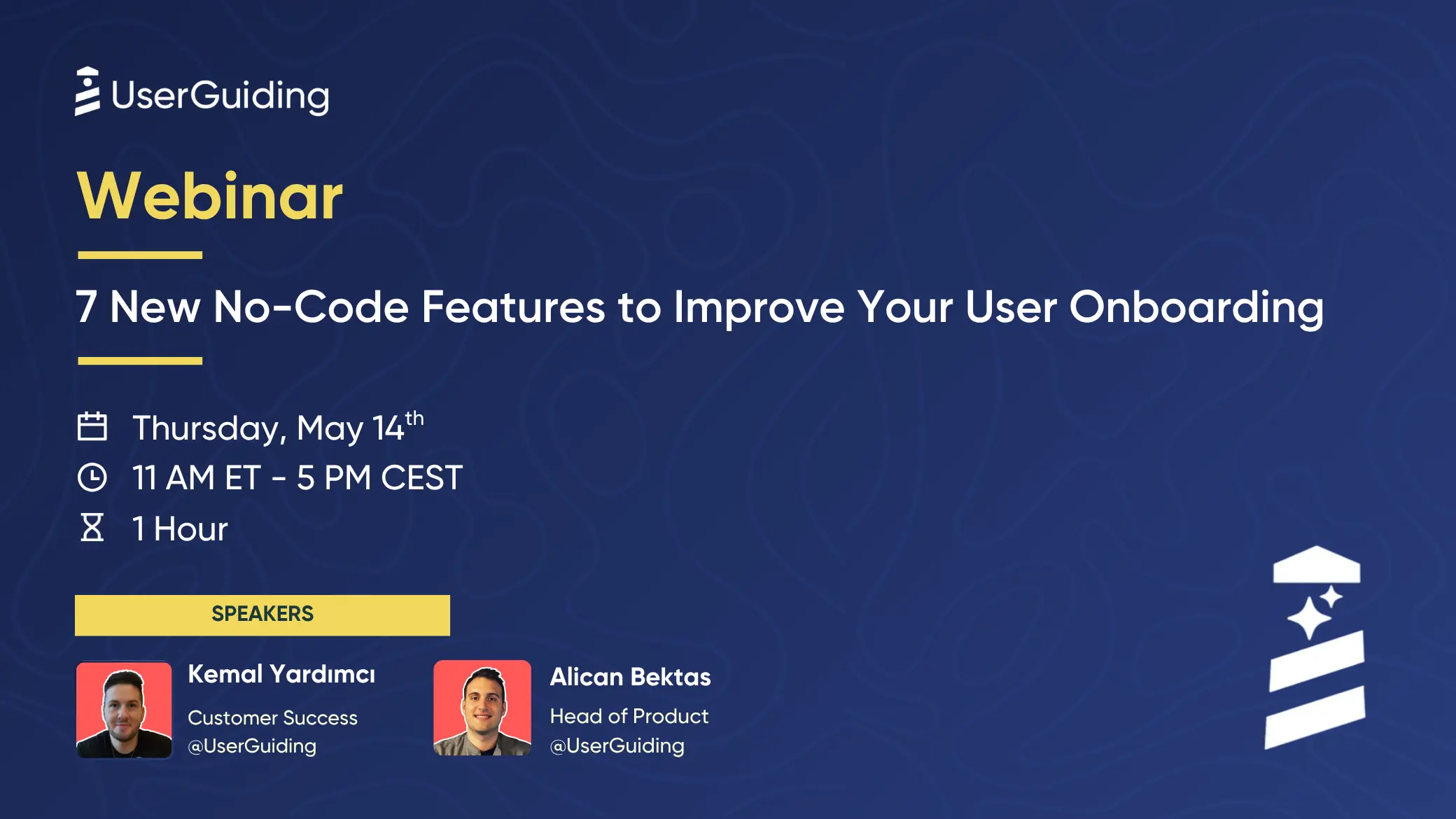
We shipped seven new features in UserGuiding this quarter. In this session, Alican Bektaş (Head of Product) and Kemal Yardımcı (Customer Success) walk through each one live in the product.
It is a practical look at how to track user behavior without engineering, localize onboarding faster, catch broken flows early, replay real sessions, and connect your UserGuiding data to Claude, Cursor, and Codex through MCP.
What we cover:
- Page View Events. Track who visits which pages on your site, then trigger guides or build segments from it.
- No-Code Event Tracking. Turn any button, link, hover, or form field into a data point without writing code.
- Localization with Auto-Translate. Translate a full guide in one click, then ship as-is or send for human review.
- Notification Management. A weekly or daily digest of what changed in your account, sent to email or Slack.
- Custom Alerts. Get told the same day a guide breaks, a survey stalls, or completion drops.
- Session Replay. Watch real users move through your product and see where they get stuck. Sensitive fields are masked by default.
- UserGuiding MCP. Connect Claude, Cursor, or Codex straight to your live UserGuiding data and ask in plain English.



.svg)
.svg)
.svg)
.svg)

.svg)
.svg)


.svg)


.png)






Here’s What Our Customers Say About Us
%
Increase in number of trial conversion
UserGuiding is quickest and easiest solution to implement.