


.svg)
.svg)
.svg)
.svg)


Turn Complex HR Tools Into Self-Service Experiences
Onboard HR teams with zero friction, guiding them through compliance, payroll, benefits, and more with in-app self-serve tools.
.avif&w=3840&q=75)


.svg)








Train hiring managers, recruiters, and HR admins in-product, without slowing them down.
UserGuiding enables you to create interactive walkthroughs and tooltips tailored to each user role (e.g., Talent Acquisition Manager vs. HR Generalist). Segment your onboarding flows so users only see what’s relevant to them, reducing ramp-up time and support tickets.
HR platforms must constantly adapt to shifting regulations, internal process updates, and evolving integrations (like background checks, payroll, or job boards).
With UserGuiding, you can communicate these updates directly in-app using banners, Hotspots, and a Product Updates page without relying on emails or engineering resources.
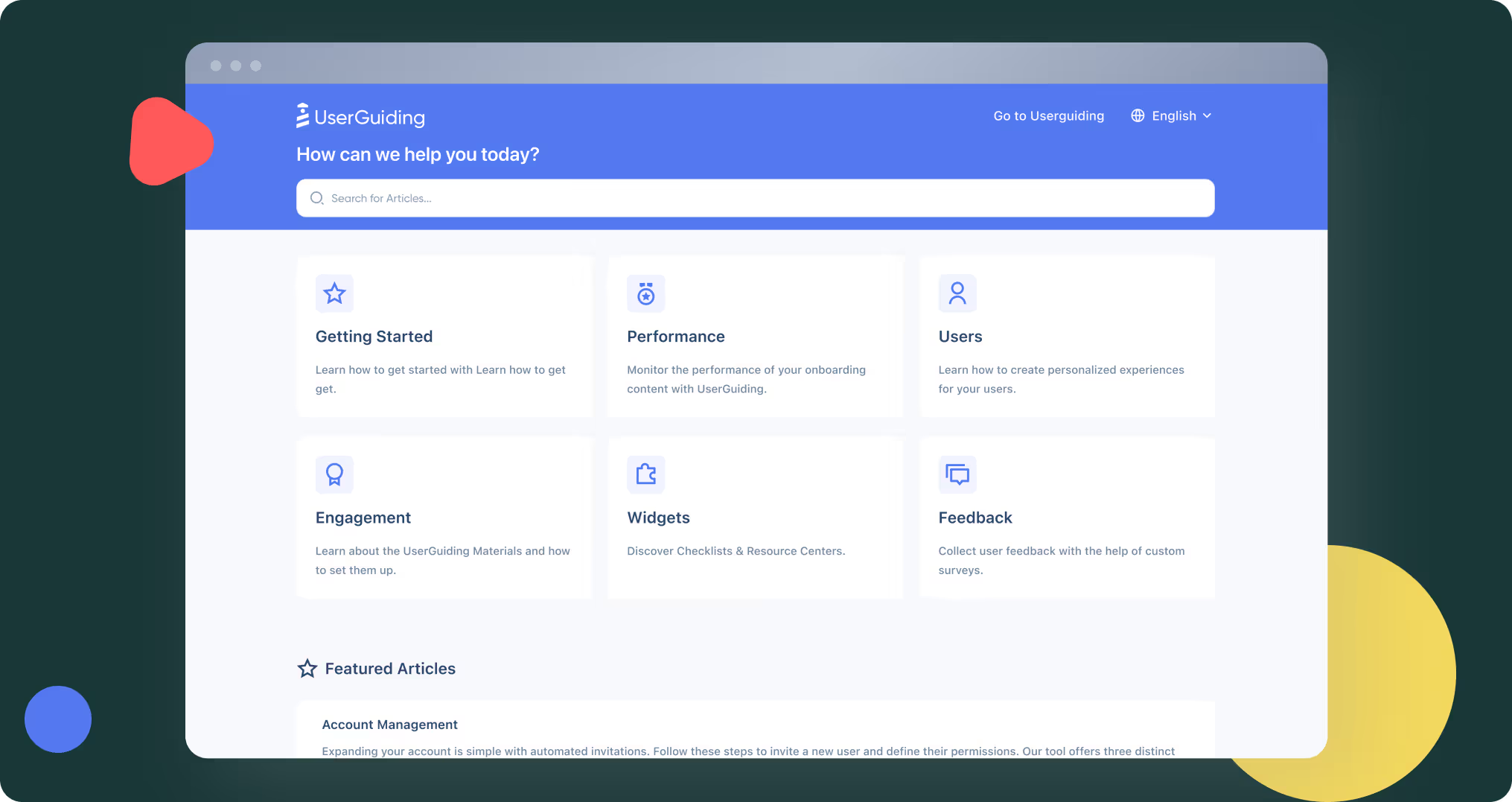
Equip agencies, HR teams, and candidates with instant, self-service help, right inside your platform.
UserGuiding’s Resource Center, combined with your Knowledge Base and AI Assistant, delivers 24/7 access to support documentation, walkthroughs, and help articles directly within your HR platform.





We were looking for an application that would allow the different product teams to act independently and create guides with facilities to facilitate communication with the user directly through the platform, in order to avoid other forms of communication (email, push...) . The main objective is to reduce friction with our users after changes to the platform.”


[UserGuiding] drastically reduced the time spent on onboarding, freeing up resources for other strategic tasks. The simplicity of building user flows and the efficiency of the step-by-step tutorials are unmatched.”

[UserGuiding] solves the problem of onboarding new users effectively and guiding them through complex features without requiring a developer's involvement. For me, this means faster implementation of product tours, reduced dependency on engineering resources, and happier users who can quickly understand and adopt our platform.”







.png&w=3840&q=75)





We can direct our communications to different "segments of our audience" and therefore be more precise as to what message we want to convey. We can also use pop-ups, guides and user surveys that can easily be activated or deactivated, which allows us to work faster than we would if we had to develop each of these elements ourselves.”