


.svg)
.svg)
.svg)
.svg)


.svg)
Knowledge Base
Provide Self-Service Support with a Knowledge Base
Unburden your customer support team. Help your users answer their own questions with UserGuiding's Knowledge Base.
GET STARTED FOR FREE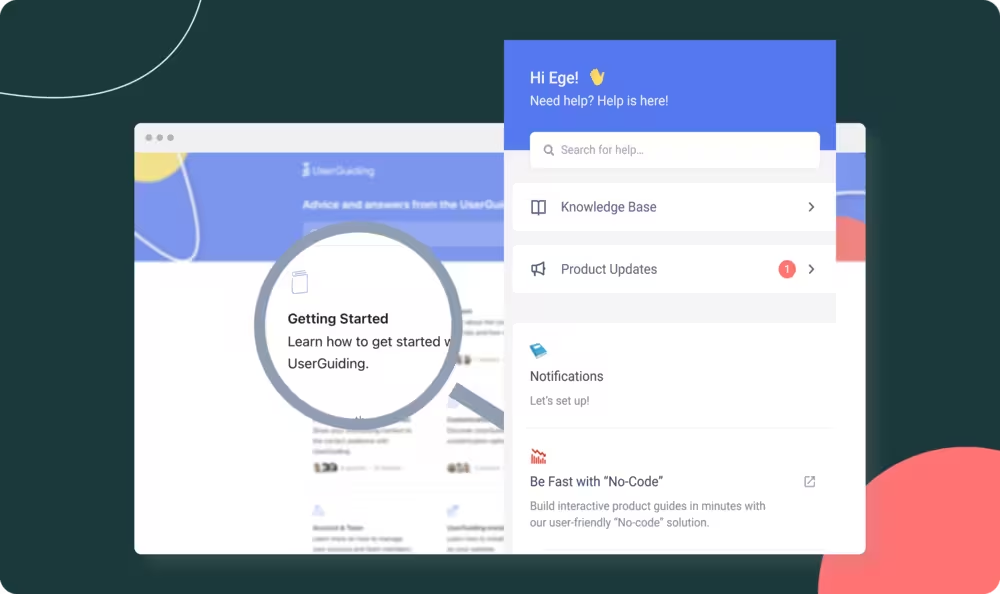



.svg)


Are your support content and efforts scattered all over the place? Bring content creation, management, and analysis under one roof.

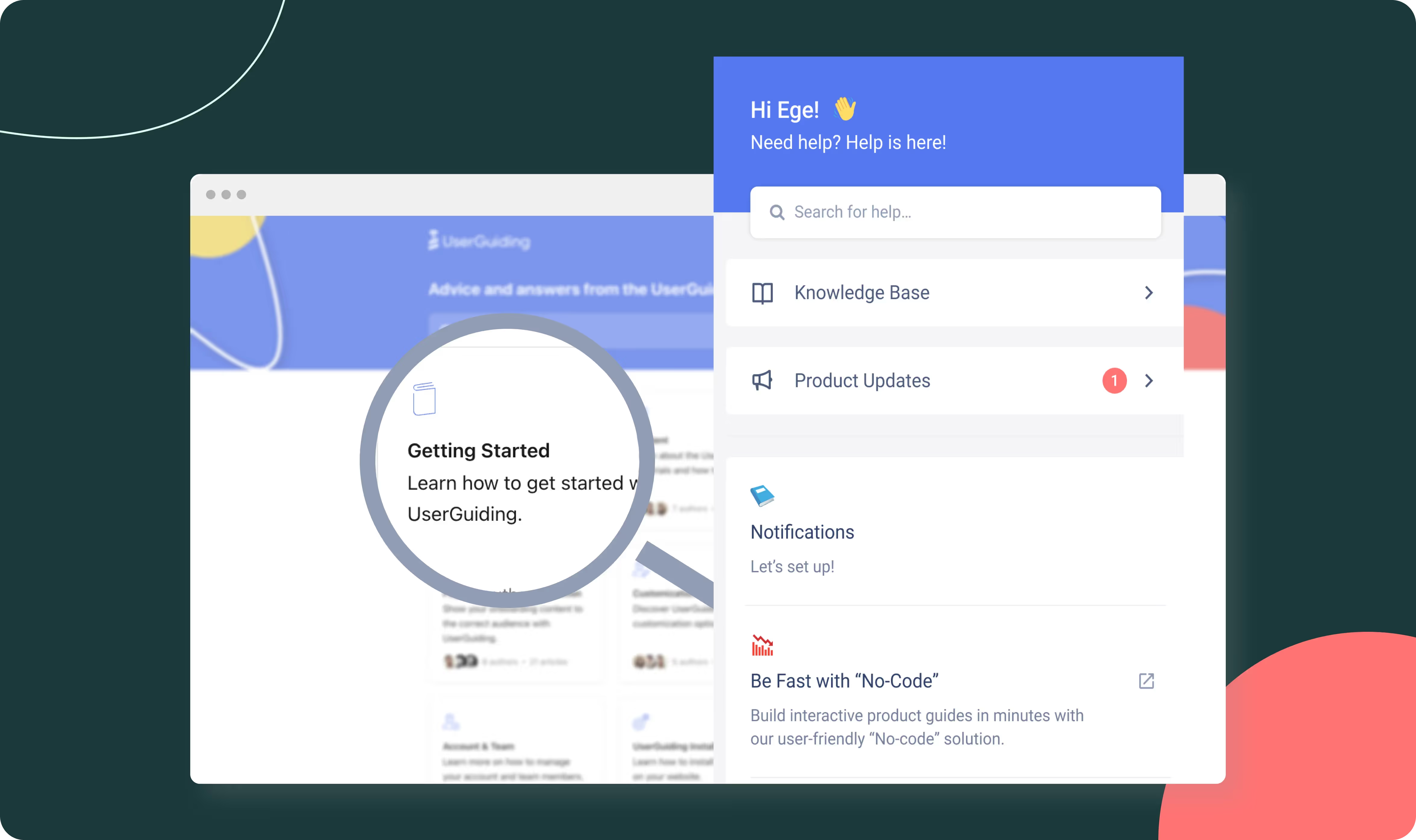
Let your users access support where it's needed inside your app, or build a standalone knowledge base to give them a more comprehensive experience. Better still, integrate your knowledge base with the rest of your product.
Are your support content and efforts scattered all over the place? Bring content creation, management, and analysis under one roof.
Let your users access support where it's needed inside your app, or build a standalone knowledge base to give them a more comprehensive experience. Better still, integrate your knowledge base with the rest of your product.

“By building a comprehensive knowledge base via UserGuiding, we didn’t just cut our support costs—we gave users the power to help themselves.”









UserGuiding's Knowledge Base is a tool that enables you to create unlimited, easy-to-manage online help centers without any coding skills. You can quickly build and update articles, FAQs, tutorials, and documentation directly within your app, helping users instantly find answers and reducing support workload. It requires no technical expertise, and allows you to create as much content as you need effortlessly.
A knowledge base is a centralized repository for information and especially support resources. It can function as a self-service hub for your users where they can find answers to their questions without reaching out to customer support. A knowledge base not only stores articles, FAQs, and guides, but it also enables users to quickly find solutions, troubleshoot issues, and improve their overall experience without needing live assistance.
With UserGuiding's Free Knowledge Base Software, you can easily create and manage a comprehensive, user-friendly knowledge base tailored to your product or service, empowering your customers to find what they need at any time.
Creating your knowledge base with UserGuiding is quick and straightforward. Simply log in to your dashboard, activate the Knowledge Base module, create categories, and then start adding articles by clicking + New Article.You can easily customize the structure, domain, and integrate it directly into your app’s Resource Center—all without any coding required.
Yes! UserGuiding allows seamless migration from popular tools like Zendesk and Intercom. Using built-in migration tools, you can easily transfer your existing help articles into UserGuiding in just a few clicks, ensuring your content stays organized and accessible without manual effort.